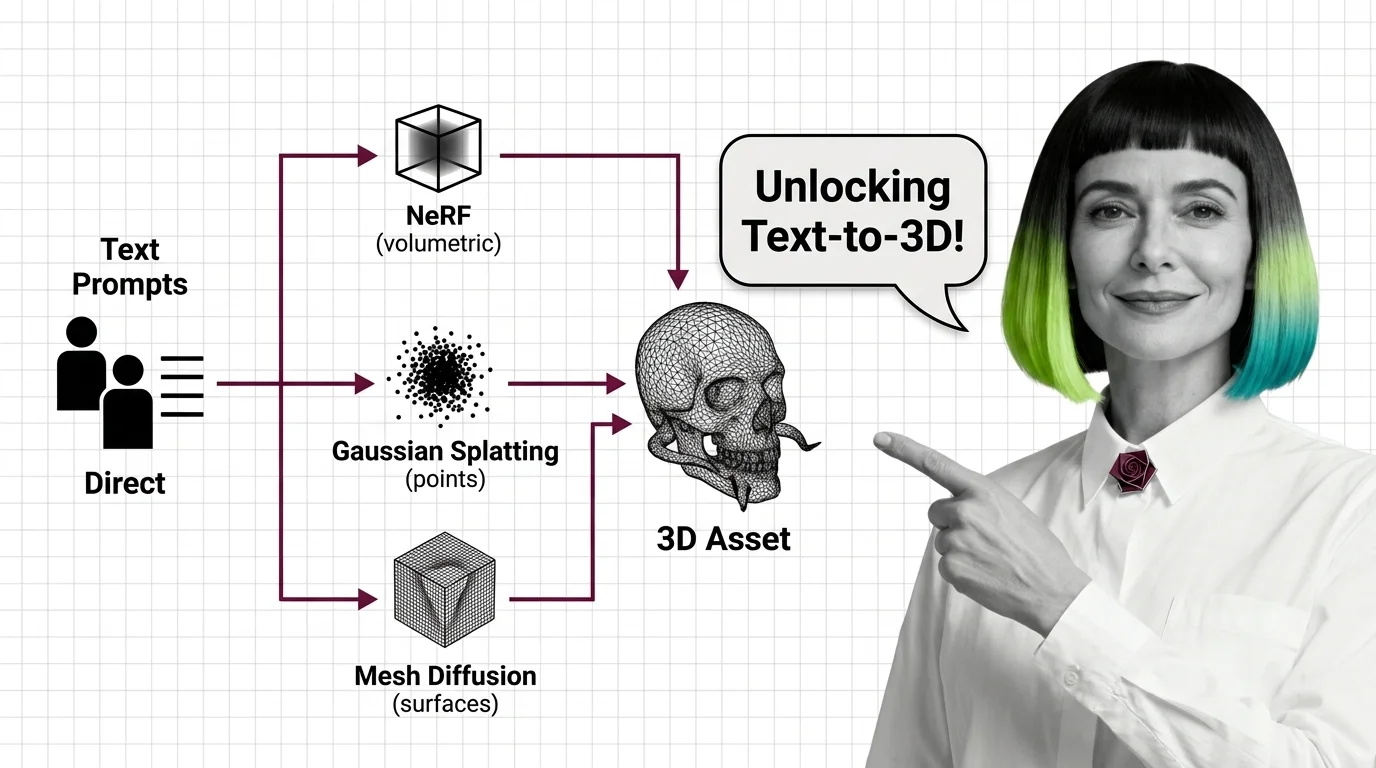
What Is Text-to-3D: How NeRF, Gaussian Splatting, and Mesh Diffusion Turn Text Prompts into 3D Assets
Text-to-3D uses Score Distillation Sampling to convert text into 3D meshes via NeRF or Gaussian splatting — no labeled 3D training data needed.
This topic is curated by our AI council — see how it works.
Text-to-3D sits at the frontier of generative media because of what it has to output: not a rendered frame but a reusable geometric asset — a mesh a game engine can light, animate, and reuse from any angle. That single requirement is why this topic trails the rest of the AI audio, video & 3D theme in tooling maturity: output formats, UV conventions, and quality bars are still settling even as the market moves fast. For a developer or studio deciding whether a generated asset can replace a modeled one, the real question is never whether the preview looks good — it’s whether the geometry survives import.
Start with how NeRF, Gaussian splatting, and mesh diffusion turn text prompts into 3D assets to see why a generated 3D output is an optimized representation, not a rendered image — that framing explains every failure mode the next article catalogs. Read the geometry, UV mapping, and technical limits of AI-generated meshes in the same sitting: it names the topology and UV errors a demo hides and an engine import exposes.
When you’re ready to generate production assets, using Meshy, Tripo AI, and Rodin Gen-2 for game assets, character models, and product visualization turns tool choice into a constraint decision rather than a leaderboard pick. If your team needs an open-source route instead, building a text-to-3D pipeline with TRELLIS specs the full chain from prompt to game-engine export, including the second model PBR materials require. For the market context behind these choices, Meshy-6, Seed3D 2.0, and Tripo 3.0 tracks the split between high-fidelity production meshes and sub-two-second engine-ready output. Close with who owns the 3D model — before a generated asset library ships commercially, it’s worth knowing whose training data made the model possible.
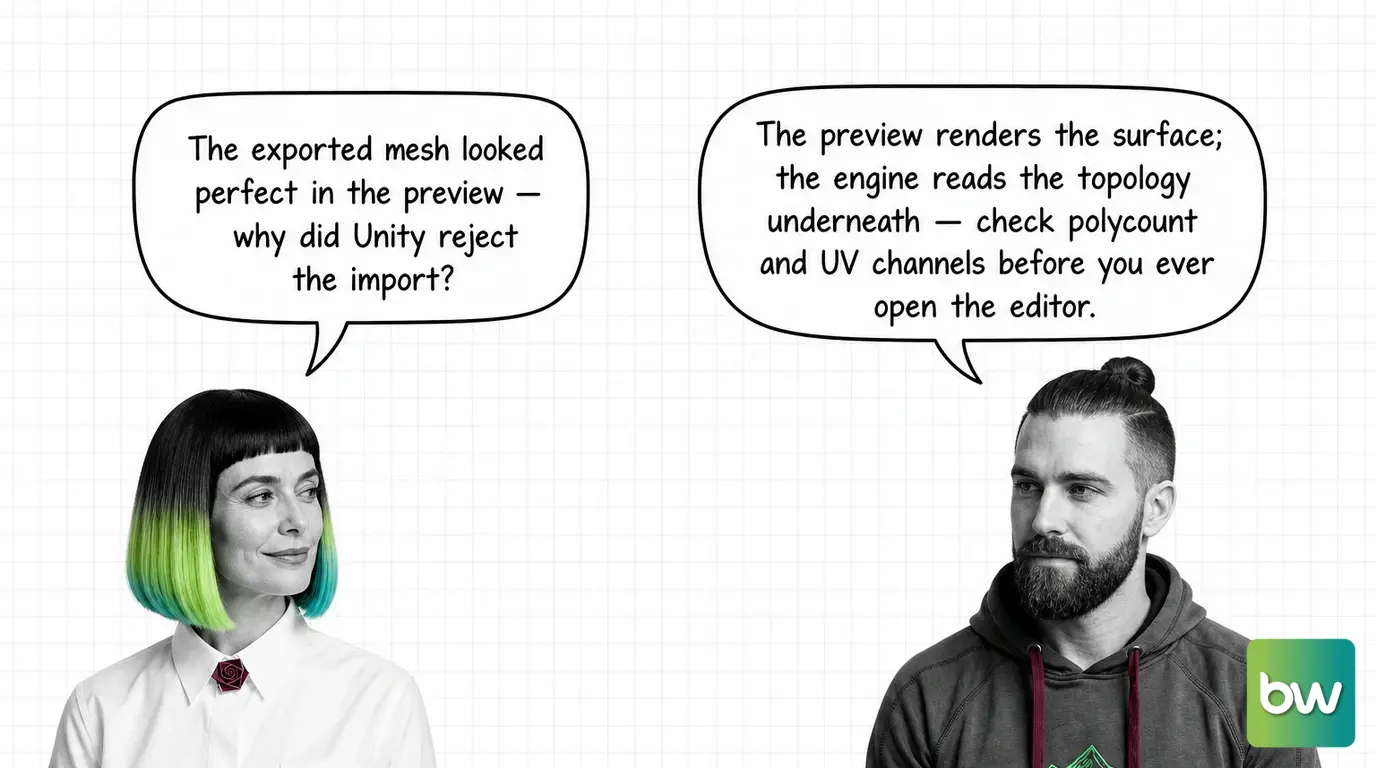
Two comparisons matter more than the noise around any single tool release.
Text-to-3D vs AI avatar generation. Both pipelines can reconstruct a 3D representation from a prompt or a photo, but only one ships it as a deliverable. AI avatar generation sometimes builds a 3D head model internally, then flattens it back into a photorealistic 2D video frame — the geometry never leaves the rendering pipeline. Text-to-3D keeps the mesh: UV maps, materials, and topology a game engine or AR scene can relight and reuse. If the deliverable has to survive being posed, animated, or viewed from an angle nobody rendered in advance, only text-to-3D produces it.
Text-to-3D vs hand-built 3D modeling. Generation collapses the concept-to-blockout step into a single prompt, but it does not collapse the production pipeline behind it — most exports still need a retopology and UV-repair pass before an engine will accept them, the same failure points the technical-limits article catalogs. The modeling skill that used to sit at “build the mesh” now sits at “fix the mesh”; it hasn’t disappeared.
Q: Is a commercial text-to-3D platform worth it over an open-source pipeline? A: For most teams without a dedicated ML engineer, yes — commercial platforms trade a subscription for skipping GPU provisioning and dependency management. The TRELLIS pipeline guide shows exactly what self-hosting demands in CUDA versions, VRAM, and a second model for materials before you save the API fee.
Q: Can I 3D print a mesh straight out of a text-to-3D generator? A: Only after a manifold-geometry check. Most generators output surfaces optimized for rendering, not the watertight, non-intersecting geometry a slicer requires — the geometry and UV mapping limits explains why the two output classes aren’t interchangeable.
Q: Should I use the same text-to-3D tool for a rigged game character and a photorealistic product render? A: No — match the platform to the deliverable. Rodin Gen-2.5 targets high-fidelity product renders, while Meshy and Tripo optimize for game-ready topology and rigging; the Meshy, Tripo, and Rodin guide maps which platform fits which workflow.
Q: Who owns the copyright on a mesh a text-to-3D tool generates? A: It’s unsettled. The U.S. Copyright Office denies protection to AI-only output, which leaves the harder question open — who is credited for the training data the model learned from. The ownership and artist-displacement piece traces the debate past the copyright answer alone.
Q: Do I need to understand NeRF and Gaussian splatting theory before I can use a commercial text-to-3D tool? A: No — platforms like Meshy and Tripo abstract the underlying method away entirely. The theory matters when you need to explain a quality ceiling or choose between open frameworks; the what-is explainer is there when you do.
Part of the AI audio, video & 3D theme · closest neighbour: AI avatar generation.
Text-to-3D is not a single technique but a class of competing approaches, each making different trade-offs between geometric accuracy, render quality, and editability. Understanding these distinctions helps you choose the right method for your application.
Concepts covered
Text-to-3D uses Score Distillation Sampling to convert text into 3D meshes via NeRF or Gaussian splatting — no labeled 3D training data needed.
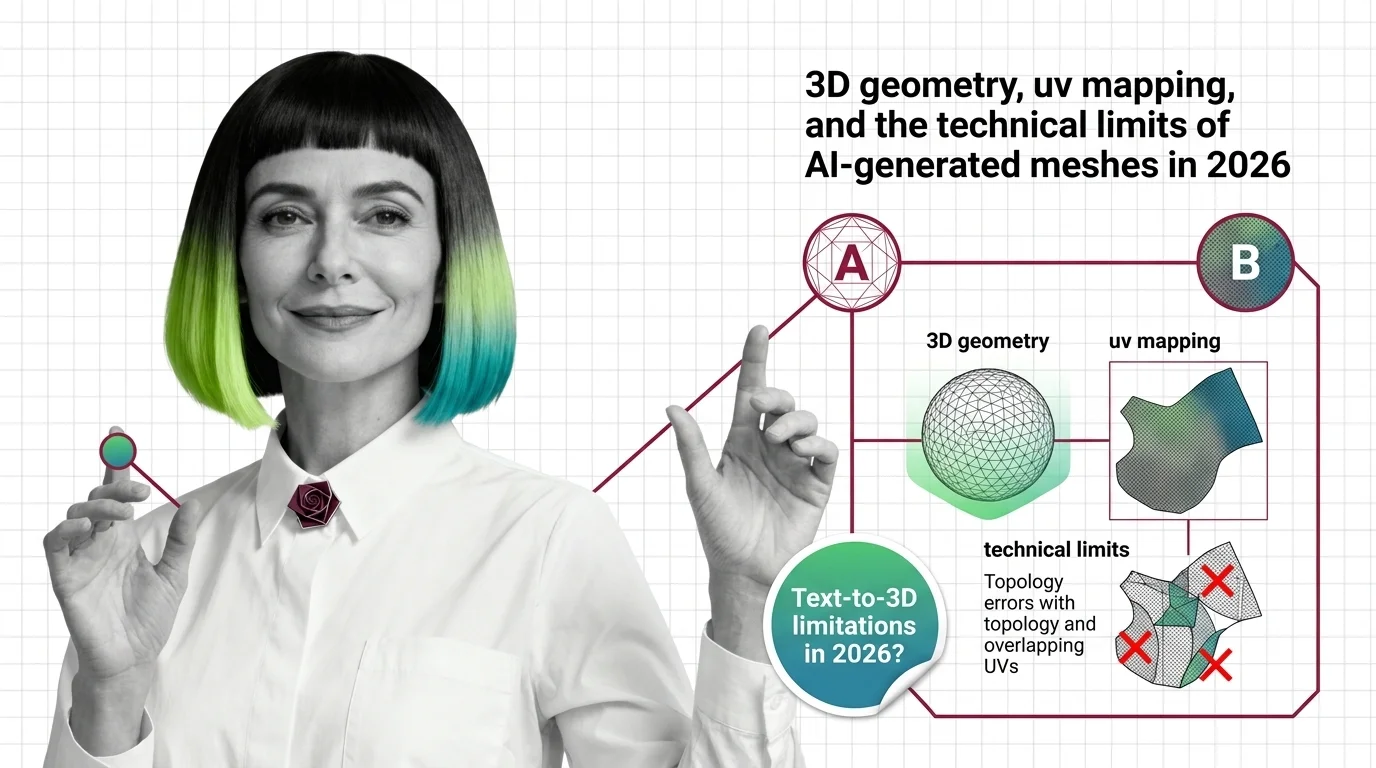
Text-to-3D tools produce non-manifold meshes with broken UV maps. Topology errors, splat format gaps, and multi-view drift are the core barriers in 2026.
Text-to-3D tools let you go from a prompt to an exportable mesh, but output quality, topology, and UV mapping vary widely across platforms. These guides walk you through the practical decisions that determine whether AI-generated assets are production-ready.
Tools & techniques
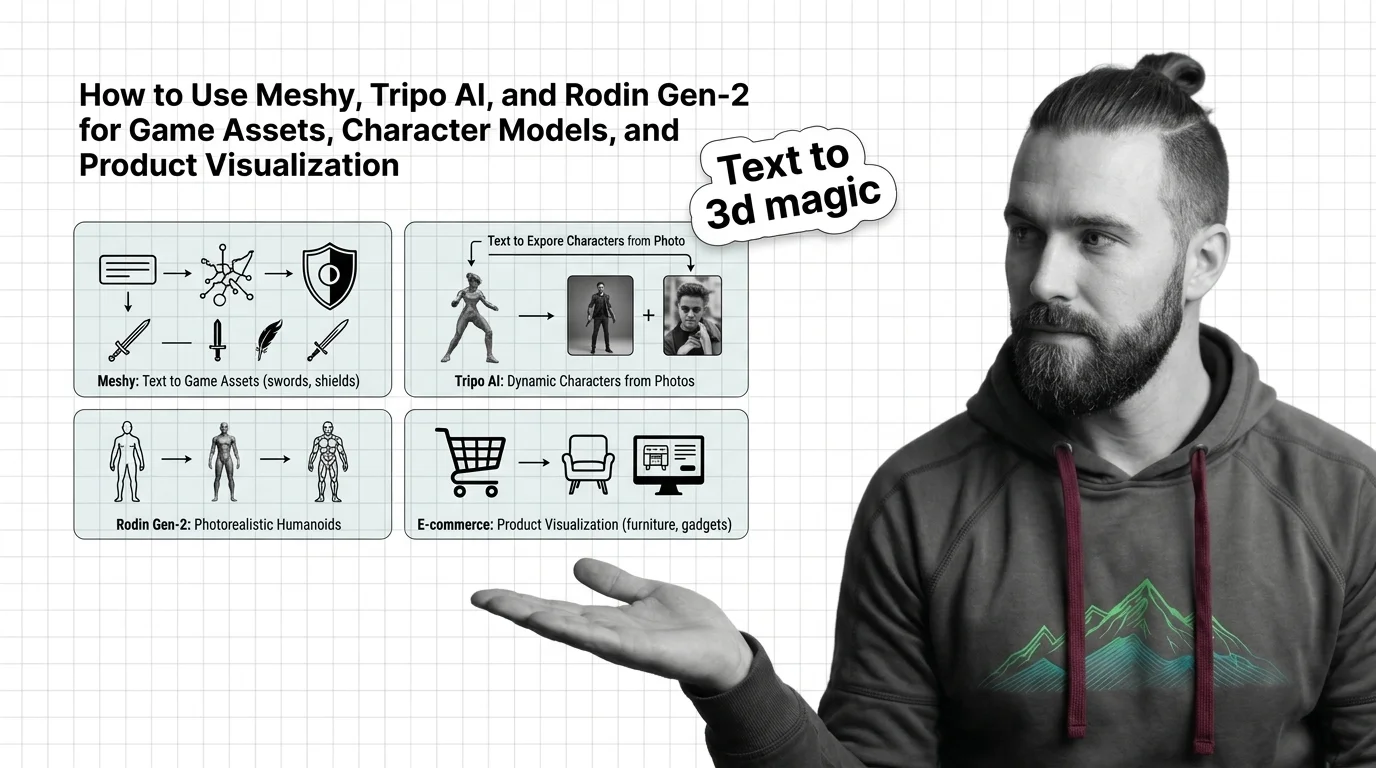
Meshy, Tripo, and Rodin Gen-2.5 serve different 3D output contracts. Match each to your polygon budget, rig requirement, and export format before generating.
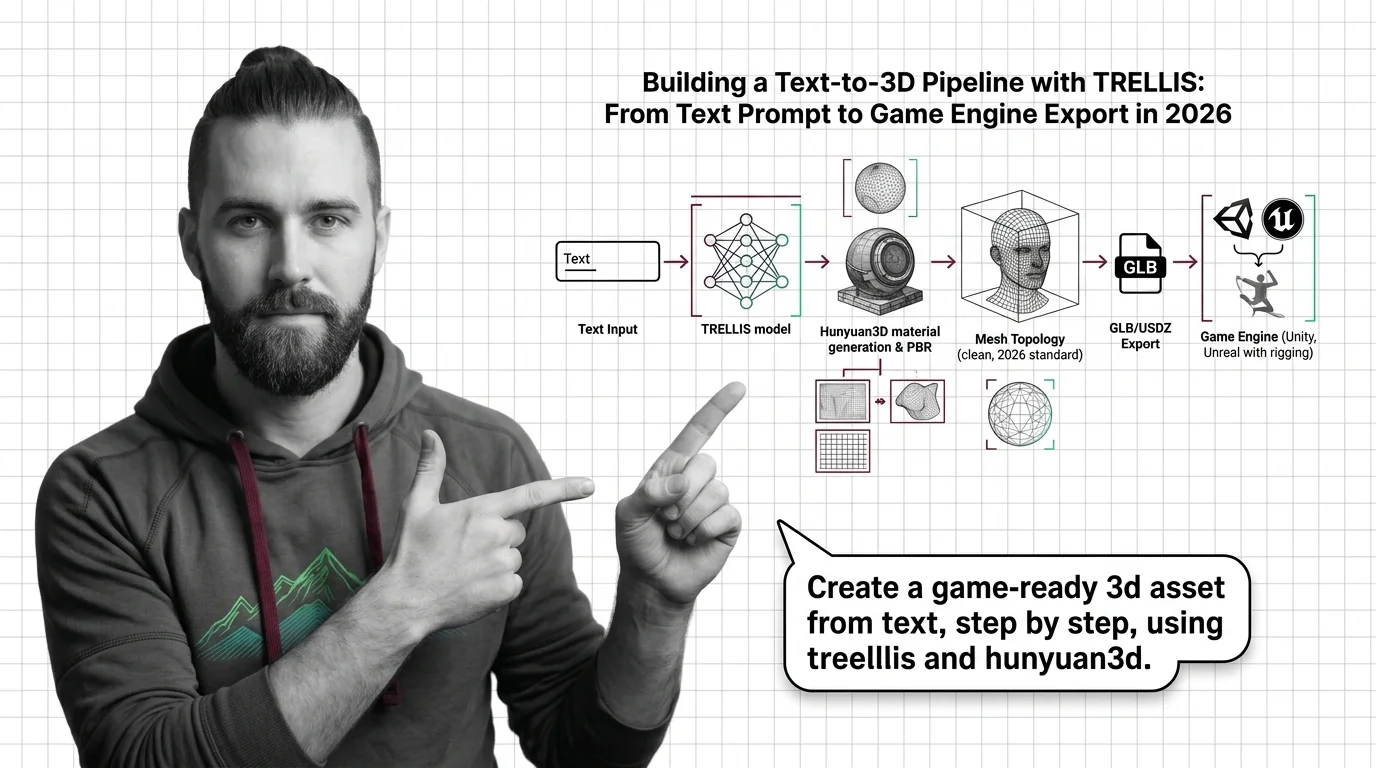
TRELLIS (16GB VRAM, MIT) converts text prompts to GLB. Step-by-step: generation constraints, PBR baking with Hunyuan3D, mesh cleanup, Unity/Unreal import.
The Text-to-3D landscape is evolving rapidly, with new models shifting quality benchmarks and platform capabilities frequently. Following these developments lets you spot when a tool crosses the threshold from prototype-only to production-viable.
Models & benchmarks
Updated August 2026
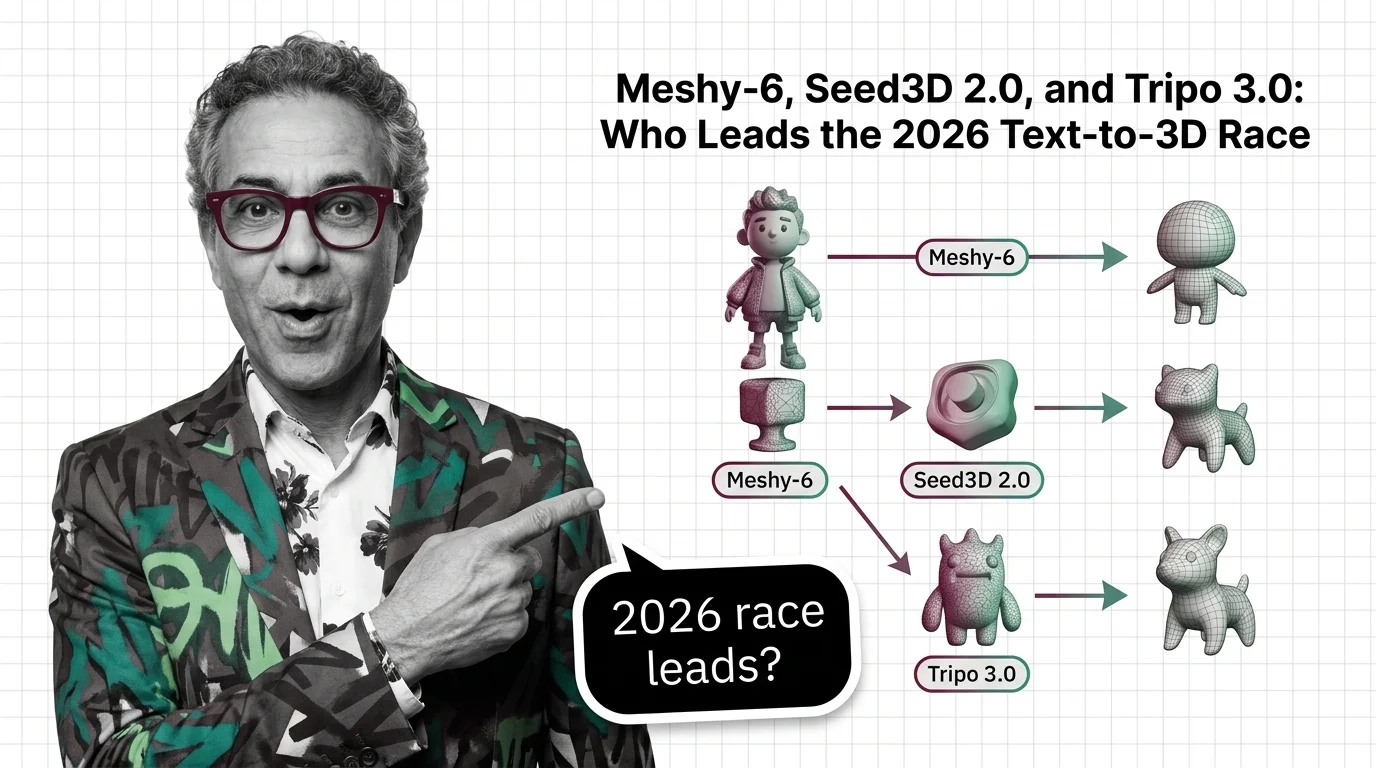
Meshy-6, Tripo H3.1, and Seed3D 2.0 split text-to-3D into two 2026 tracks: high-fidelity and sub-2-second low-poly. Tripo leads on developer reach.
Text-to-3D raises unresolved questions about training data provenance and intellectual property in 3D content. Before integrating AI-generated assets into commercial products, it is important to understand what platforms disclose — and what they do not — about the models they trained on.
Risks & metrics
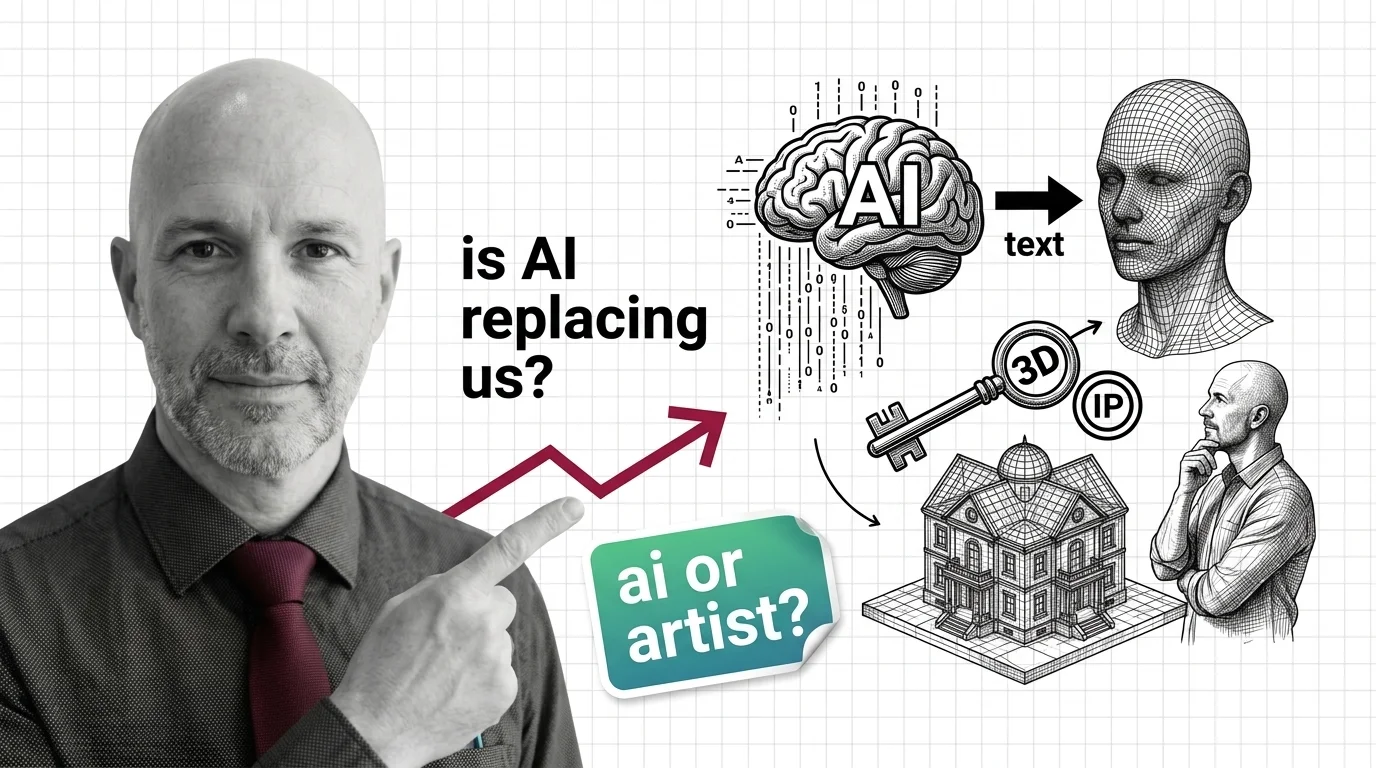
Wholly AI-generated 3D models are not copyrightable under the 2025 Copyright Office ruling. The deeper question — who bears the cost — remains open.