A 70-billion-parameter model that refuses to fit on a single workstation GPU is usually a memory problem, and quantization is the lever built to solve it: shrink the precision each weight is stored in, and the same model needs a fraction of the space to run. That tradeoff sits at the compression tier of the inference optimization stack, the step most teams reach for once the decoding loop itself is understood. The tradeoff is never free — every bit removed is a decision about which errors you can tolerate — and this topic exists to make that decision deliberate rather than accidental.
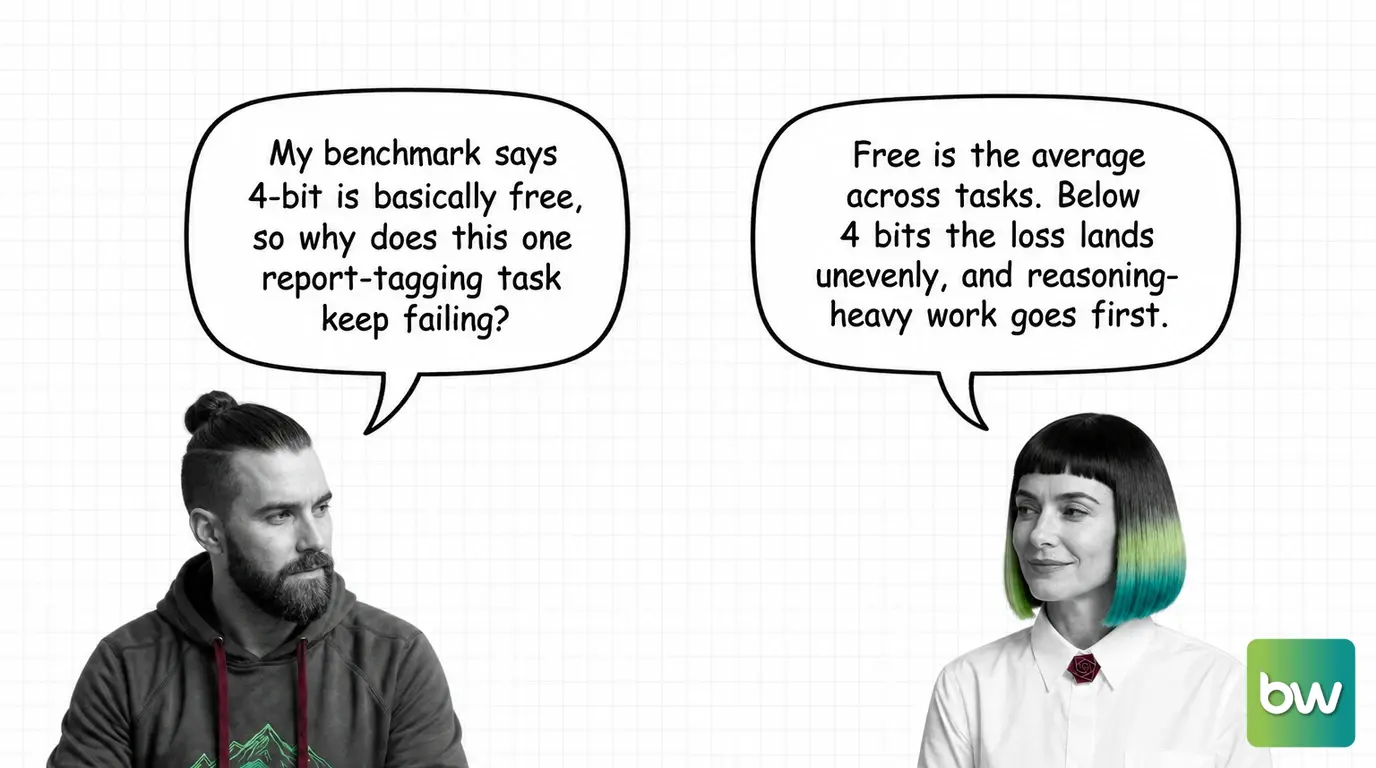
INT4/INT8 weights stay close to lossless down to about 4 bits; push lower and accuracy drops unevenly, hitting reasoning-heavy tasks and non-English languages first.
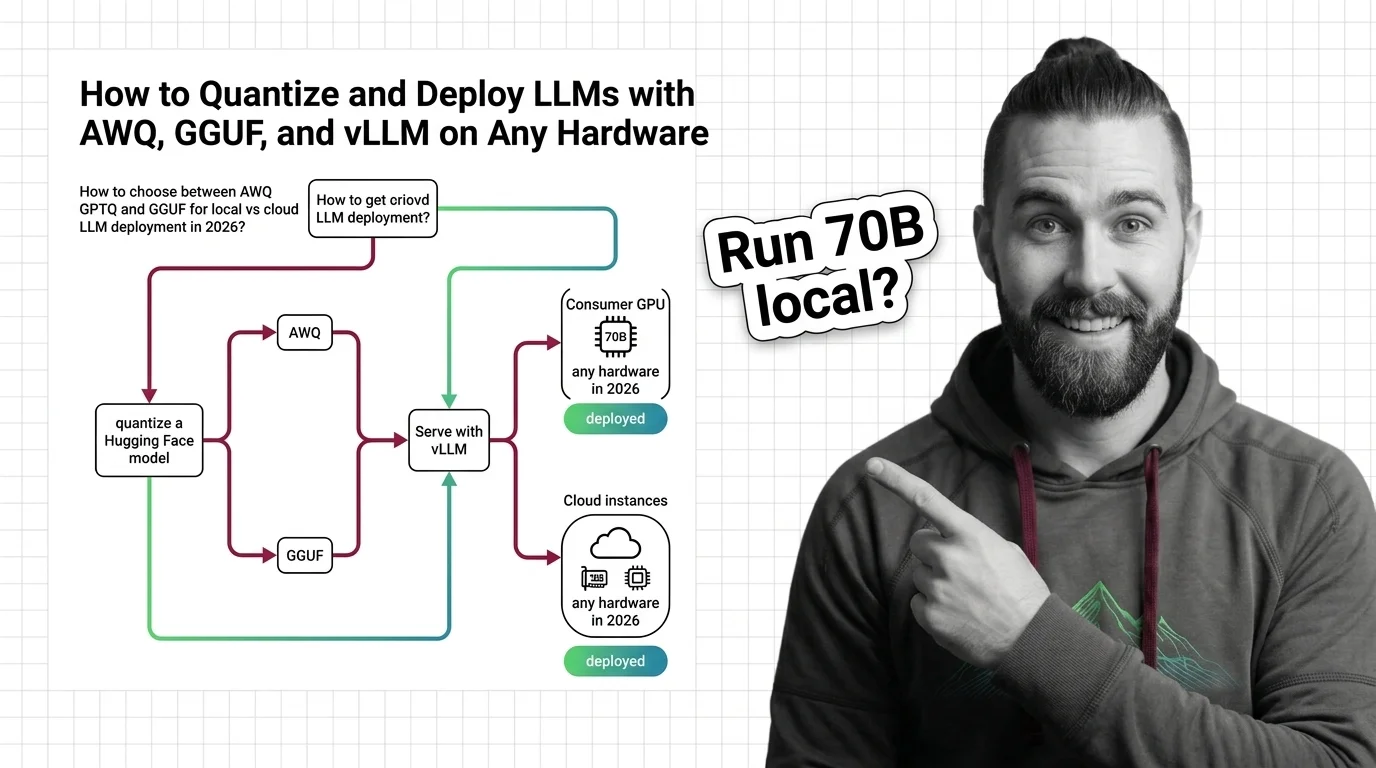
Format choice is really a hardware decision — AWQ targets GPU serving, GGUF targets CPU and edge through llama.cpp, and the older AutoAWQ/AutoGPTQ tooling is now deprecated in favor of llm-compressor and GPTQModel.
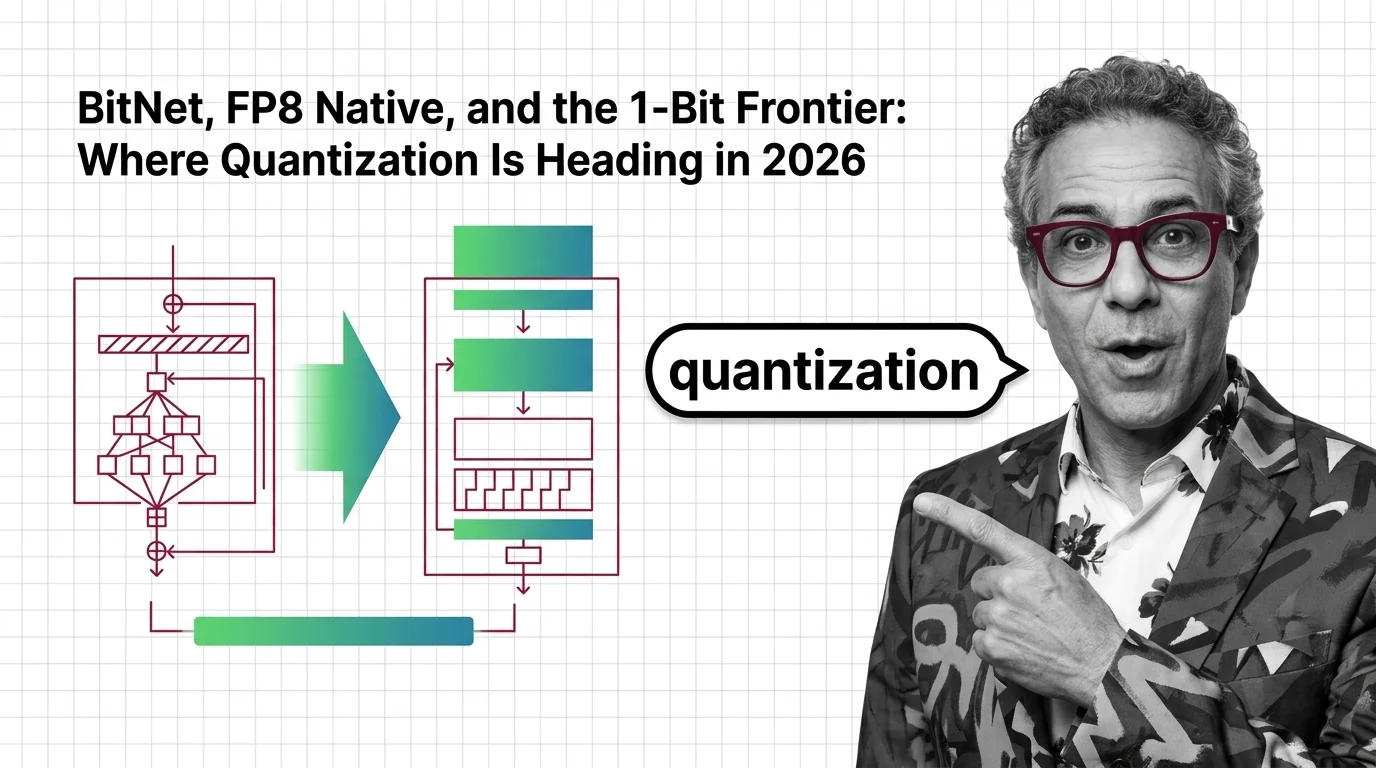
2026 quantization has split into three competing tiers — post-training compression, hardware-native FP8, and native 1-bit training — and each one optimizes a different cost curve, not the same one at different settings.
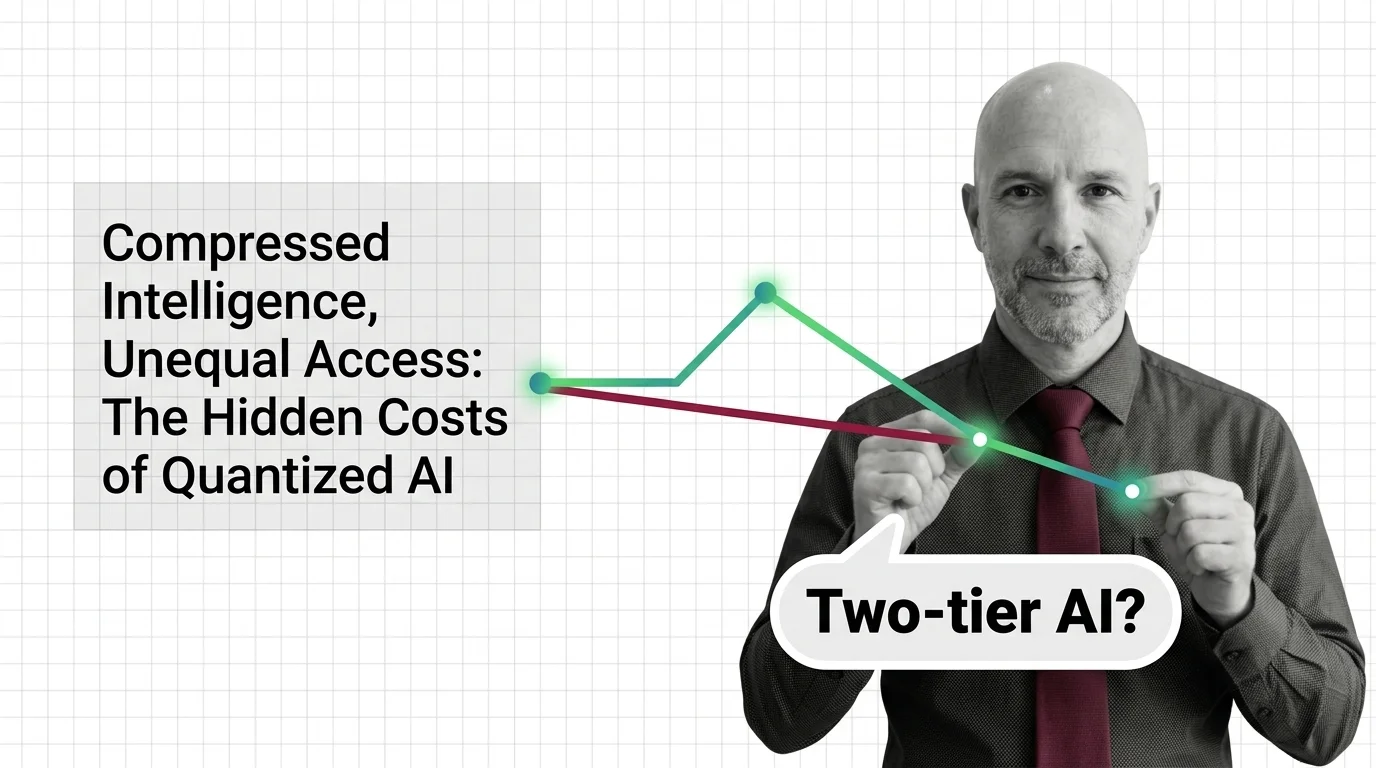
Compressed access is not evenly distributed: the models shrunk hardest tend to reach the users with the least leverage to demand a better copy.
Quantization's average is not your task's average.
Where quantization gets confused with its neighbours
A quantization format is also a serving-engine decision, which the memory-savings pitch skips. A model quantized to GGUF serves through llama.cpp; pointing the same checkpoint at vLLM’s continuous batching engine simply does not work — it is a different runtime. Picking a format because it saves the most memory, then discovering it cannot reach your batching stack, is the deployment mistake practitioners hit most.
A quantized model producing bad output and a badly sampled one look identical from the outside, but the fix is different. Quantization degrades the weights, so the same distortion shows up on every request regardless of settings. Temperature and sampling changes which token gets picked from an otherwise-unchanged distribution, so its effect varies request to request even on identical weights. If the same prompt fails the same way every time, suspect the compression; if it fails differently on every run, suspect the sampling configuration.
Quantizing a model and training it natively in low precision are not the same step. Everything above compresses a model that was already trained at high precision — post-training quantization, applied once before deployment. FP8-native training and BitNet skip that step: the model trains in low precision from the start, so there is no higher-precision version to lose in the first place.
Common questions about quantization
Q: Does quantizing a model always make it faster, not just smaller?
A: Usually, but not guaranteed — lower precision cuts memory traffic, which is often the real bottleneck, so decoding speeds up alongside the footprint. How FP32-to-INT4 compression works explains why memory traffic, not raw arithmetic, is what most quantized models are trading against.
Q: Why do quantization tutorials from 2024 keep failing when I follow them today?
A: Because the tooling underneath them changed — AutoAWQ and AutoGPTQ are deprecated, replaced by llm-compressor and GPTQModel, so an old walkthrough often points at packages that no longer install cleanly. The deployment guide flags the current toolchain.
Q: How do I know if my use case can tolerate sub-4-bit quantization?
A: Test the specific task, not the average — accuracy degrades unevenly per task and language, so a model that holds up in chat can still collapse on structured reasoning or lower-resource languages at the same bit-width. The sub-4-bit limits research documents which task types go first.
Q: If I’m starting a new deployment today, should I wait for BitNet-style native low-precision models instead of quantizing?
A: Not yet, for most teams — native low-precision models are still narrow in ecosystem support and model choice, while post-training quantization works on almost anything already trained. The 1-bit frontier read tracks whether that gap closes.
Q: Who actually loses out when a lab ships a quantized model instead of the full-precision one?
A: Not an evenly distributed cost — the users routed to the compressed copy are usually the ones with the least leverage to demand the better one, and the degradation is easy to miss without dedicated evaluation. The hidden costs of quantized AI traces who bears it.
Quantization trades numerical precision for efficiency, but the relationship between bit-width and model capability is far from linear. These explainers unpack where the math breaks and why some tasks degrade before others.
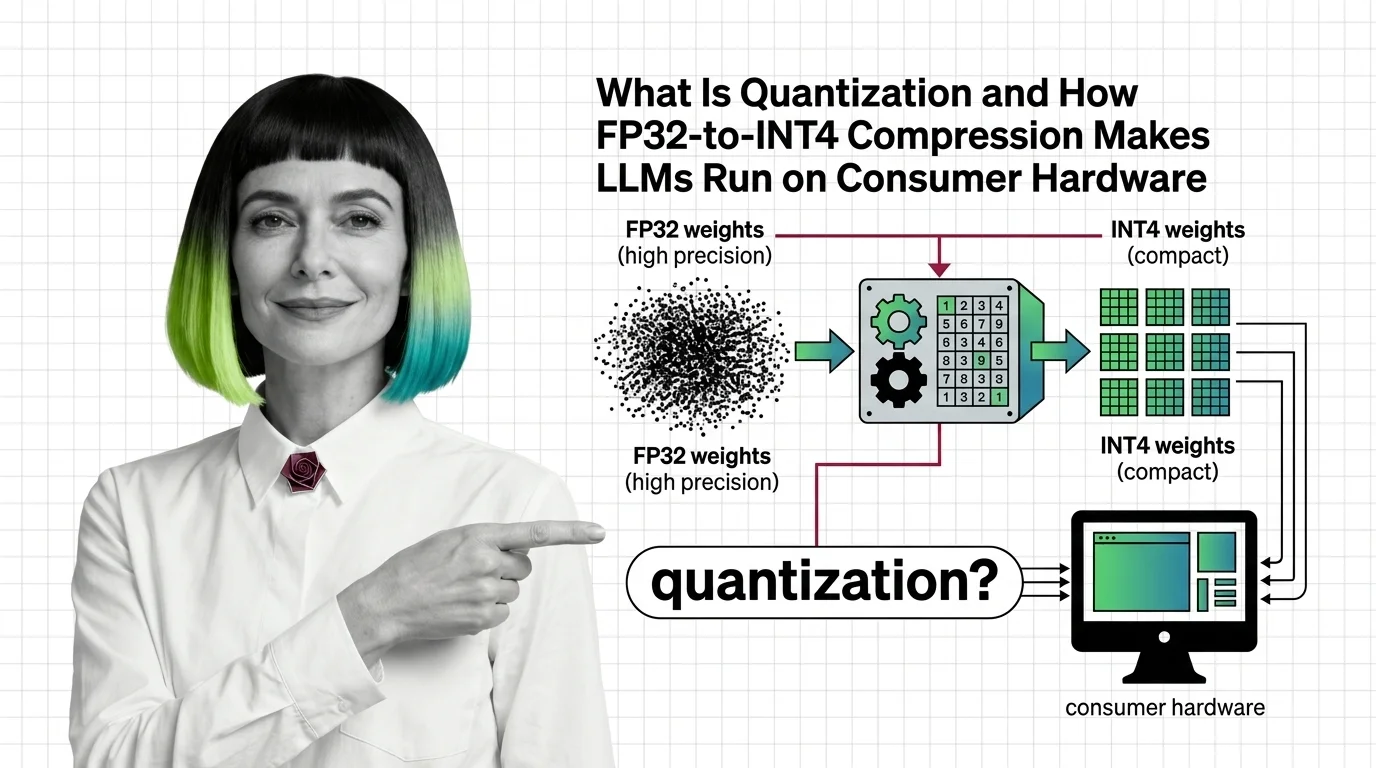
Quantization compresses LLM weights from FP32 to INT4, cutting memory up to 8x. Learn how GPTQ, AWQ, and calibration methods preserve accuracy on consumer GPUs.
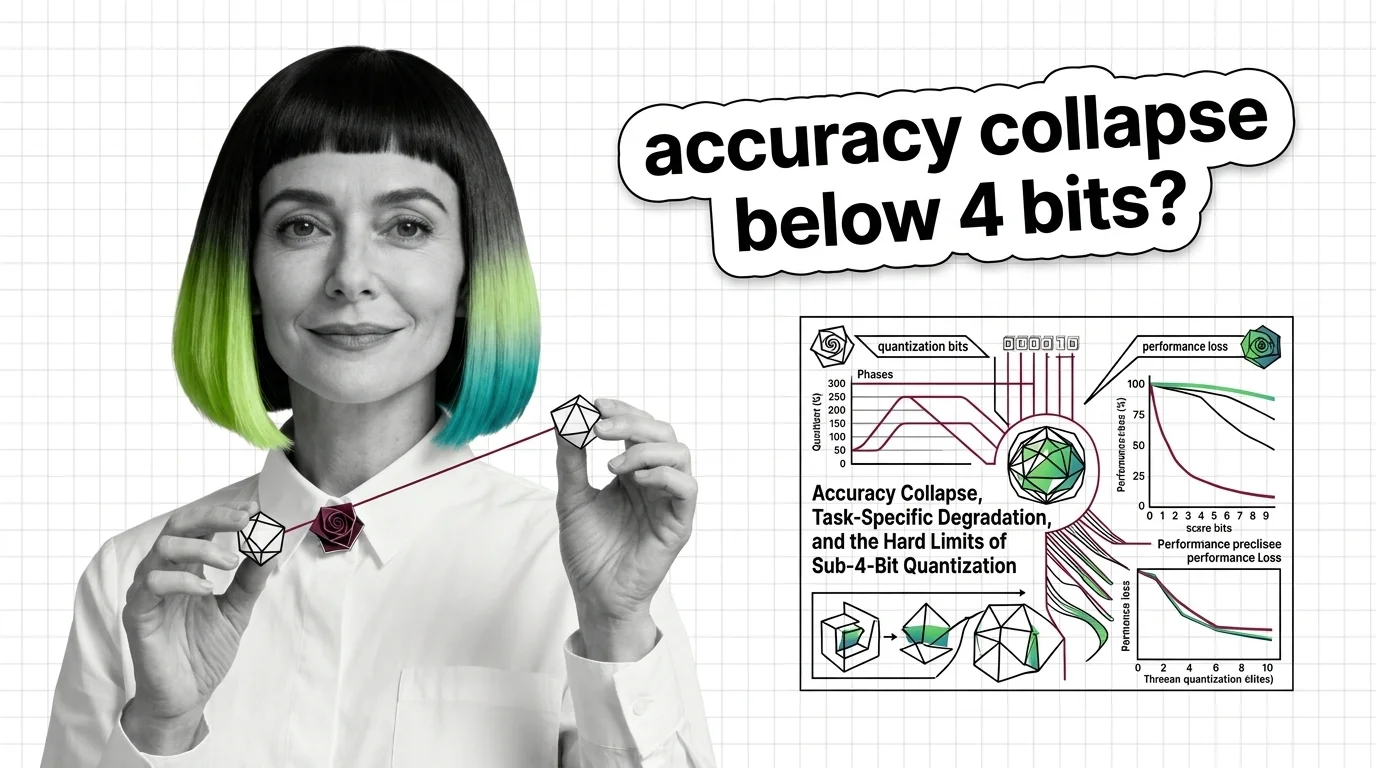
Sub-4-bit quantization promises smaller LLMs, but accuracy collapses unevenly across tasks and languages. Learn where the real degradation thresholds are.
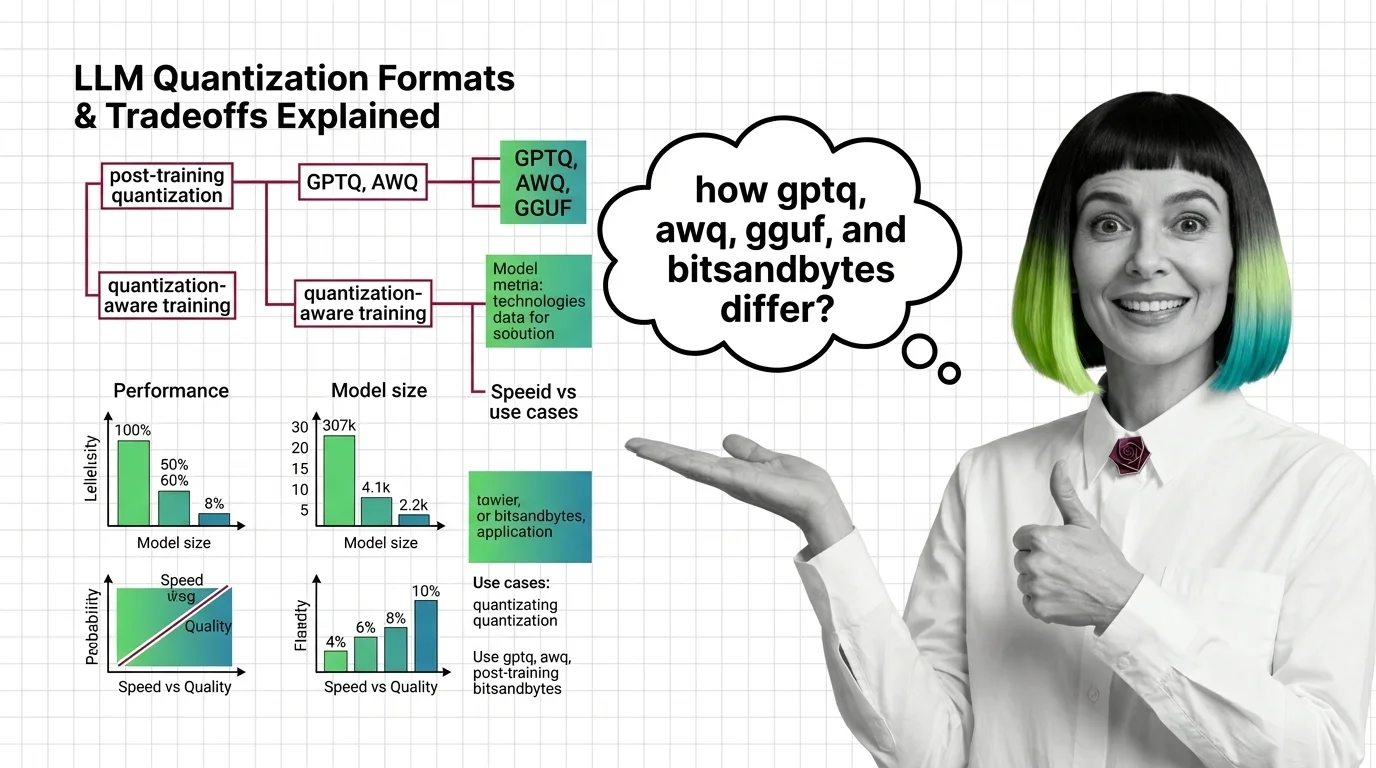
GPTQ, AWQ, GGUF, and bitsandbytes each shrink LLM weights differently. Compare speed, accuracy, and hardware reach to find the right format for your inference stack.
2
Build with Quantization
Deploying a quantized model means choosing between competing formats, calibration strategies, and hardware targets. These guides walk through real deployment pipelines and the engineering tradeoffs at each decision point.
Choose the right LLM quantization format for your hardware. AWQ, GPTQ, and GGUF compared — plus current vLLM and llama.cpp serving workflows for 2026.
3
What's Changing in 2026
New quantization methods and hardware-native low-precision formats are arriving faster than most teams can evaluate them. Staying current here determines whether your deployment stack is competitive or obsolete.
Quantization has split into three tiers — native 1-bit, hardware FP8/FP4, and post-training compression. See which bet reshapes inference economics in 2026.
4
Risks and Considerations
Aggressive compression can silently degrade performance on underrepresented languages, safety-critical tasks, and nuanced reasoning. These pieces examine who bears the cost when models get smaller.
Quantization makes AI accessible but the quality loss isn't evenly distributed. Explore who benefits from compressed models and who pays the hidden cost.