Image upscaling is the last step in the post-processing chain that the AI image generation and editing stack assembles — after a picture is generated, edited, or cut out, upscaling decides how large and how detailed the final file gets to be. For a developer, that makes it the stage most likely to be treated as a cosmetic afterthought right up until a hallucinated face or a visible tile seam ships to production. Every enlarged pixel here is invented, not measured, which is a different kind of risk than any resampling filter ever carried.
Every enlarged pixel is fabricated from a learned prior, not recovered from the original file — true whether the upscaler is GAN-based or diffusion-based.
Match the upscaler to the input class (generated, degraded, editorial, or batch) and to the job (fidelity vs. re-imagining), not to whichever tool loads fastest.
Tiled processing is mandatory at 4K/8K because no consumer GPU holds a full-resolution latent, and a skipped seam-validation pass is the most common production failure.
Invented detail becomes a provenance and trust question the moment the image needs to stay faithful to a real person or a real event.
Reading image upscaling in order: mechanism, limits, then the market
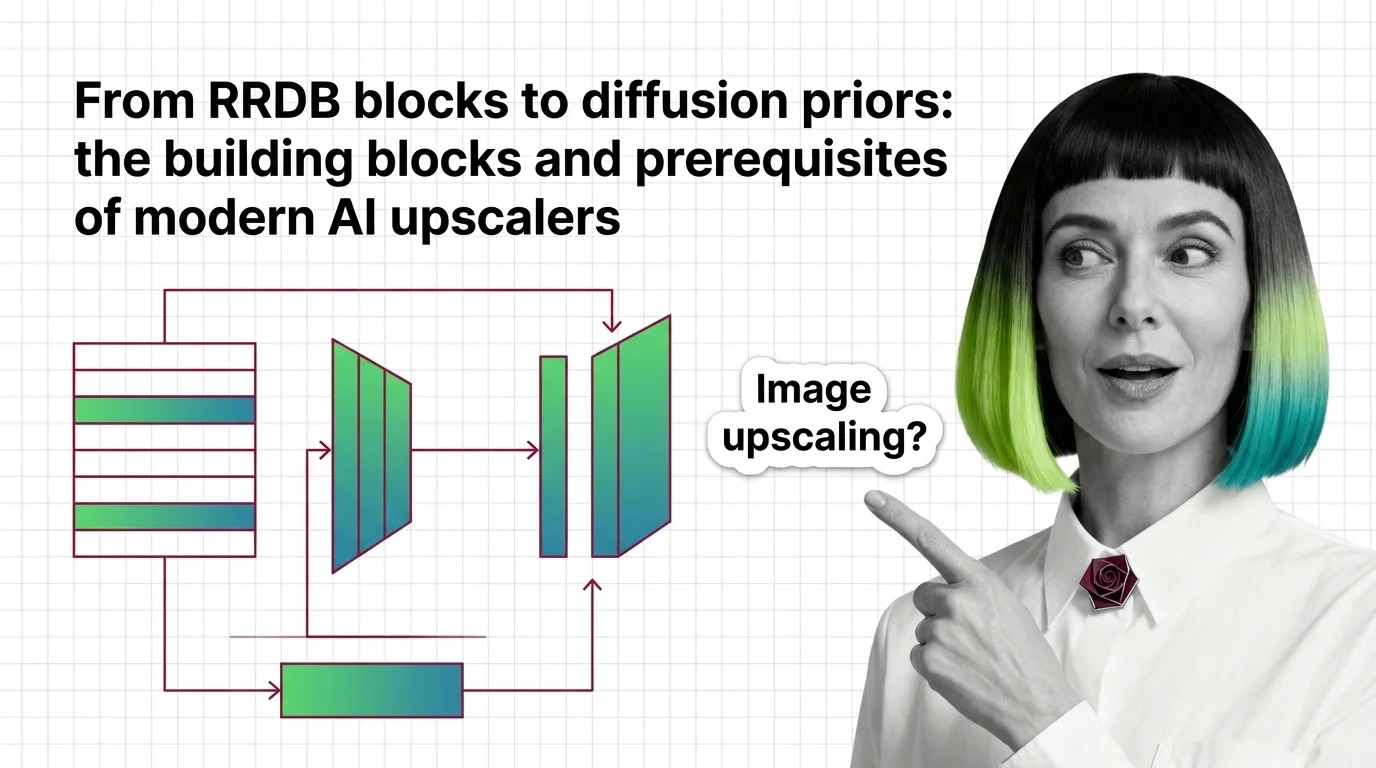
Start with what AI image upscaling is and how super-resolution reconstructs detail — it establishes the one idea every later article assumes: an upscaler predicts plausible pixels, it does not recover ones that were lost. The building blocks of modern AI upscalers then opens the two architecture families you keep choosing between — stacked RRDB blocks in GAN-class tools, a full diffusion model in SUPIR-class ones — before you touch a single pipeline. Read the hard technical limits at 4K and 8K next, while the mechanism is still fresh: it explains why faces, text, and tile boundaries are where this technology fails structurally, not occasionally.
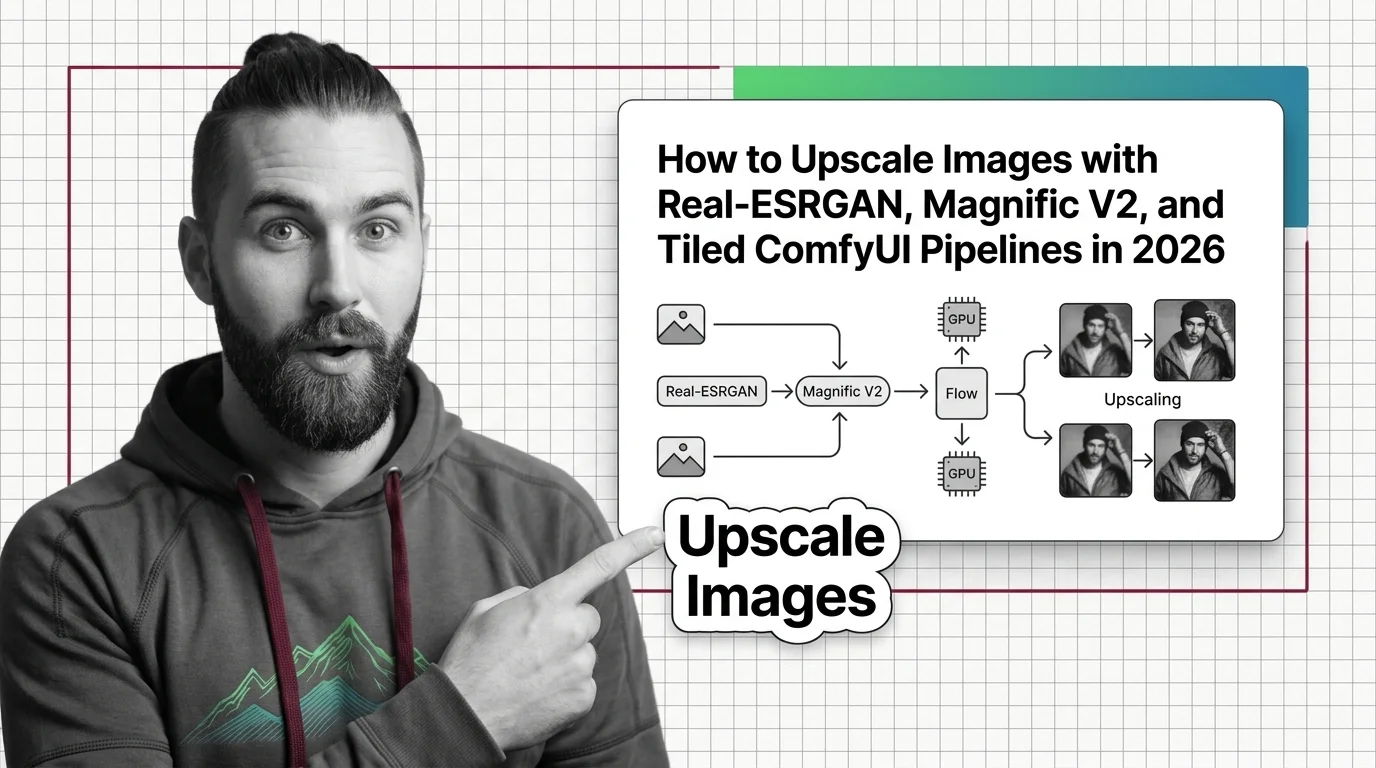
Once the mechanism and its failure modes are settled, the Real-ESRGAN, Magnific V2, and tiled ComfyUI guide turns that into a working pipeline — its input-class routing and seam-validation steps assume you already know why they matter. The 2026 upscaler market split is worth reading before you commit to a vendor, since fidelity-first and creative-first tools now serve genuinely different jobs. Close with the provenance and trust risks of diffusion upscalers if any of your inputs are real photographs of real people — it turns “enhance” from a filter into a decision.
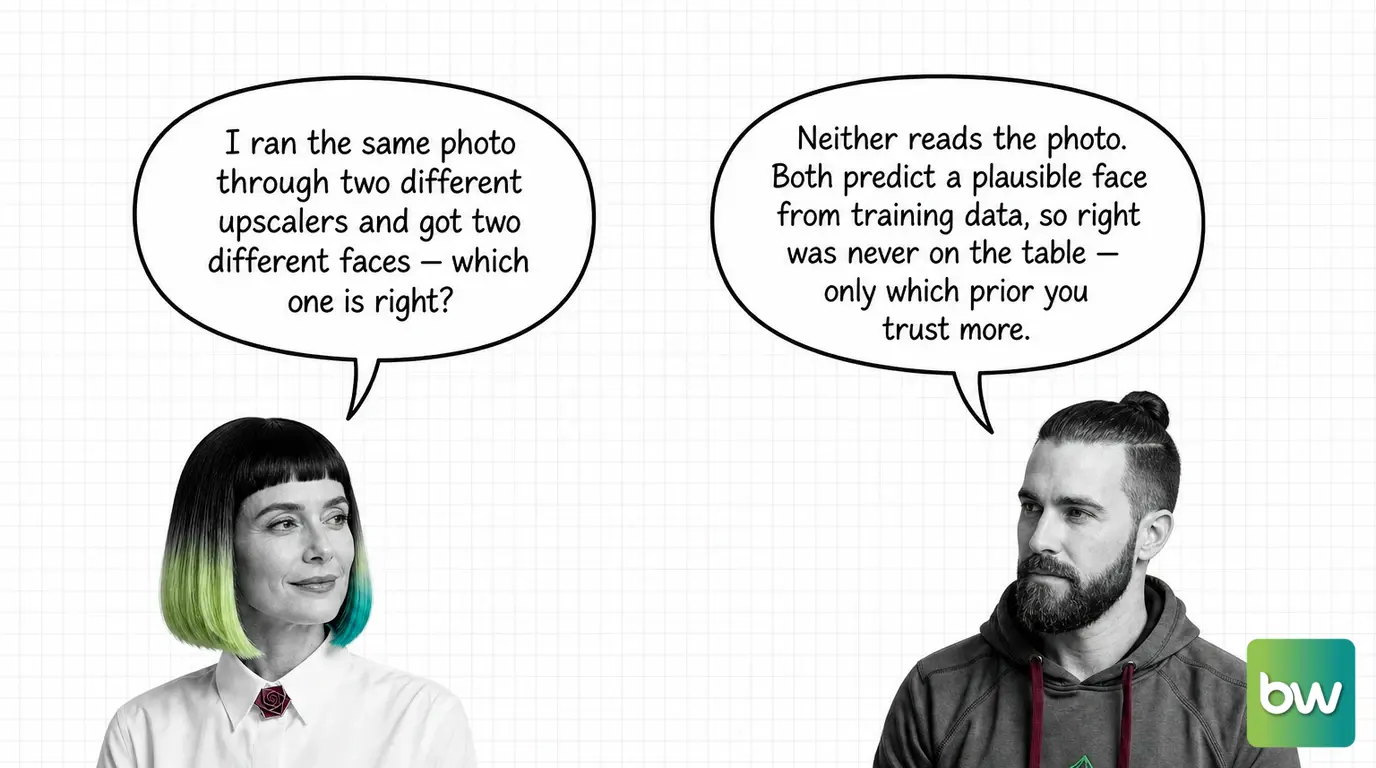
Two upscalers, two invented faces: pick the tool for the job, not the sharper output.
Where image upscaling stops and its neighbours start
Three jobs get folded into upscaling that are not the same job.
Upscaling is not editing.AI image editing changes what is in the picture — inpainting a region, outpainting beyond the frame, following an instruction. An upscaler changes only resolution and apparent detail; it should never alter composition, and a tool that does is editing, not upscaling, whatever its marketing calls it.
Upscaling does not require a diffusion model.Diffusion models power one entire camp of upscalers — SUPIR-class tools repurpose a full diffusion model — but GAN-class tools like Real-ESRGAN work from stacked RRDB blocks and predate diffusion upscaling entirely. Knowing which family a tool belongs to says more about its behavior than its brand name does.
Upscaling cannot fix a model that will not stay consistent.LoRA for image generation trains a model to reproduce a character or style across many outputs; an upscaler has no memory between images and cannot make an inconsistent generation pipeline consistent — that problem is solved upstream, at generation time, not at the upscaling step.
Common questions about image upscaling
Q: Can tile seams be prevented, or only patched after they appear?
A: Prevented — seams come from processing an image in overlapping chunks without a validation pass, so tile size and overlap need to be spec’d upfront and checked with a seam-detection pass across the full canvas. The tiled ComfyUI guide covers the sizing and validation steps.
Q: Should a photo used as evidence or in a legal record ever go through an AI upscaler?
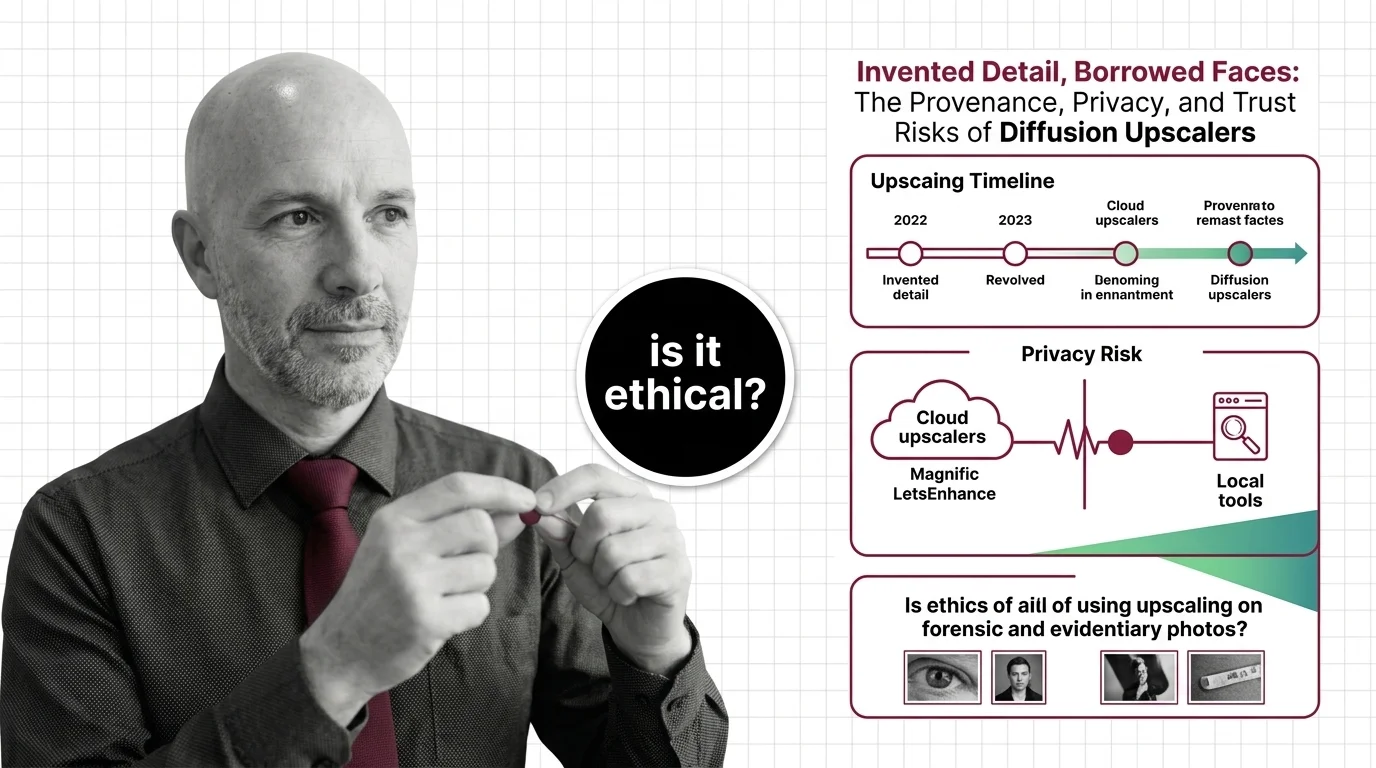
A: Treat it as a red flag, not a routine step. Every output from a generative upscaler is a negotiation between the original pixels and a model trained on other people’s faces, so a “cleaned up” version is not a faithful recovery. The provenance and trust risks of diffusion upscalers covers why courts and archives should treat these outputs as authored, not restored.
Q: Should I default to a diffusion-based upscaler like Magnific or SUPIR, or stick with a GAN-based tool like Real-ESRGAN?
A: Pick by job, not by newness. GAN-based tools stay the safer default for fidelity-first work — restoring real photos, documents, product shots — while diffusion-based “re-imagine” tools suit creative upscaling where invented detail is acceptable. The two now serve different markets rather than competing head-on, per the 2026 upscaler market split.
Q: Does upscaling only work on real photos, or can I run it on AI-generated images too?
A: It works on any raster image regardless of origin, since the model is fabricating detail from training patterns either way. Whether invented detail is a problem depends only on whether the image needs to stay faithful to a real scene. What AI image upscaling is and how super-resolution reconstructs detail explains the mechanism that makes this possible regardless of source.
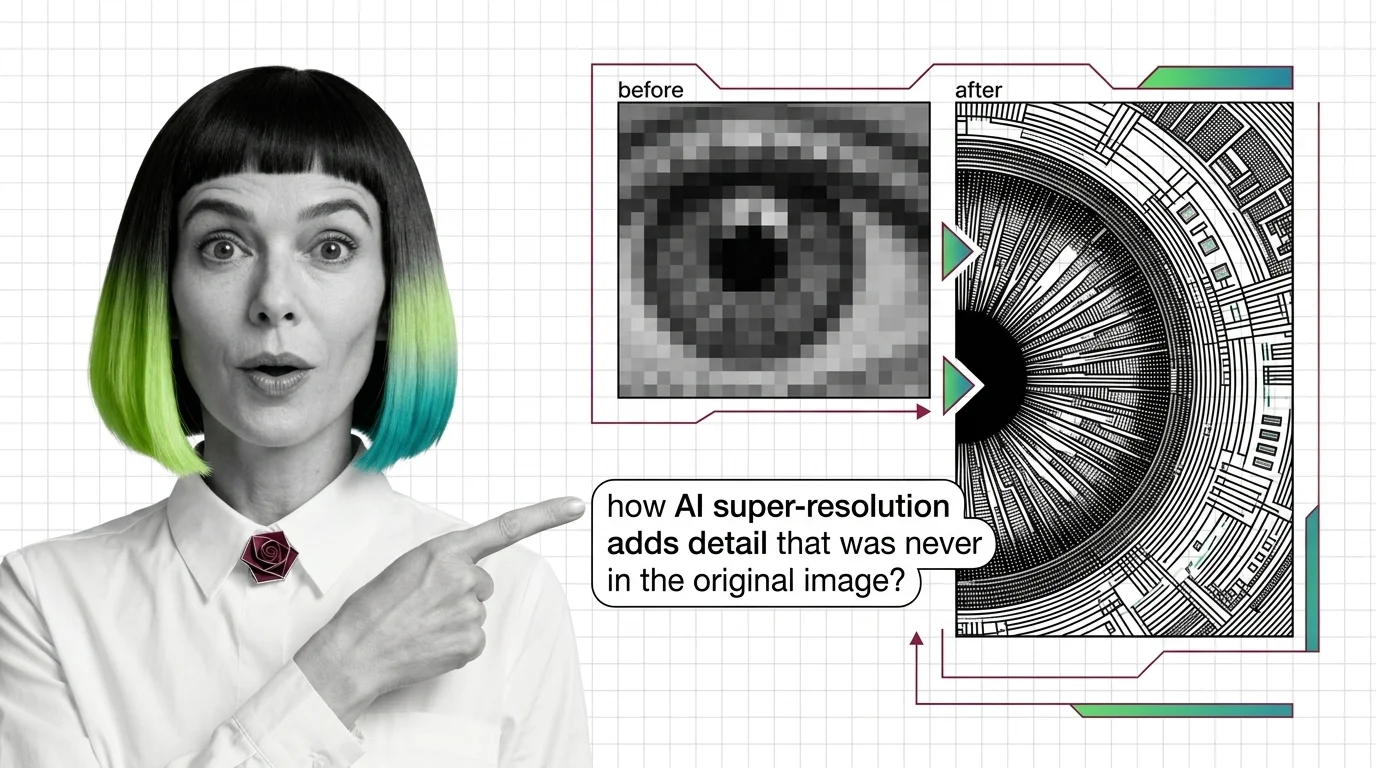
AI upscaling looks like simple zoom, but it is actually invented detail produced by a model trained on millions of images. Understanding how it works clarifies what is faithfully reconstructed and what is convincingly fabricated.
AI image upscaling doesn't enlarge what was captured — it generates plausible pixels from a learned prior. Learn how GAN and diffusion super-resolution work.
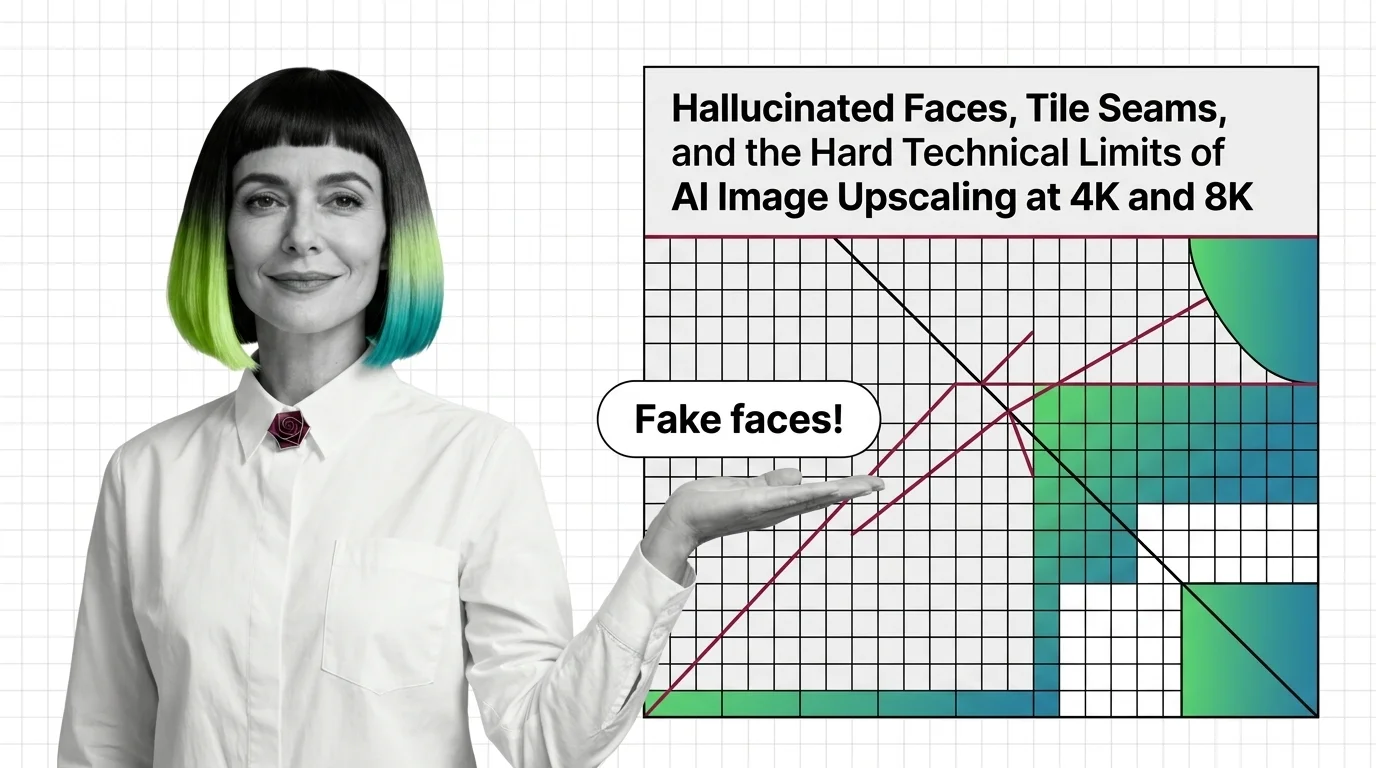
AI upscalers don't break at 4K and 8K because of weak hardware. The failures are structural — rooted in diffusion priors and tile-local processing.
2
Build with Image Upscaling
These guides walk through running AI upscalers locally and via API, choosing between perceptual and diffusion-based models, and stitching tiled pipelines that handle large images without seams or out-of-memory crashes.
Upscaling pipelines fail when you skip the spec. Pick between Real-ESRGAN, Magnific V2, Topaz Gigapixel, and tiled ComfyUI workflows in 2026.
3
What's Changing in 2026
Upscaling is shifting from pure perceptual networks to diffusion-driven super-resolution, and the leaderboard reshuffles every few months. Tracking releases tells you which tool actually delivers detail today instead of last year's benchmarks.
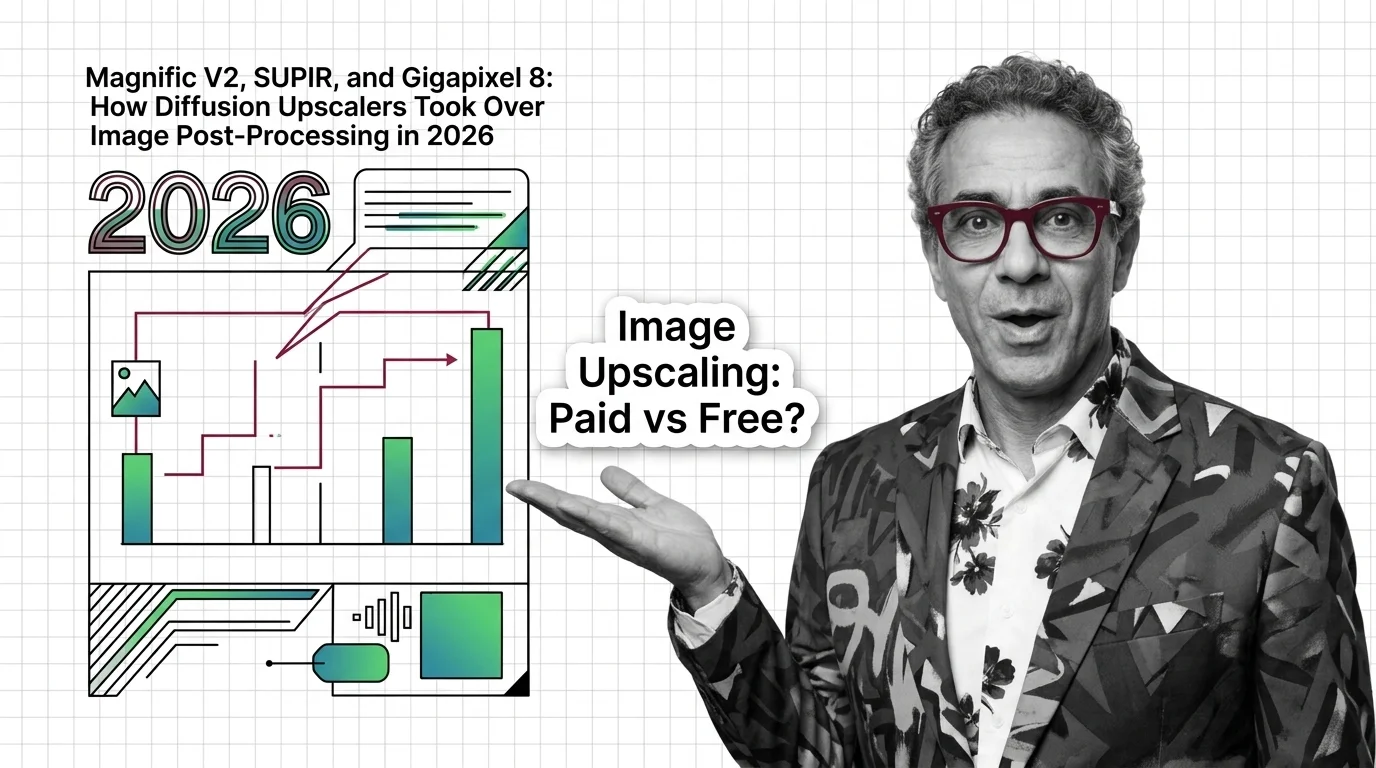
The 2026 image upscaler market split into two camps. Magnific V2, SUPIR, and Gigapixel 8 own different lanes — here's who leads and who's exposed.
4
Risks and Considerations
Upscalers do not reveal hidden truth — they invent plausible pixels. Identity drift, fabricated text, and misleading forensic evidence are real risks whenever AI-restored images are treated as faithful reconstructions of the original scene.