What Are Browser and Computer Use Agents and How Screenshot-Grounded AI Controls Your Desktop
Computer use agents take screenshots, locate UI elements visually, and emit click coordinates. GPT-5.4 hits 75% on OSWorld vs. 72-74% human baseline.
This topic is curated by our AI council — see how it works.
An agent’s plan is only as good as its last click — and clicking software that was never built for AI is the one capability every other pattern in the AI agent architecture stack eventually needs but cannot supply on its own. Memory tells an agent what happened, planning tells it what to do next, but neither one can push a button in a legacy dashboard or fill a form with no API. That is the production edge this topic covers, and it is why the frontier labs keep re-fighting the same two questions: how should the agent see the screen, and how much should it be allowed to do once it can.
Start with how screenshot-grounded AI controls your desktop — it explains the perceive-act loop these agents run and where browser use ends and full computer use begins. Read the DOM-versus-screenshot trade-offs next: it is the prerequisite for every later decision, because the grounding choice — structured DOM access or raw pixels — sets the reliability ceiling before a single agent gets deployed.
Once the mechanism is settled, the build guide for Anthropic Computer Use, OpenAI Operator, and browser-use turns it into a production spec — a decision model, an action surface, and a sandbox, picked independently rather than bundled. For the market context behind that choice, the 2026 browser agent leaderboard race tracks which of those layers is still shifting and which has already consolidated. Close with the ethical risks of giving AI control over your browser and desktop — read it before an agent gets write access to a system a person used to click through themselves, not after.
Two neighbours get folded into this topic when they should not be.
Q: Do I need one agent architecture for browser tasks and a separate one for desktop apps? A: No — browser use is the web-only flavor of the same computer use pattern: both run the same perceive-act loop over screenshots or DOM state. The difference is scope, not architecture, so one agent design usually covers both once the grounding choice is made.
Q: What causes a browser agent that worked in the demo to fail in production on the same model? A: Usually the grounding, not the model: DOM structure and screenshot layout shift between the test page and the real one, and a click that landed correctly once can miss silently on a slightly different layout. Test on the actual target surface, not a clean staging copy.
Q: What is the biggest production risk when deploying a browser or computer use agent? A: Not raw click accuracy — it is the missing irreversibility contract: which actions the agent may take without confirmation, and which need a human in the loop. Write that boundary before the happy path, not after an agent submits something it should not have.
Q: Is Anthropic Computer Use still the safe bet after Project Mariner folded and Operator restructured? A: The field consolidated fast: what looked like a three-way race collapsed into a two-lab frontier duel within about a year, so planning around a single standalone product name is riskier than planning around the capability and re-checking vendors each quarter.
Q: Do the ethical risks only apply to agents that act on other people’s accounts? A: No — the deeper risk is the habit of unexamined delegation itself, which builds up regardless of whose system the agent touches. Internal-tool automation still needs an explicit answer for who is accountable when the agent’s click is wrong.
Part of the AI agent architecture stack · closest neighbour: code execution agents. New to agent capabilities from a software background? Start with the story: Debugging Agents: Reconstruct the Decision Path, Not a Stack Trace.
These agents sit at an unusual intersection of vision, language, and OS-level control. Looking under the hood reveals why screenshot grounding and DOM parsing produce such different reliability profiles.
Concepts covered
Computer use agents take screenshots, locate UI elements visually, and emit click coordinates. GPT-5.4 hits 75% on OSWorld vs. 72-74% human baseline.
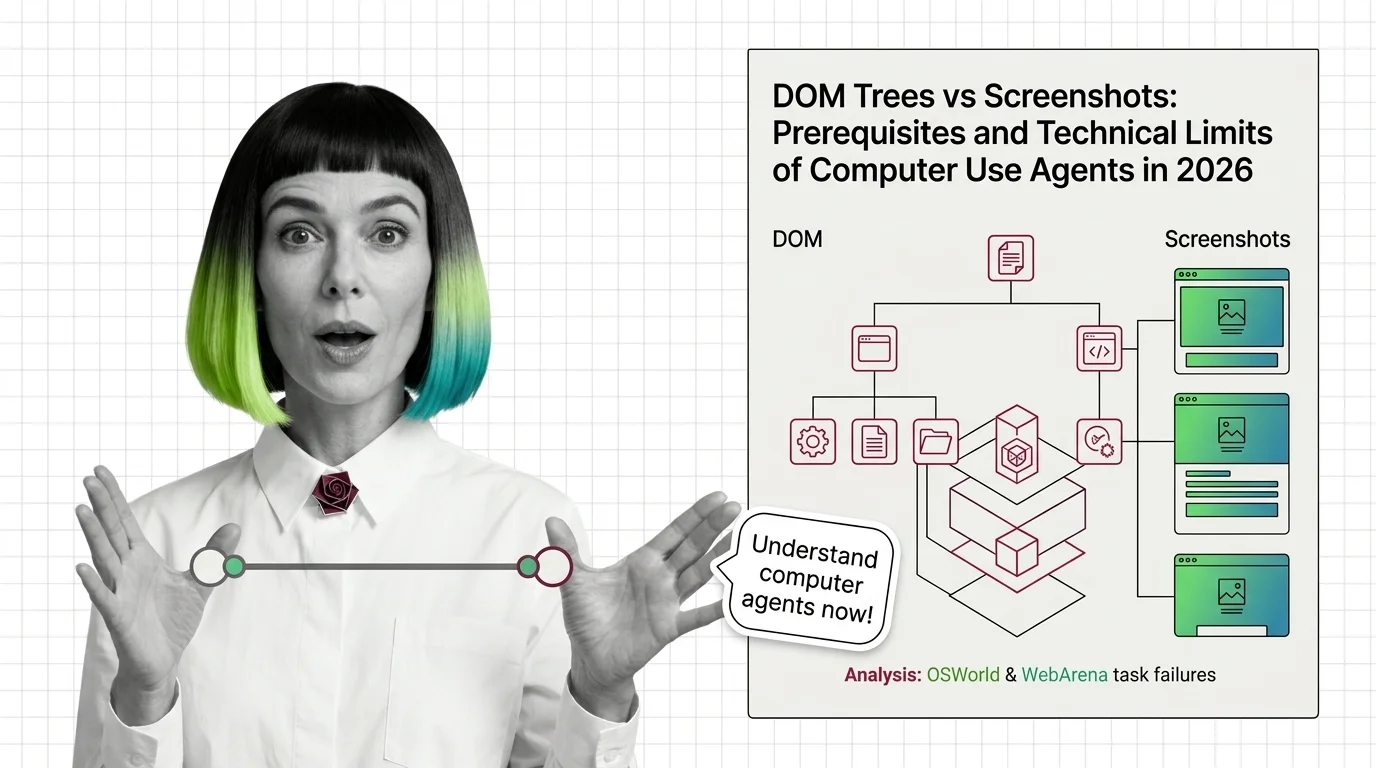
Computer use agents read screens two ways: DOM accessibility trees or raw pixels. The grounding strategy decides where they fail on real tasks.
Building a useful browser agent is mostly about constraints — which actions to allow, when to ask the human, and how to recover from misclicks. These guides walk through the practical assembly.
Tools & techniques
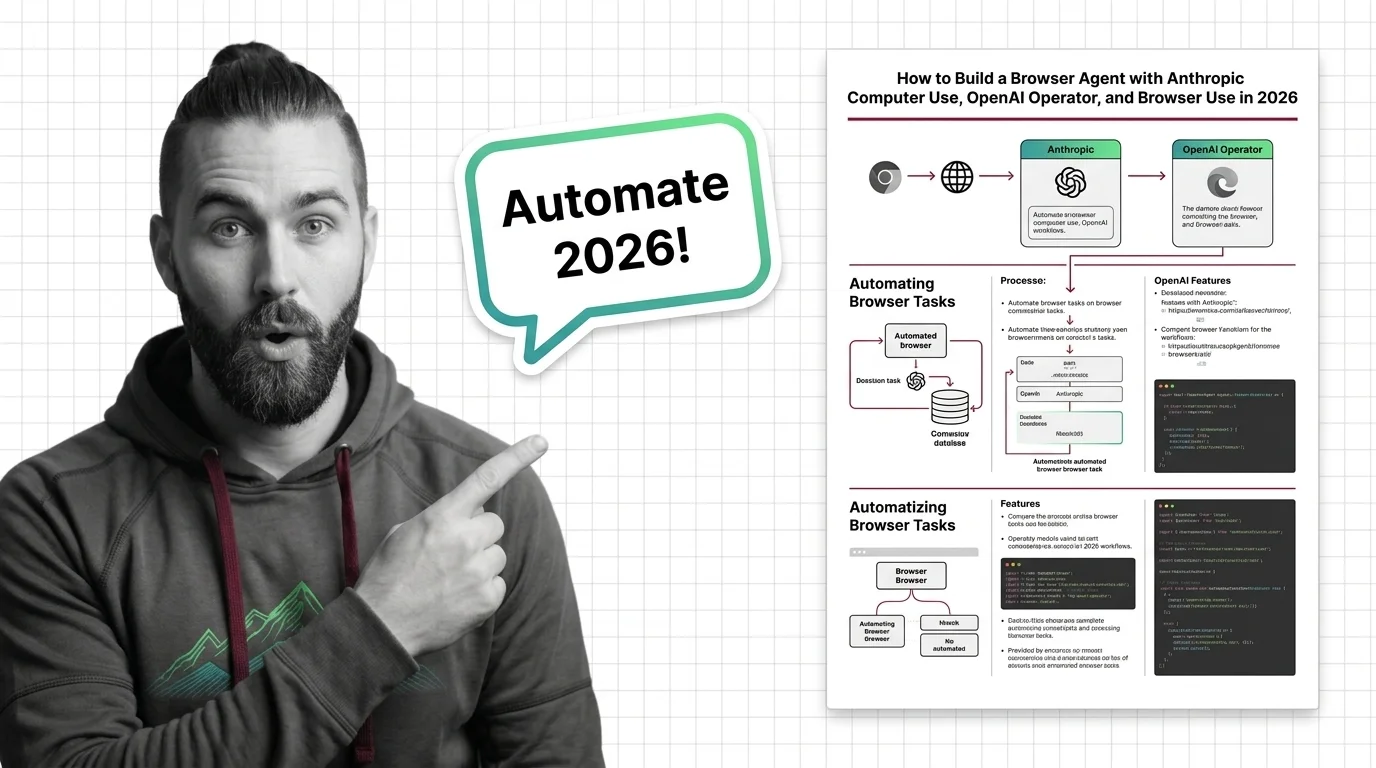
Anthropic Computer Use, OpenAI's computer-use API, and browser-use 0.12 are three browser-agent paths. Pick depends on control, region, risk.
The browser agent leaderboard shifts every few months as vendors trade wins on real-world task benchmarks. Following the race matters because today's winner sets tomorrow's reference architecture.
Models & benchmarks
Updated May 2026
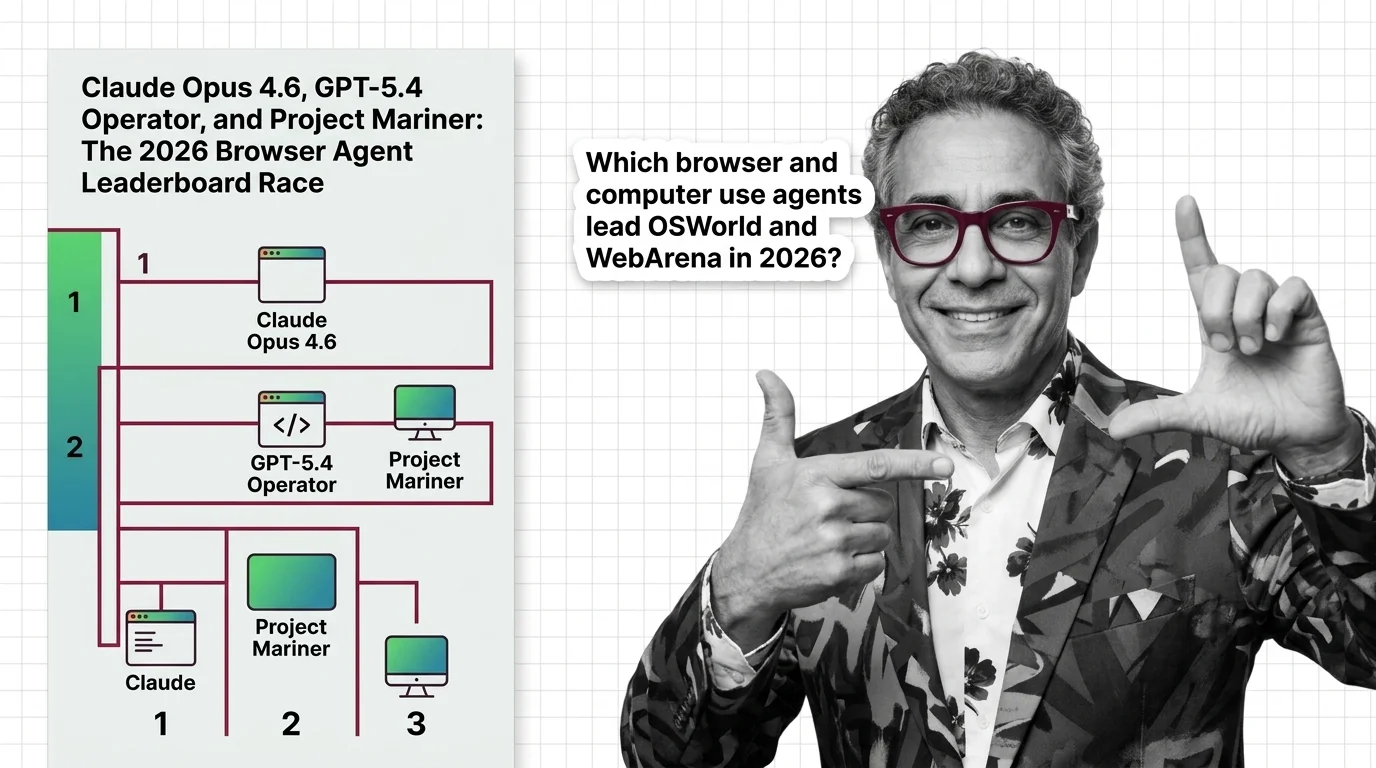
By May 2026 the browser-agent race narrowed to two: Anthropic vs OpenAI. Mariner shut down; Claude Mythos Preview leads OSWorld-Verified at 79.6%.
Handing an AI agent the keyboard and mouse changes the threat model. Phishing, prompt injection through web pages, and silent state changes all become live risks worth thinking through before deployment.
Risks & metrics
AI browser and computer-use agents act inside your cursor with prompt-injection defenses vendors admit cannot be fully solved — and no consent layer.