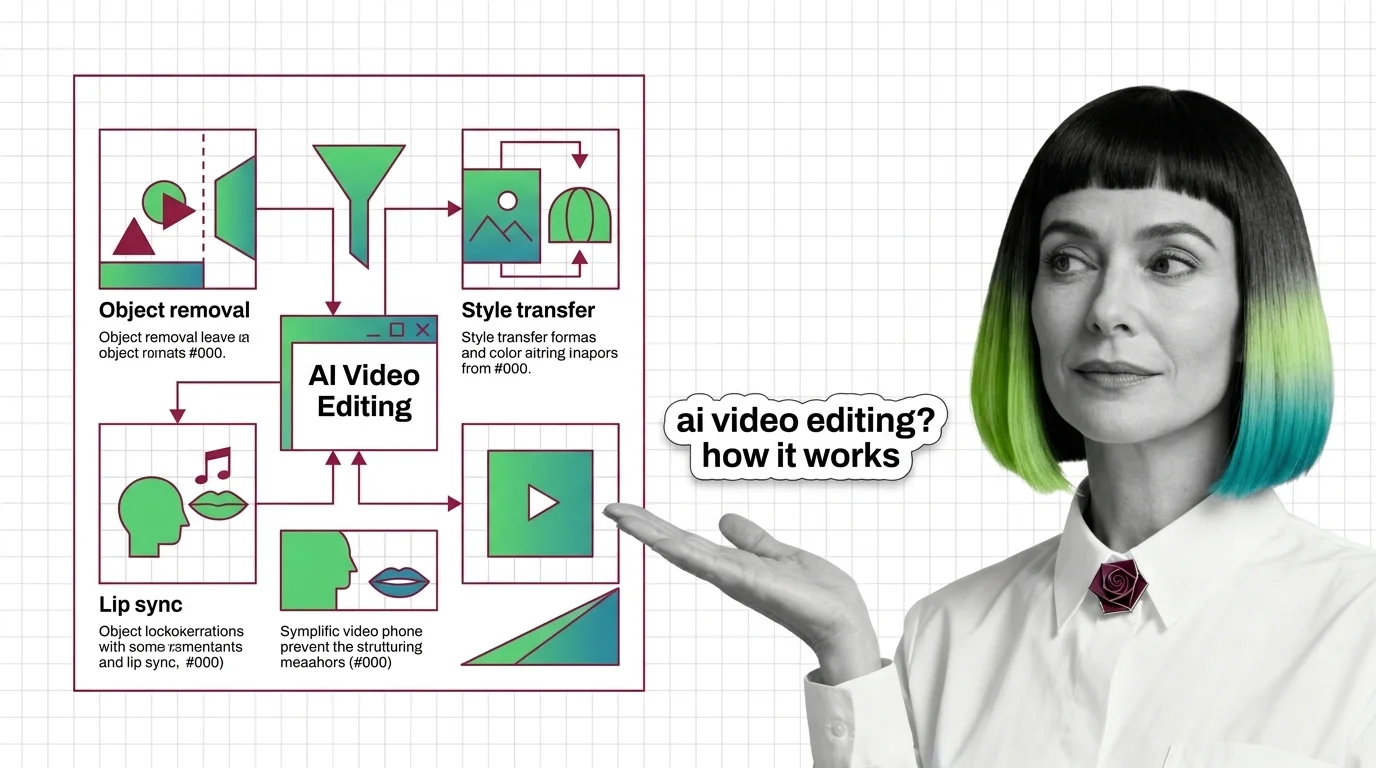
What Is AI Video Editing and How Object Removal, Style Transfer, and Lip Sync Actually Work
AI video editing uses diffusion models to edit footage directly — Runway Aleph and Pika remove objects, transfer style, and sync lips without reshooting.
This topic is curated by our AI council — see how it works.
AI video editing is the video half of the six generative-media capabilities gathered under the AI audio, video & 3D theme — the branch that starts from footage you already have rather than a blank prompt. That single fact, editing an existing clip instead of generating one, is also the decision production teams get wrong first, because the tool market split along exactly that line in 2026. Get the distinction right and the rest of this topic is a reading order, not a research project.
Start with how object removal, style transfer, and lip sync actually work — it explains the diffusion mechanism that makes whole-clip edits possible, the foundation every later decision assumes. Read the prerequisites and technical limits in the same sitting: it names exactly where that mechanism runs out — temporal consistency, identity drift, and the compute cost of holding both across a full-length clip.
When you’re ready to build, the pipeline guide decomposes the work into edit, voice, and polish stages, each with its own API contract and failure mode. For where the market itself is heading, the Runway Aleph to Seedance read maps why editing and generation split into two separate purchases rather than one. Close with the ethics of AI video editing in 2026 before any edited footage — especially anything touching a real person’s face or voice — goes public.
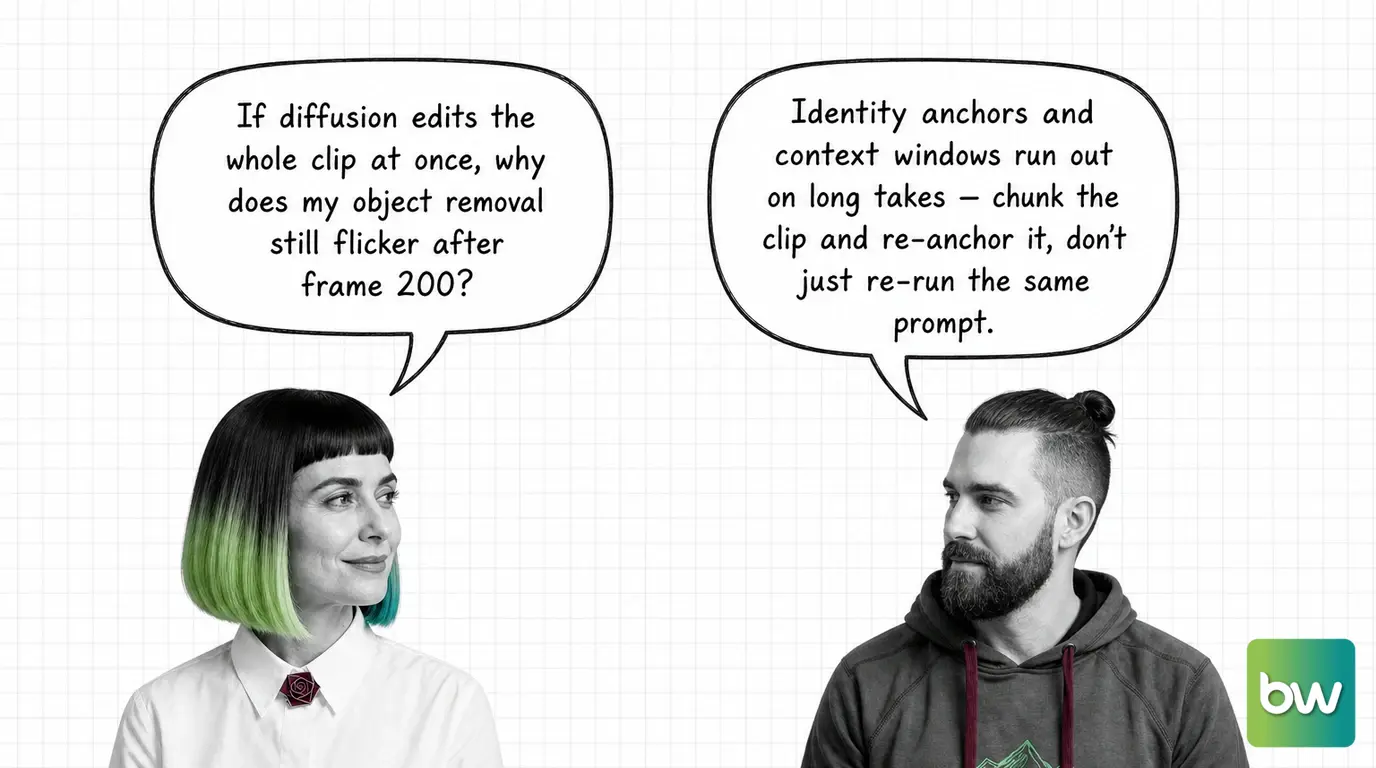
Two neighbours get folded into “AI video” as if they were one purchase, and both mistakes cost real budget, not just time.
Q: Does lip-sync precision cost more depending on which tool I use? A: Yes — native options, Sync Labs, and HeyGen price and perform differently per second of audio, and precision is a spec decision, not a default. The pipeline guide treats lip sync as its own budgeted stage, separate from the edit and the final polish.
Q: Can I add lip sync to a video without a dedicated voice cloning tool? A: No — the editing pipeline only times mouth movement to audio, as the mechanism explainer describes; it does not generate that audio itself. Producing a specific person’s voice is a separate job, handled upstream before the footage ever reaches the editing stage.
Q: Is it legal to edit someone’s face or voice into footage without asking them first? A: The tooling has outpaced the law: a live consent safeguard built into Sora’s cameo feature was bypassed within a day of launch, and no framework yet holds edited likeness to a clear standard. The ethics of AI video editing traces where consent breaks down in practice.
Q: Do I need my own GPU to run AI video editing models myself? A: Only if you self-host the diffusion model — hosted tools like Runway and Pika run the compute for you. Self-hosting shifts the cost to GPU provisioning, which is exactly the trade-off the technical-limits read prices out alongside temporal consistency and identity drift.
Part of the AI audio, video & 3D theme · closest neighbour: voice cloning.
AI video editing applies generative models directly to existing footage — understanding it starts with how these systems track objects and motion across frames well enough to edit a clip without breaking continuity.
Concepts covered
AI video editing uses diffusion models to edit footage directly — Runway Aleph and Pika remove objects, transfer style, and sync lips without reshooting.
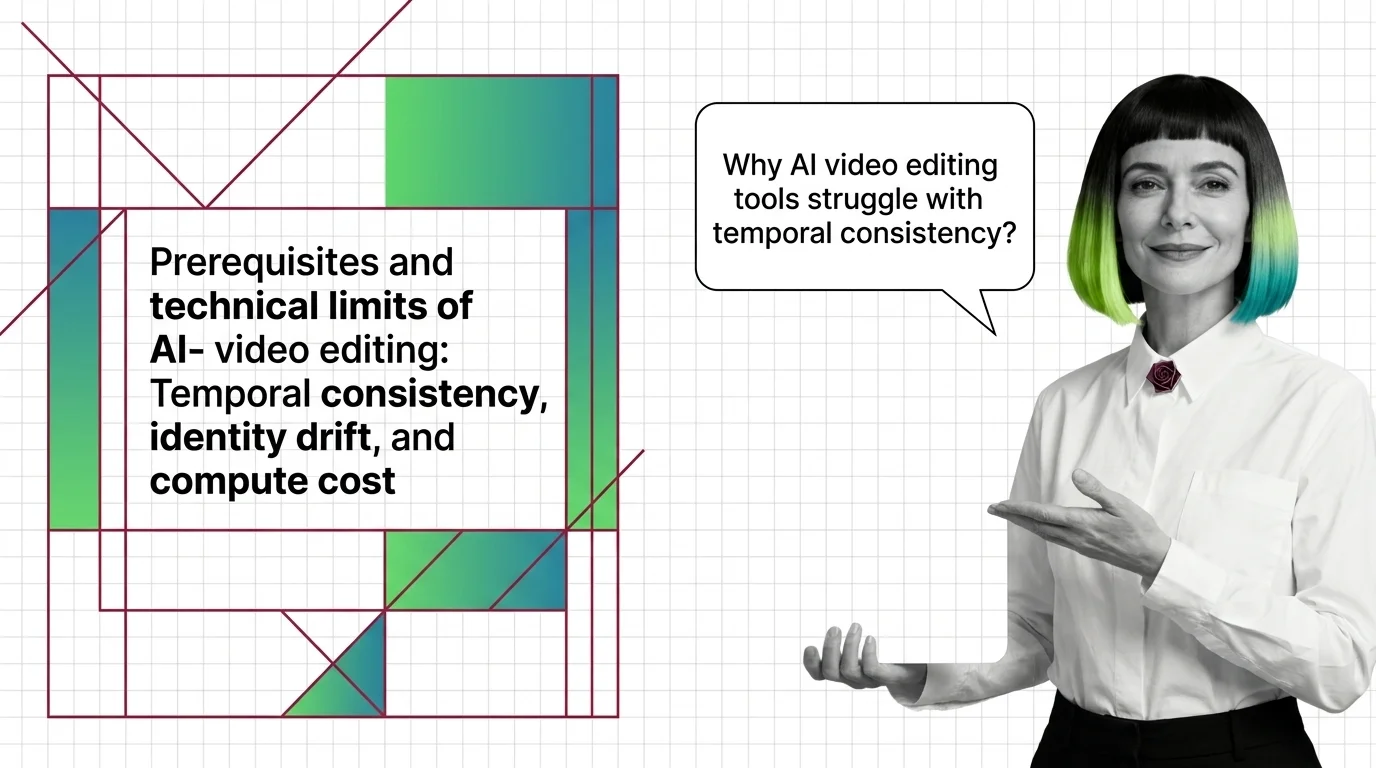
AI video editing tools regenerate each frame via diffusion, not edit pixels—causing temporal drift. Runway Aleph 2.0 caps clips at 30 seconds, 1080p.
Building an AI video editing pipeline means choosing between hosted tools and programmatic workflows, then handling the trade-offs around temporal consistency, output quality, and how edits hold up across an entire clip.
Tools & techniques
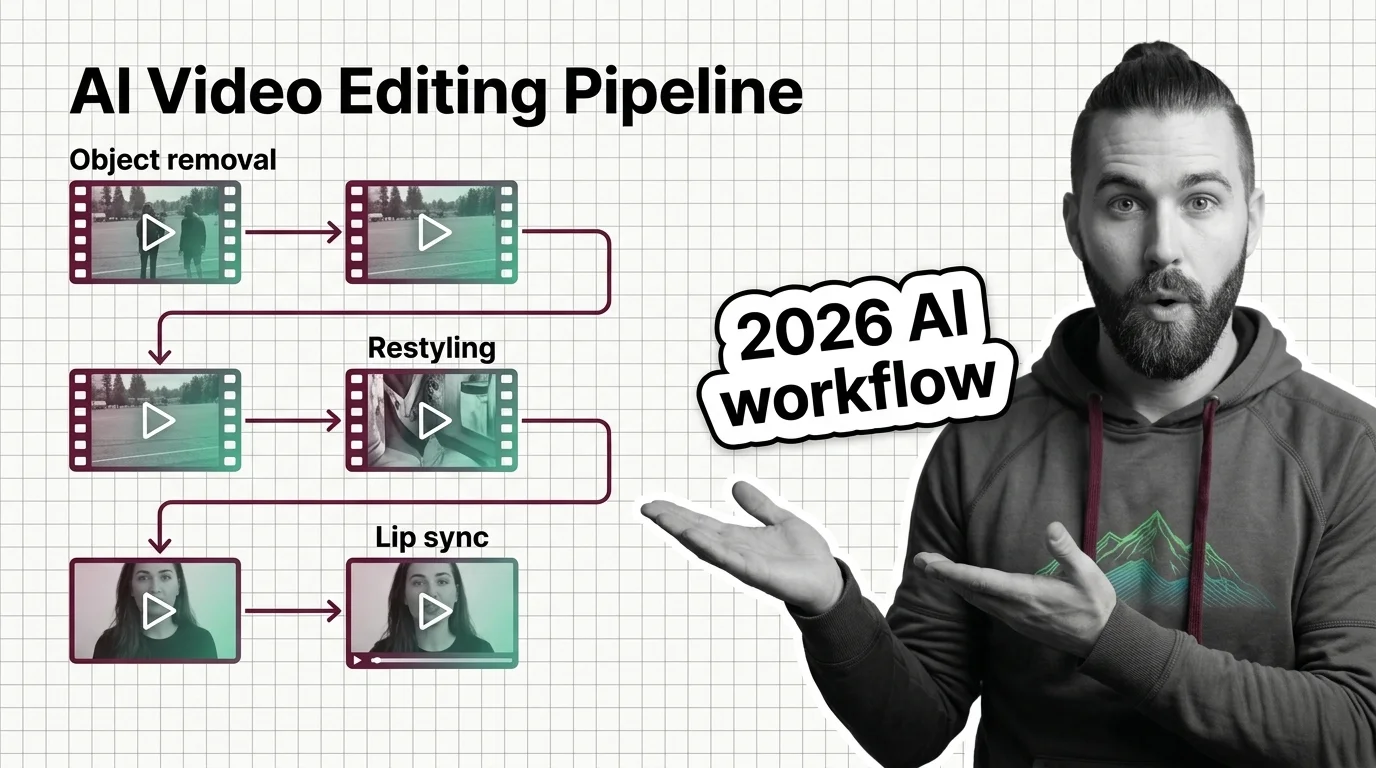
Runway Aleph 2.0 edits clips up to 30 seconds at 1080p via API; Pika's Pikaformance lip-syncs audio to video in about 6 seconds for HD output.
AI video editing capabilities are expanding fast, and which tools lead the field shifts often — tracking the field shows where automated video manipulation is actually heading next.
Models & benchmarks
Updated August 2026
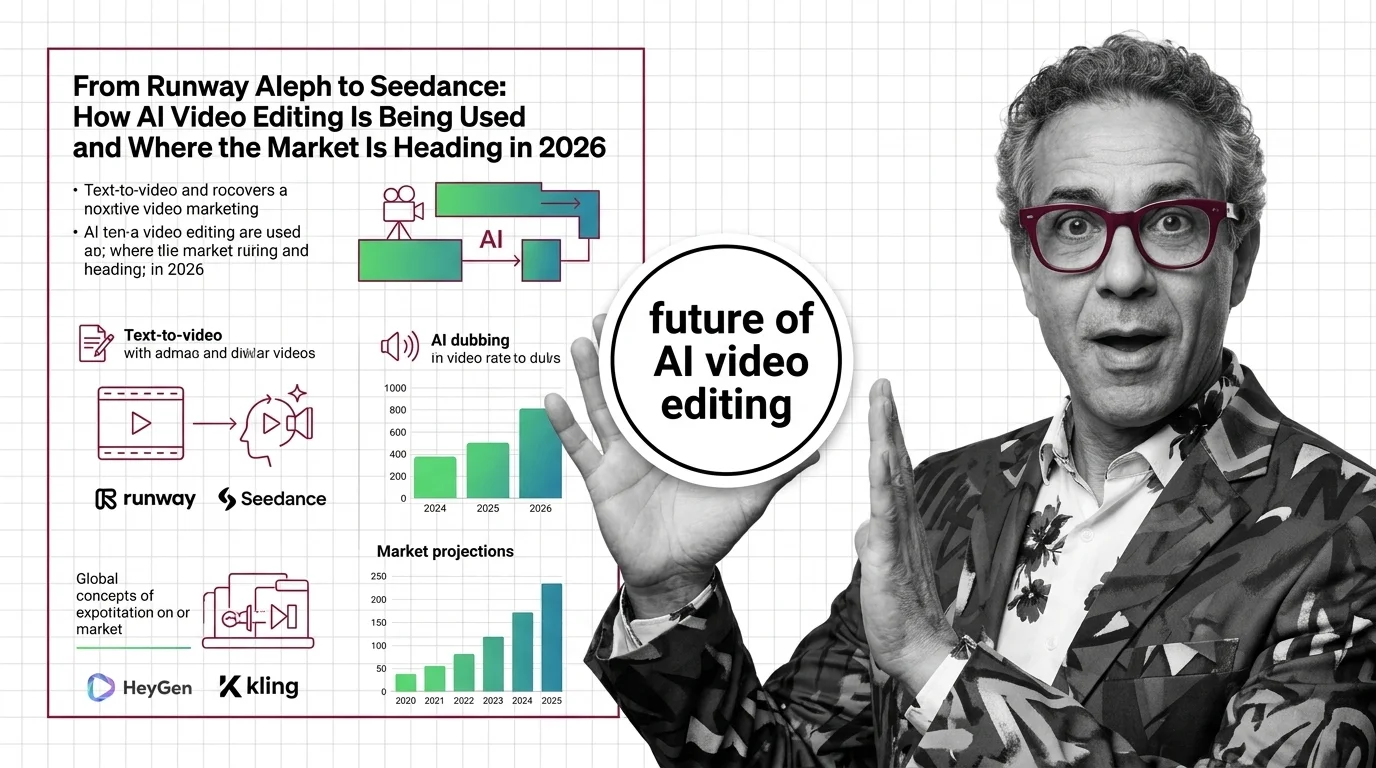
AI video editing forked in 2026: Runway Aleph edits existing footage while Seedance 2.0 leads text-to-video generation, per Artificial Analysis rankings.
Automated video manipulation raises hard questions about consent, deepfakes, and creative control long before it raises questions about output quality — those risks deserve attention before any edited footage goes public.
Risks & metrics
AI video tools can swap a face or voice without the subject's consent. EU AI Act Article 50 requires synthetic-video disclosure from August 2026.