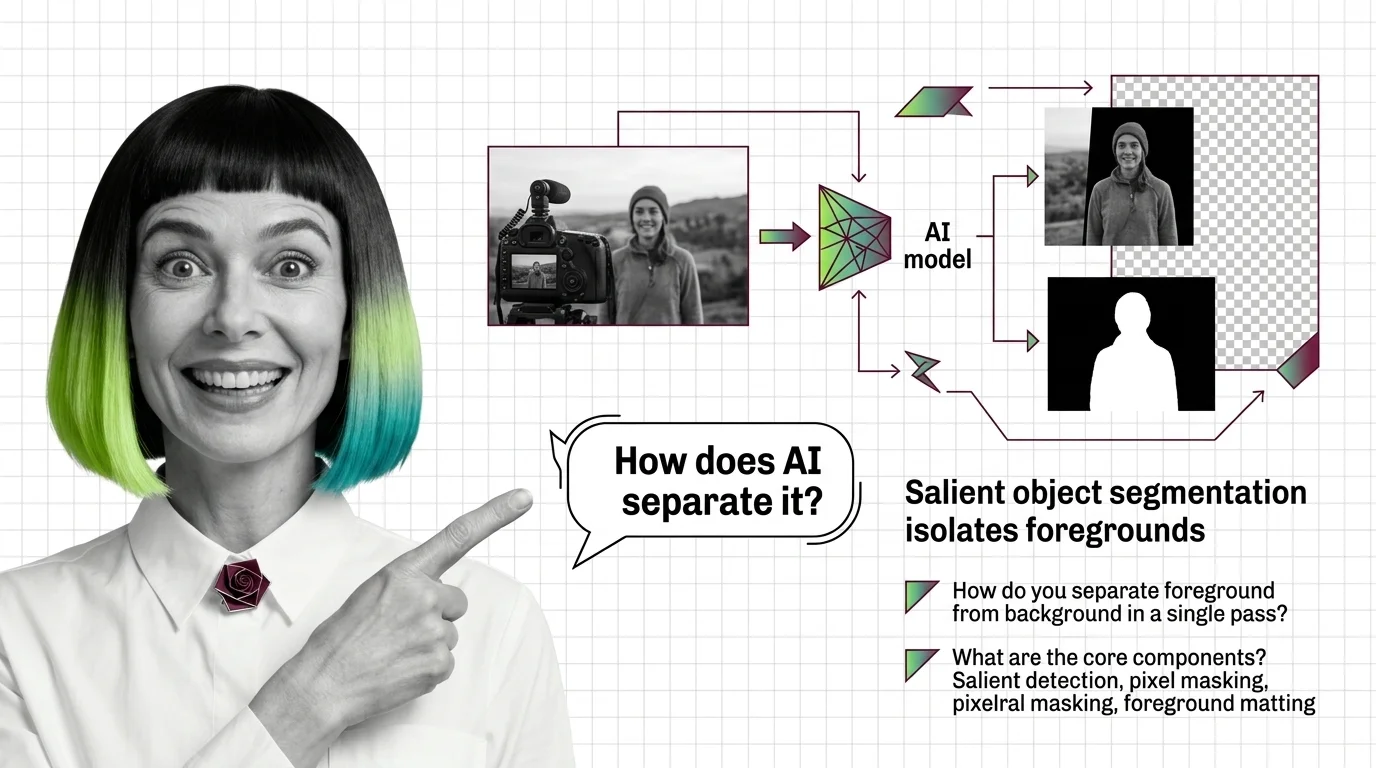
What Is AI Background Removal? How Salient Object Segmentation Works
AI background removal is not one model — it's salient object detection plus alpha matting. See how U2-Net, BiRefNet, and SAM 3 cut foregrounds in one pass.
This topic is curated by our AI council — see how it works.
Every product photo, marketing banner, and video-call backdrop that needs a clean subject on a new background runs through this task at some point, which makes it the most commoditized corner of the AI image generation and editing stack — and the easiest one to get wrong at scale. A single cutout looks flawless in a demo; a thousand cutouts a day, across hair, glass, and motion blur, expose exactly which model and which license you actually bought.
Start with how salient object segmentation isolates foregrounds from any image — it explains the core move every model makes: assigning each pixel an opacity value rather than a binary in-or-out label, the detail that decides how well hair and glass survive the cut. Read the alpha channels, trimaps, and hard limits piece next, in the same sitting — it names exactly where that opacity estimate breaks down, so you know which edge cases to test before they surprise you in production.
Once the mechanism and its limits are clear, the production pipeline guide turns them into an engineering spec: which backend to route each image class to, and which licenses actually let you ship it. For the market context behind that choice, the API wars and open-weight surge roundup tracks how pricing, latency, and integrations — not raw cutout quality — now decide who wins the contract. Close with the training-data ethics piece — every one of those models learned what counts as a “subject” from someone else’s photos, and that question doesn’t disappear once your pipeline ships.
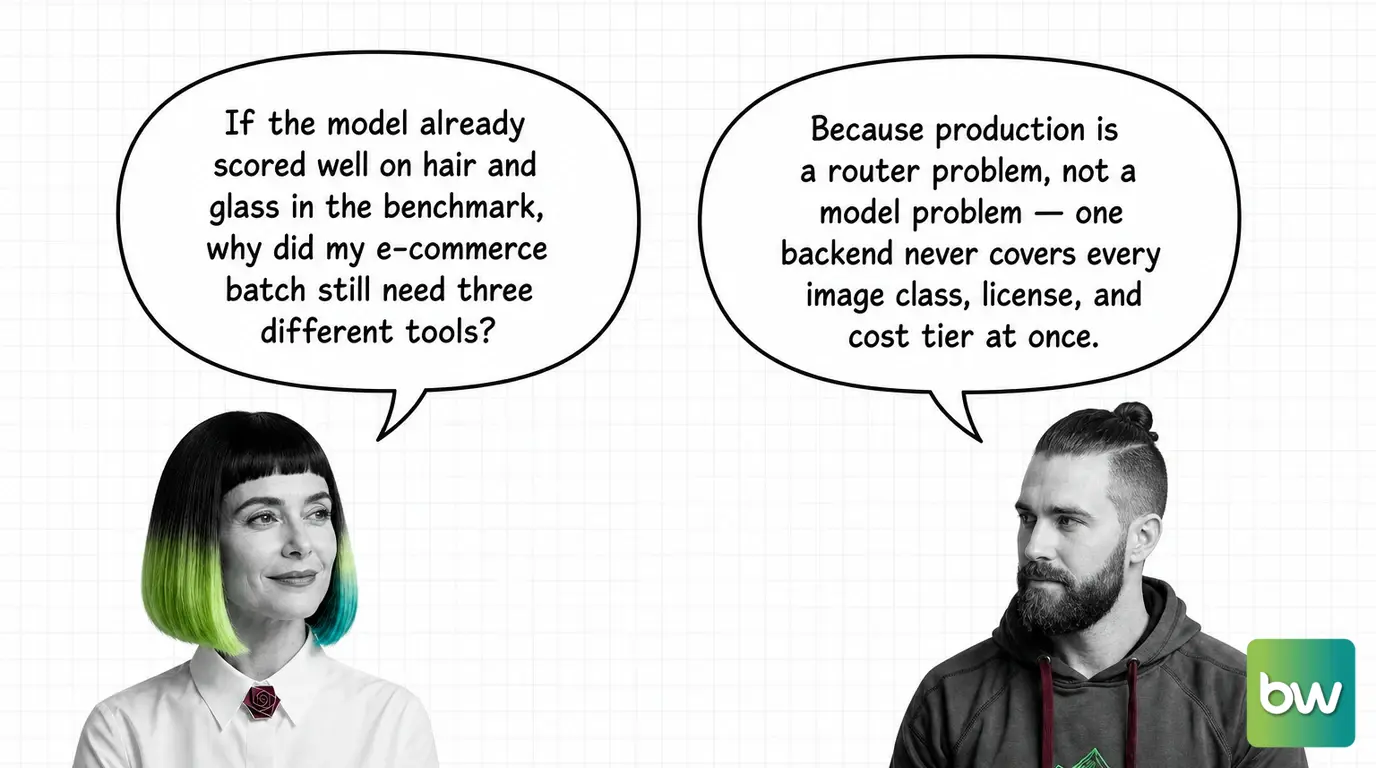
A general-purpose segmentation model like SAM 2 will happily draw a mask around your subject, but a mask is a binary decision — a pixel is either in the cutout or it isn’t. Background removal needs something finer: a continuous opacity value at every pixel, because hair strands, glass edges, and motion-blurred boundaries are never fully foreground or fully background. That finer estimate — matting, not just segmentation — is what separates a usable product cutout from a jagged one, and it’s why production pipelines reach for BiRefNet- or RMBG-2.0-style matting networks even when a prompted SAM 2 is sitting right there as a cheaper option.
It’s also tempting to reach for LoRA fine-tuning when a cutout model handles one product category badly — training a custom adapter feels like the systematic fix. In practice, background removal rarely needs any customization at all: the stock matting models already generalize across product photography, portraits, and general objects. Routing the image to a different existing backend fixes more failures than training ever would.
Q: Why do background removal results look flawless in a demo but fail on real product photos? A: Demos favor curated images; real batches include fine hair, reflective glass, motion blur, and inconsistent lighting side by side. The hard-limits piece documents exactly where the opacity estimate breaks, so you can test those cases before a launch, not after one.
Q: Do I need a commercial license to run BRIA RMBG-2.0 in my product? A: Yes, if you deploy it commercially — RMBG-2.0 ships non-commercial by default, so using it inside a paid product requires BRIA’s paid commercial license or a switch to a non-restricted backend. The production pipeline guide walks the licensing check per backend.
Q: Is an open-weight model like rembg good enough to skip a paid API entirely? A: For straightforward product shots, often yes — but the open-weight and commercial tracks have diverged: paid APIs tend to win on edge quality, support, and integrations, while open weights win on cost and control. The 2026 API-wars roundup maps which side is winning which job.
Q: Does it matter where a background removal model’s training photos came from if I’m just cutting out product shots? A: More than most teams assume — the datasets behind rembg, BRIA, and similar models were built from scraped photos of real people who never consented, and shipping the output commercially doesn’t erase that provenance question. The training-data ethics piece lays out what’s actually underwritten every time the API runs.
Part of the AI image generation and editing stack · closest neighbour: image upscaling. Coming to production cutouts from a classical software background? Start with the story: AI Image Stacks for Developers: What Maps and What Breaks.
Background removal looks like a single click, but underneath it relies on layered segmentation and matting networks that judge what counts as the subject. Understanding the model boundary clarifies why some cutouts feel surgical while others mangle hair and glass.
Concepts covered
AI background removal is not one model — it's salient object detection plus alpha matting. See how U2-Net, BiRefNet, and SAM 3 cut foregrounds in one pass.
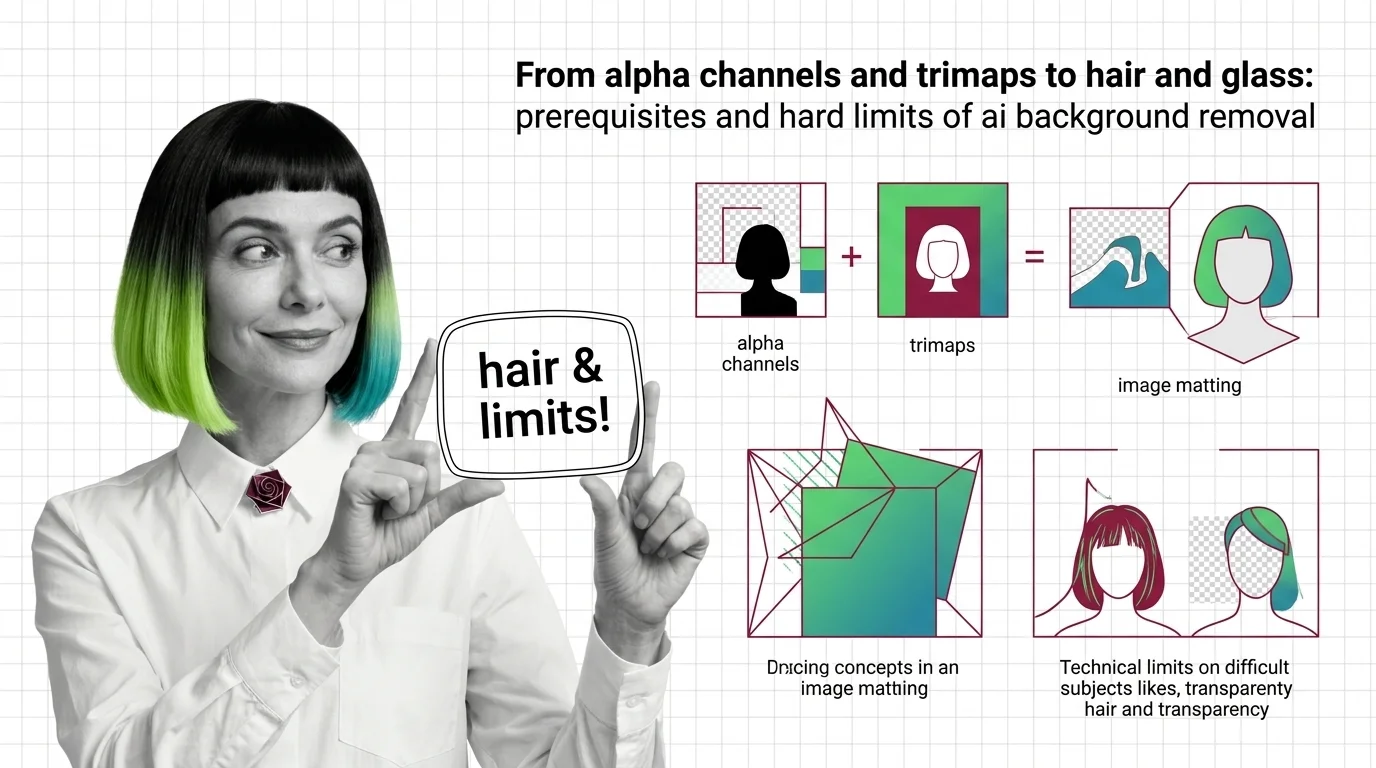
Background removal is alpha estimation, not subject detection. Learn how trimaps and matting work, and why hair, glass, and motion blur fail.
These guides cover running open-weight models locally, calling production cutout APIs, and designing batch pipelines that survive transparent objects, motion blur, and the kind of mixed input you see in real e-commerce and creative workflows.
Tools & techniques
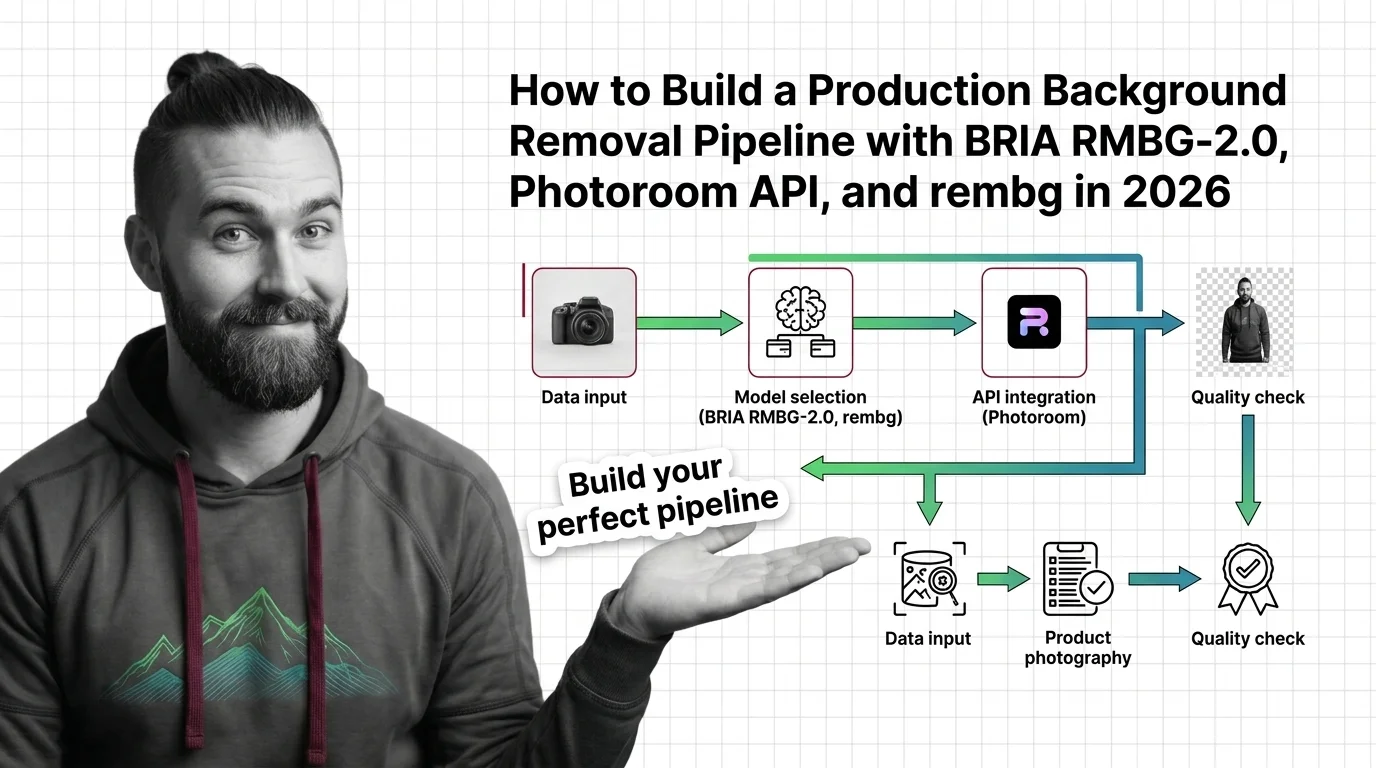
Build a production background removal pipeline in 2026. Spec BRIA RMBG-2.0, Photoroom API, remove.bg, and rembg as routed cutout backends behind one router.
The cutout space is no longer a quiet corner — open-weight models are catching up to closed APIs, and pricing wars are reshaping which tool ships in your stack. Tracking releases tells you which segmentation engine actually leads this quarter.
Models & benchmarks
Updated April 2026
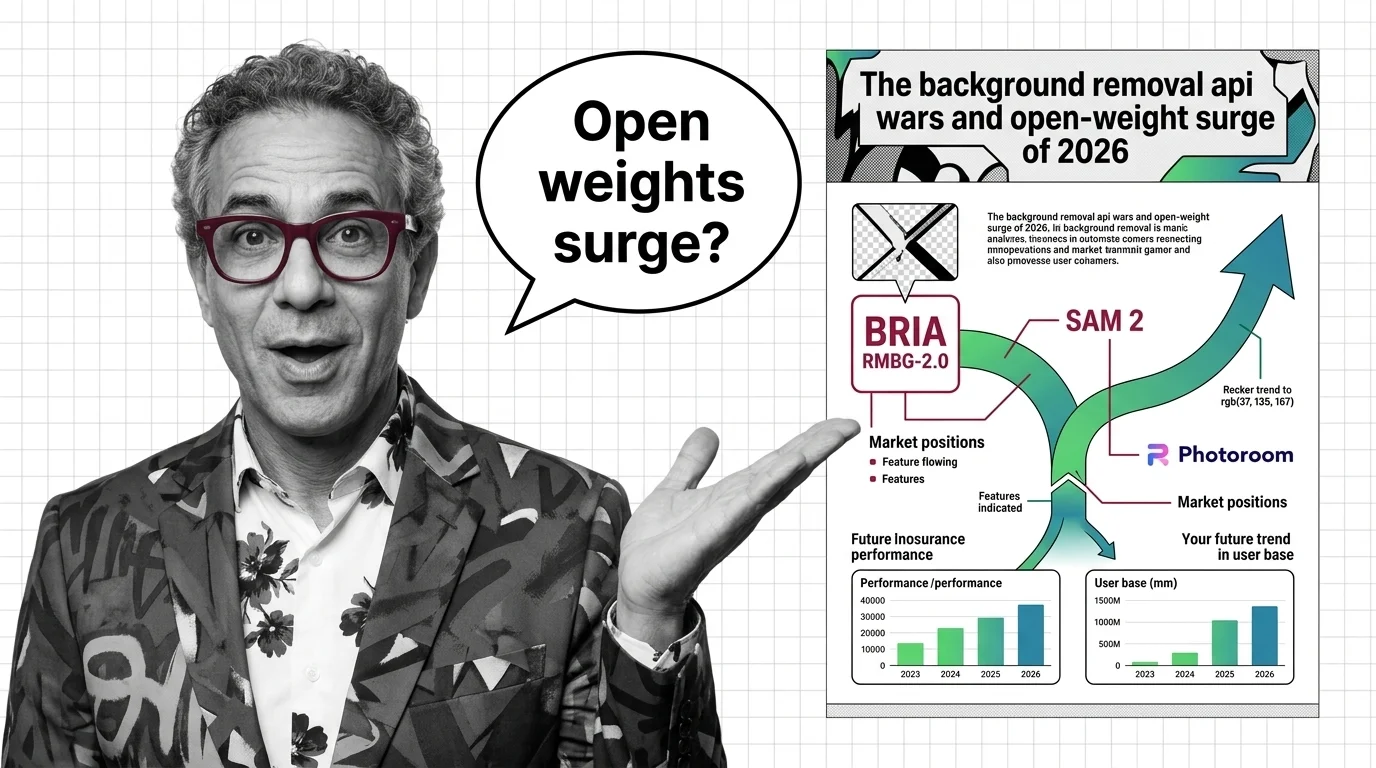
BRIA RMBG-2.0, SAM 2, and Photoroom split the 2026 background removal market — open weights close on commercial APIs. Where the cutout economy heads next.
A clean cutout is never just a cutout. Training data provenance, scraped subject likeness, and downstream misuse for deepfakes or misleading composites all sit one API call away from anyone who automates background removal at scale.
Risks & metrics
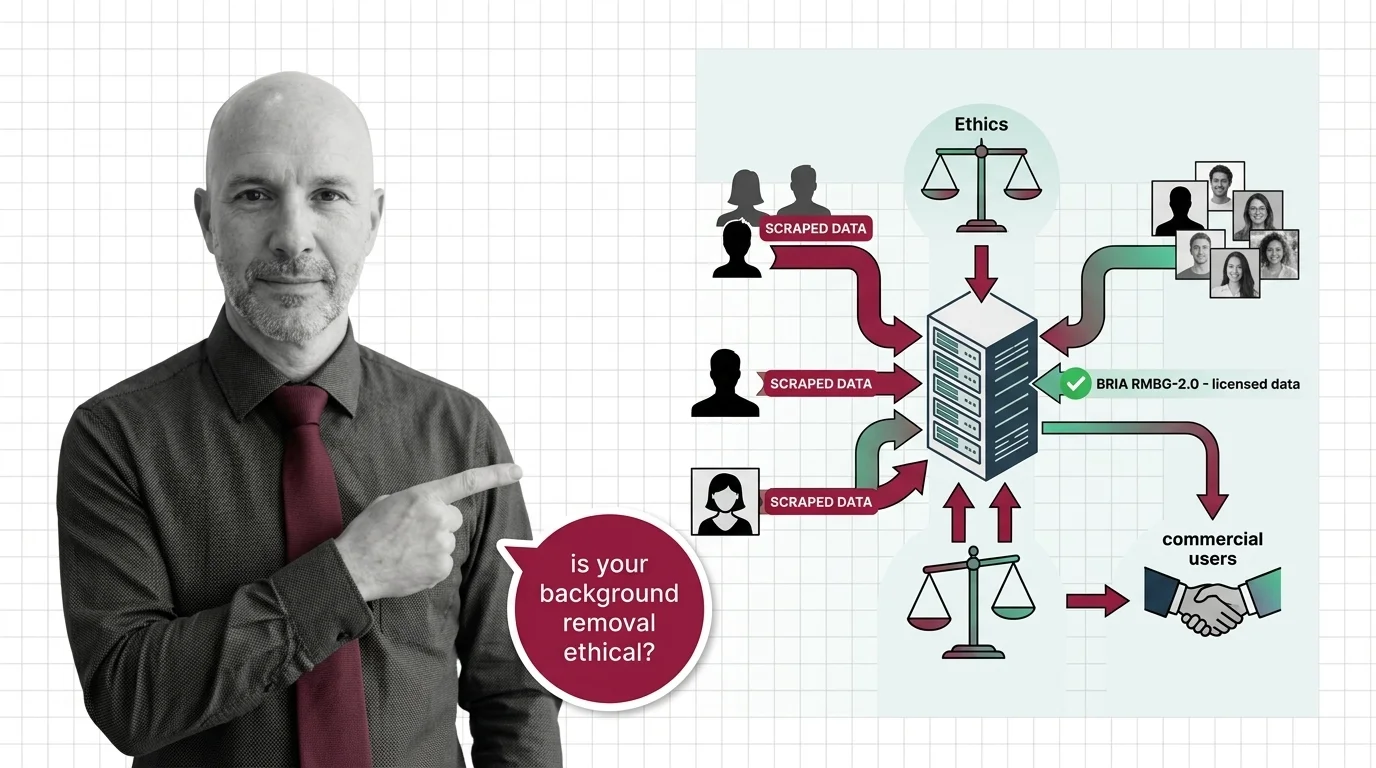
Background removal APIs strip subjects from scraped photos. Only one top model trains on licensed data. The ethics question nobody at procurement is asking.