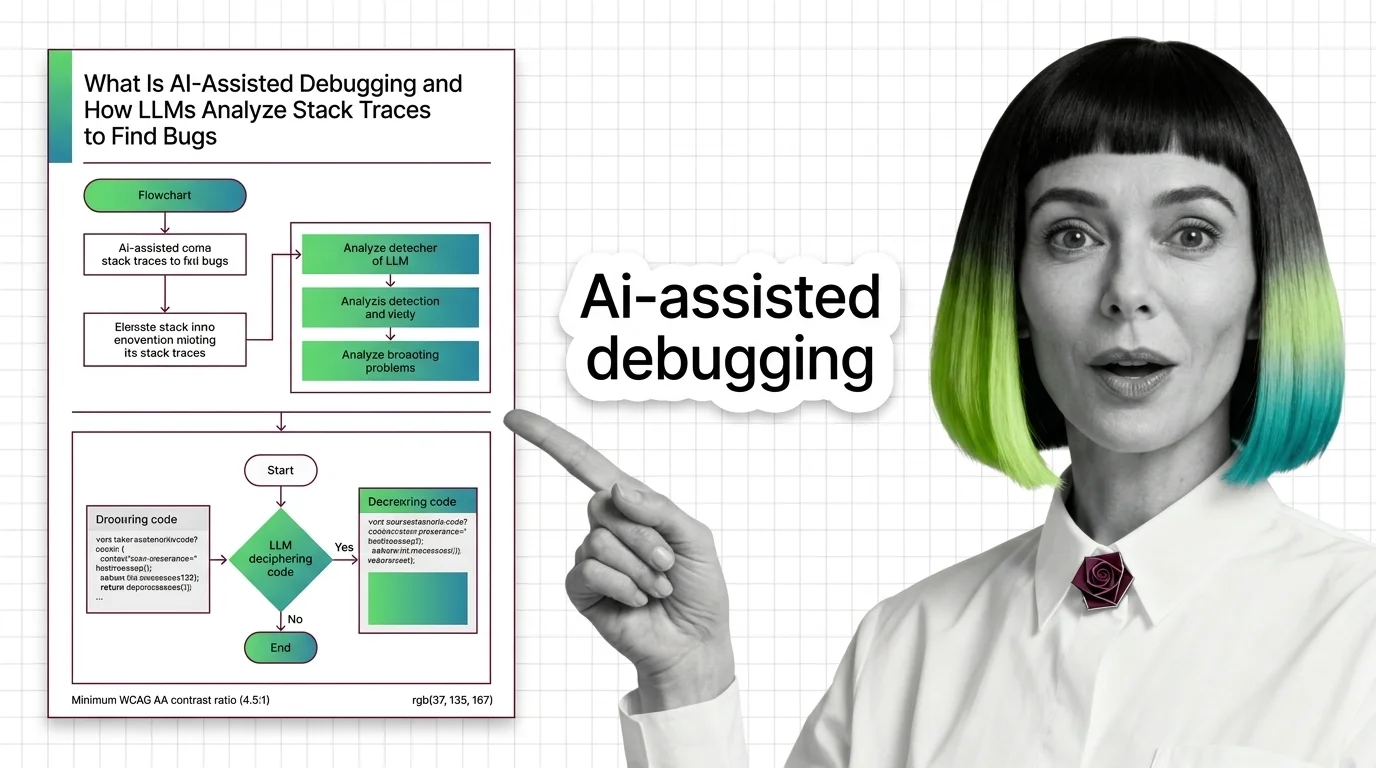
What Is AI-Assisted Debugging and How LLMs Analyze Stack Traces to Find Bugs
AI-assisted debugging uses LLMs to parse stack traces, generate fix hypotheses, and validate them against runtime evidence inside an agent loop.
This topic is curated by our AI council — see how it works.
When an agent proposes a one-line fix at 2 a.m., a high benchmark score is the wrong thing to trust — the model read the stack trace, not your production system. AI-assisted debugging sits in the maintenance tier of the AI coding assistants theme: the tools here work backward from a failure that already happened, and the real skill is not prompting them but knowing when to trust the diagnosis they hand back. The reading path below moves from that mechanism to the leaderboard chasing it to the accountability question neither one answers for you.
Start with how LLMs analyze stack traces to find bugs — it lays out the feedback loop every tool below reuses: read the error, propose a fix, let a developer verify it before anything ships. Read the prerequisites and why models still hallucinate fixes in the same sitting; it explains why a plausible-looking patch can still be wrong, because the model is predicting tokens, not executing code.
When you’re ready to work an actual incident, the guide to debugging production bugs with Claude Code, Cursor, and Copilot Chat gives the spec each tool needs before it can help: a symptom, a reproducer, and a success criterion — not a pasted trace and a prayer. For the market context behind which tool is worth learning, the 2026 SWE-bench debugging leaderboard explains why the benchmark in a press release is often not the model you can buy. Close with the ethics of letting models patch production code before your team lets an agent merge its own fix, not after.
Q: Does a high SWE-bench score mean a model will debug my codebase well? A: Not reliably — frontier labs are already walking away from SWE-bench Verified because it is saturating, and the model behind the headline score is often not the one you can actually buy. The 2026 debugging leaderboard tracks which benchmark still predicts real debugging behavior.
Q: Which AI debugging tool should I open first for a production incident? A: Match the tool to the bug, not the other way around — Claude Code, Cursor, and Copilot Chat each run a different debug loop, and pasting the same prompt into all three wastes context you already have. The production debugging guide maps which loop fits which failure.
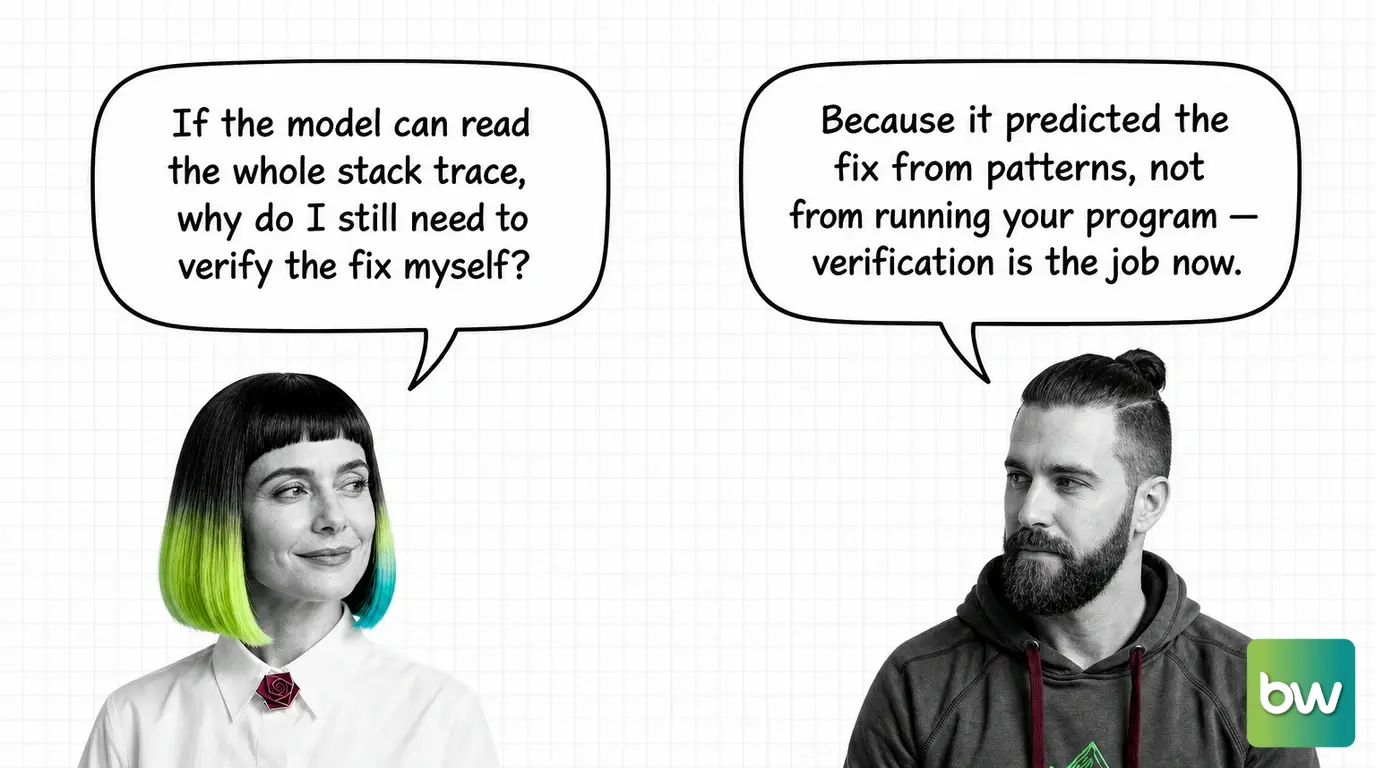
Q: Can I trust an AI-suggested stack-trace diagnosis without checking it myself? A: No — the model predicts the most likely fix from patterns in its training data rather than executing your program, so an occasional plausible-looking patch will reference code or behavior that doesn’t exist. The prerequisites explainer covers exactly where that prediction breaks down.
Q: Who is accountable if an AI agent’s production patch causes new damage? A: The deployer, not the model — the failure is letting an agent patch live systems without building verification architecture a human can actually stand behind before the patch ships. The accountability essay works through what that architecture has to include.
Part of the AI coding assistants theme · closest neighbour: AI-assisted refactoring. Coming to this from a software background? Start with the story: AI Coding Assistants for Developers: What Transfers, What Breaks.
AI-assisted debugging is more than autocomplete with a stethoscope. Understanding how a model reads a stack trace, weighs code context, and decides what to suggest is the difference between trusting a fix and shipping a regression.
Concepts covered
AI-assisted debugging uses LLMs to parse stack traces, generate fix hypotheses, and validate them against runtime evidence inside an agent loop.
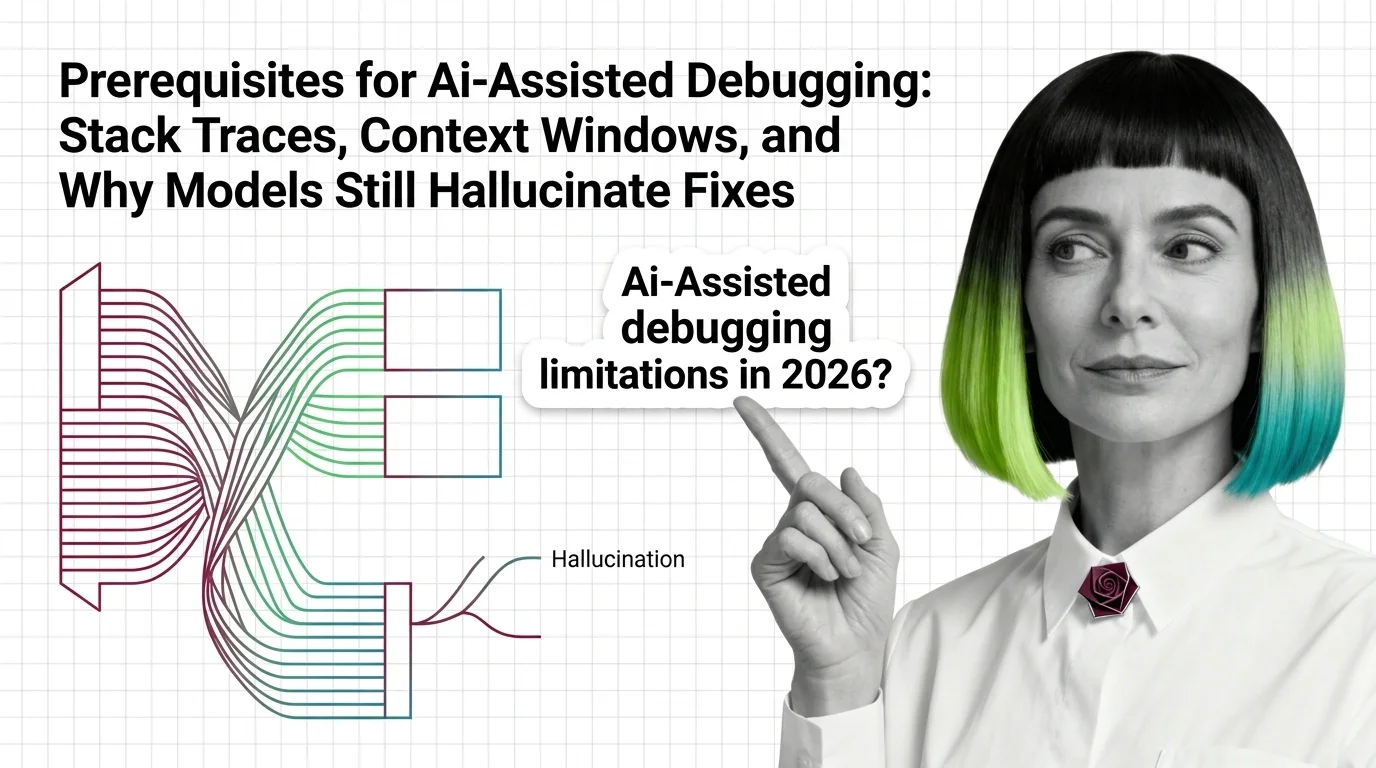
AI debuggers sample probable fixes from a finite context window. Even top 2026 models invent plausible symbols, the dominant failure mode for code errors.
These guides walk through wiring AI debuggers into your real workflow — from feeding the right context to a chat assistant to scoping fixes that you can actually review, test, and roll back.
Tools & techniques
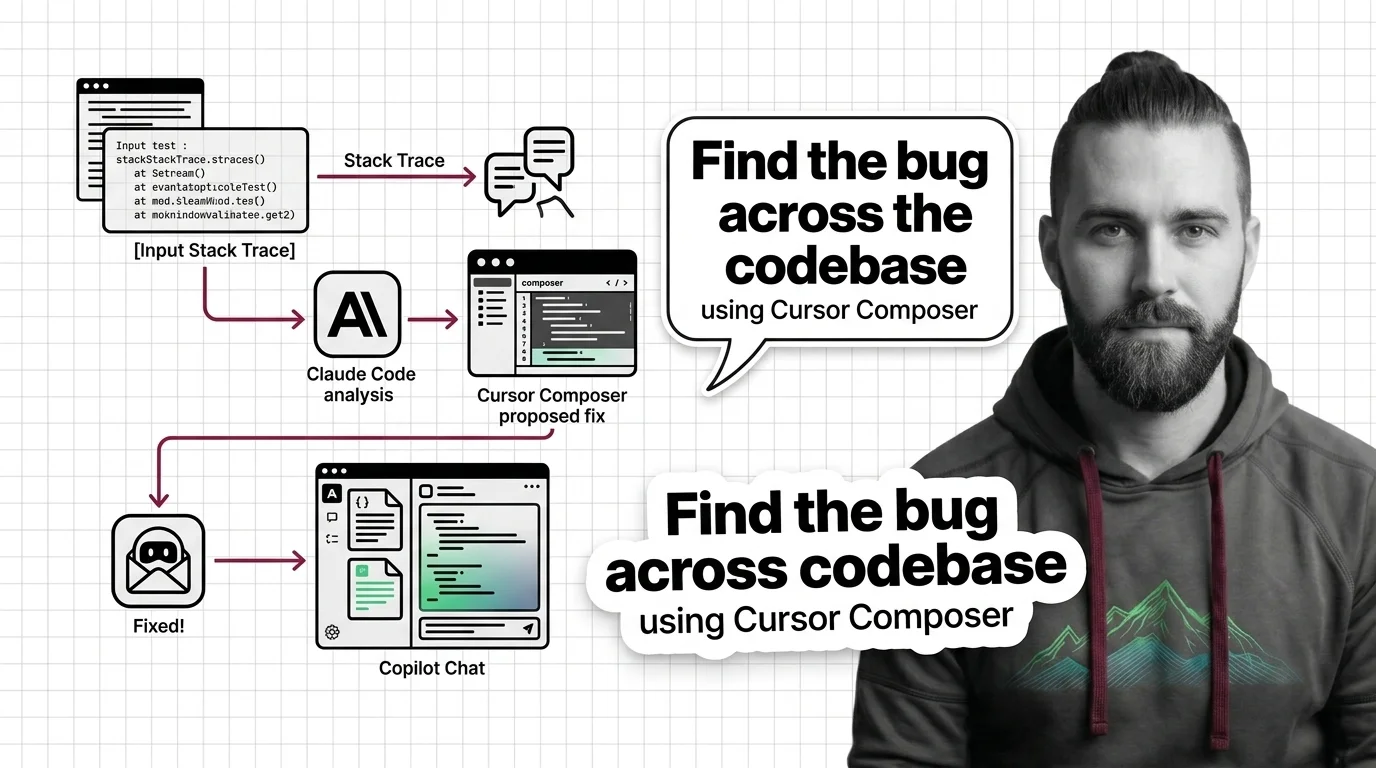
Debugging production bugs with AI in 2026 means specifying the failure first. Claude Code, Cursor 3.3, and Copilot Chat each need a different spec.
The debugging leaderboard moves fast. Benchmarks, new model releases, and IDE integrations reshape what is feasible in a sprint, and the gap between hype and shippable behavior keeps shifting.
Models & benchmarks
Updated May 2026
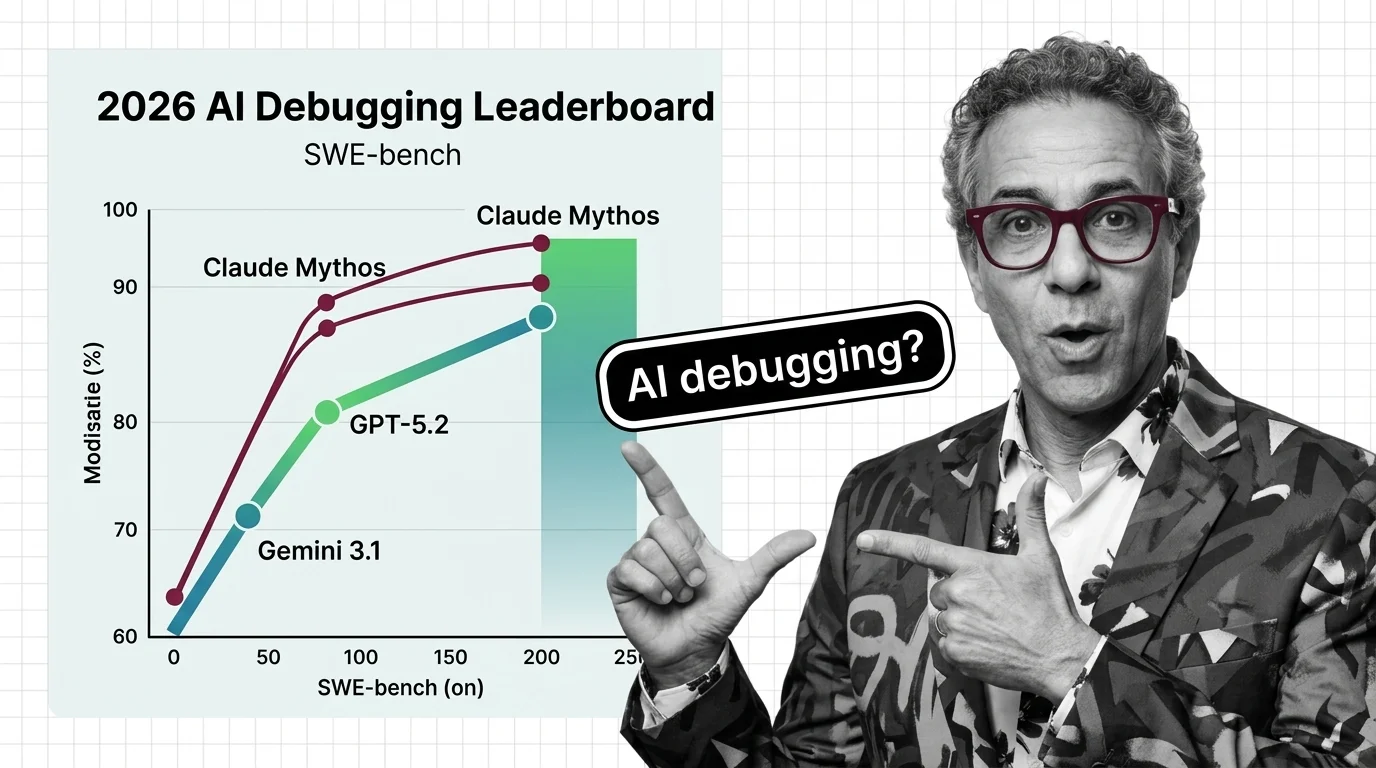
Claude Mythos Preview leads SWE-bench Verified at 93.9% but stays gated to 50 orgs. GPT-5.5 and Gemini 3.1 Pro fight for the public coding crown.
When a model patches production code, who owns the bug it introduced? Letting AI fix what it does not fully understand raises hard questions about accountability, trust, and the limits of automated remediation.
Risks & metrics
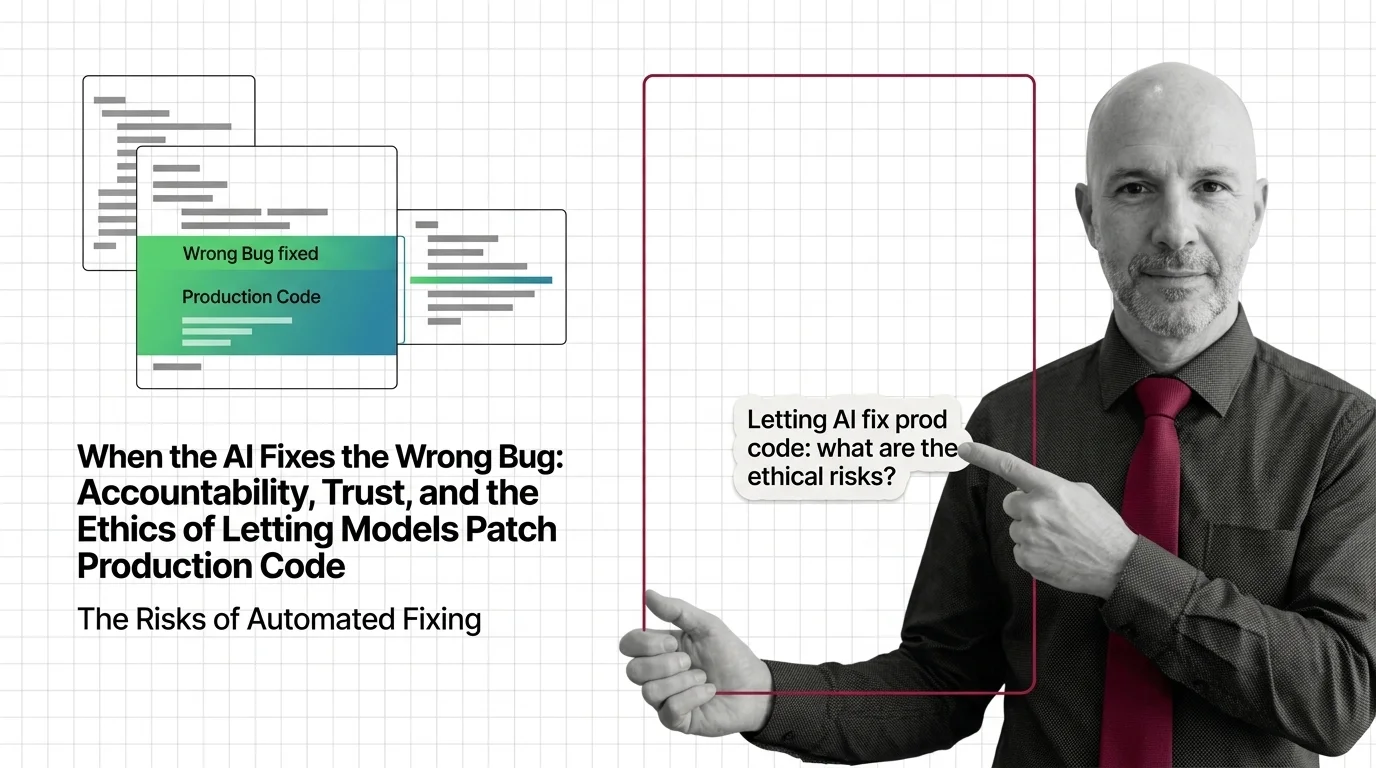
Autonomous agents patch live code at scale. With a 45% vulnerability rate and the Cursor-Opus database-deletion case, who is accountable when the fix breaks?