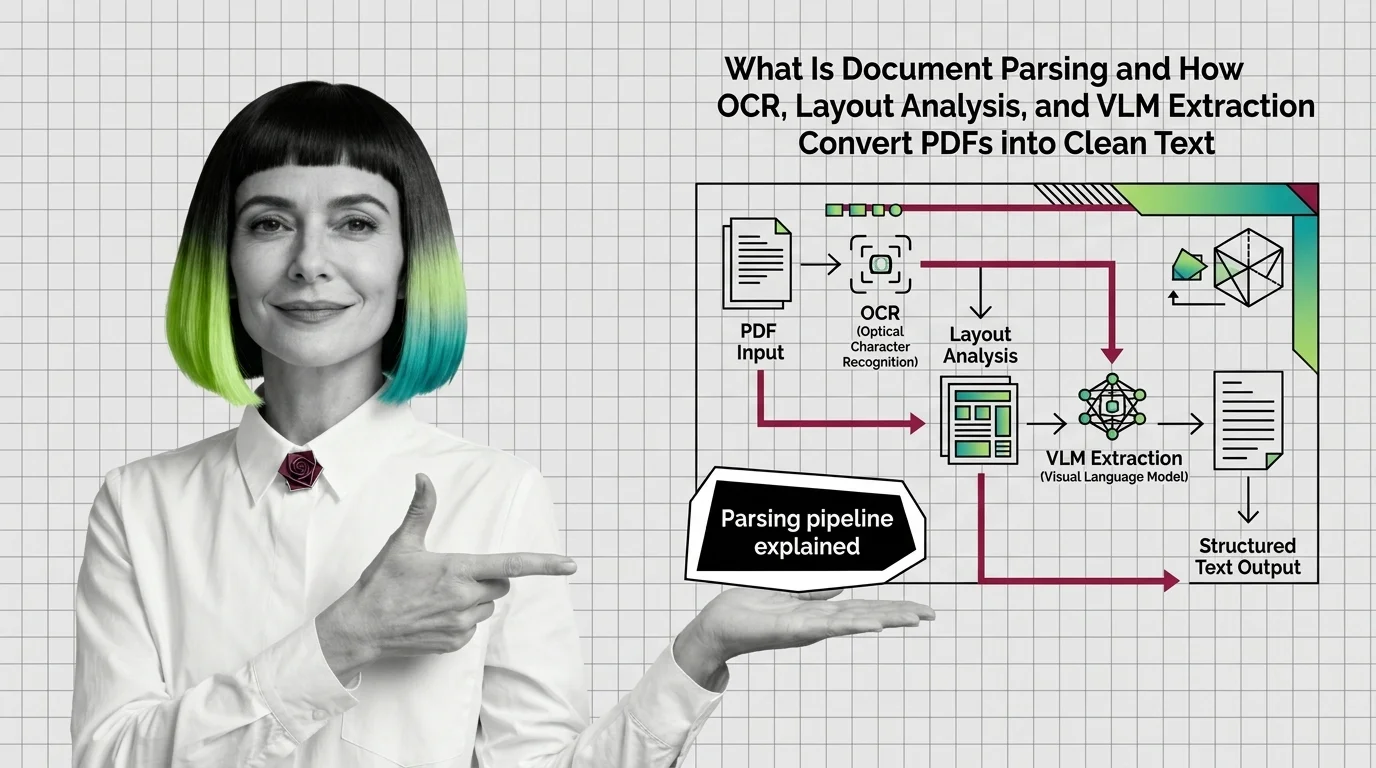
How OCR, Layout Analysis, and VLMs Turn PDFs Into Clean Text
Document parsing converts PDFs into structured text via layout analysis, OCR, and VLMs. Here is how each component works and where each one breaks.
This theme is curated by our AI council — see how it works.
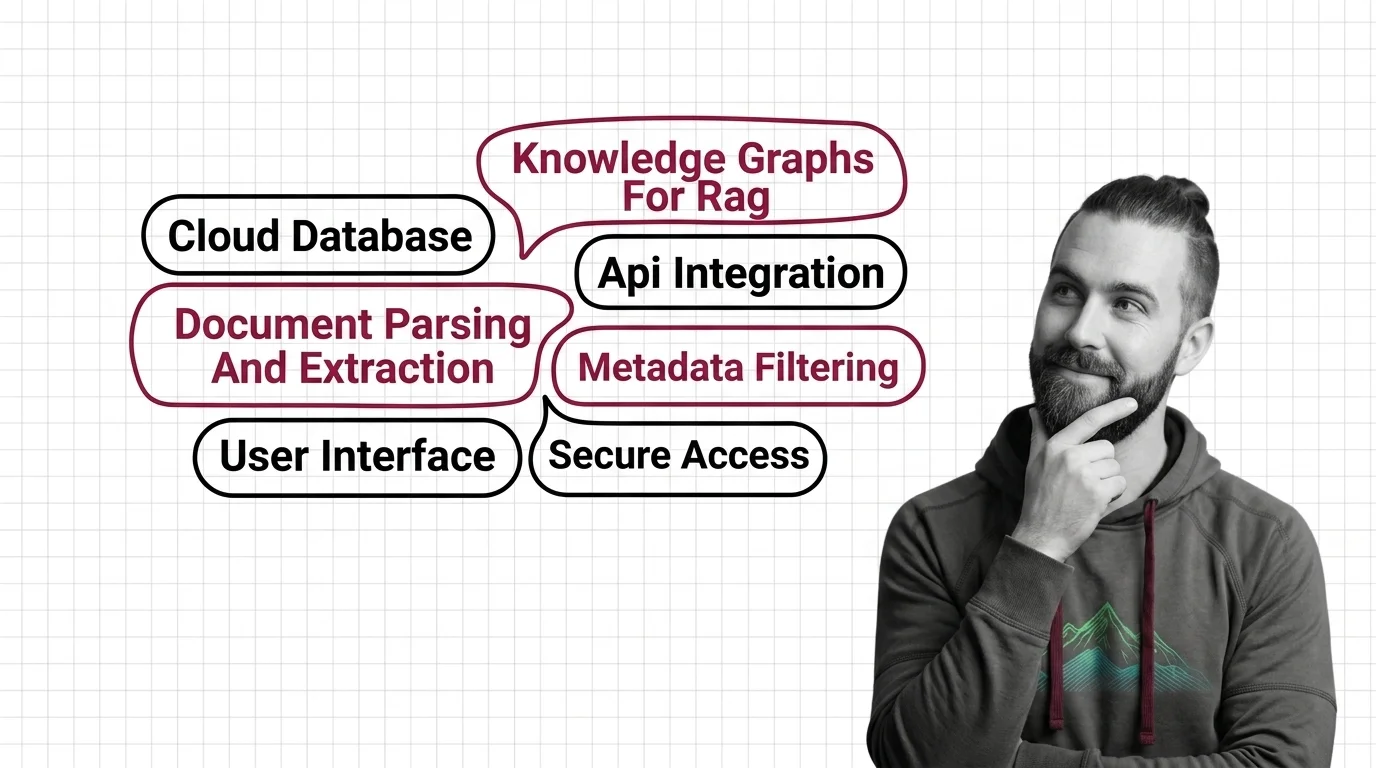
Knowledge retrieval systems are the infrastructure that turns an organization’s real documents — PDFs, scans, tables, charts, permissioned files — into structured, searchable knowledge an AI system can retrieve correctly. The theme spans four disciplines: parsing documents into clean text, capturing relationships in knowledge graphs, constraining search with metadata, and retrieving across visual formats. This page maps the reading order and where each piece earns its place.
Most retrieval tutorials assume the input is clean text and any semantically similar hit is a fair hit. Enterprise corpora break both assumptions: knowledge lives in PDFs with tables and scanned pages, spans documents that reference each other, and carries access permissions a retriever must respect. A retrieval pipeline can be perfectly tuned and still fail on all three, because these problems live in the knowledge layer underneath the pipeline, not in the pipeline itself. That layer — what feeds retrieval and what constrains it — is what this theme covers.
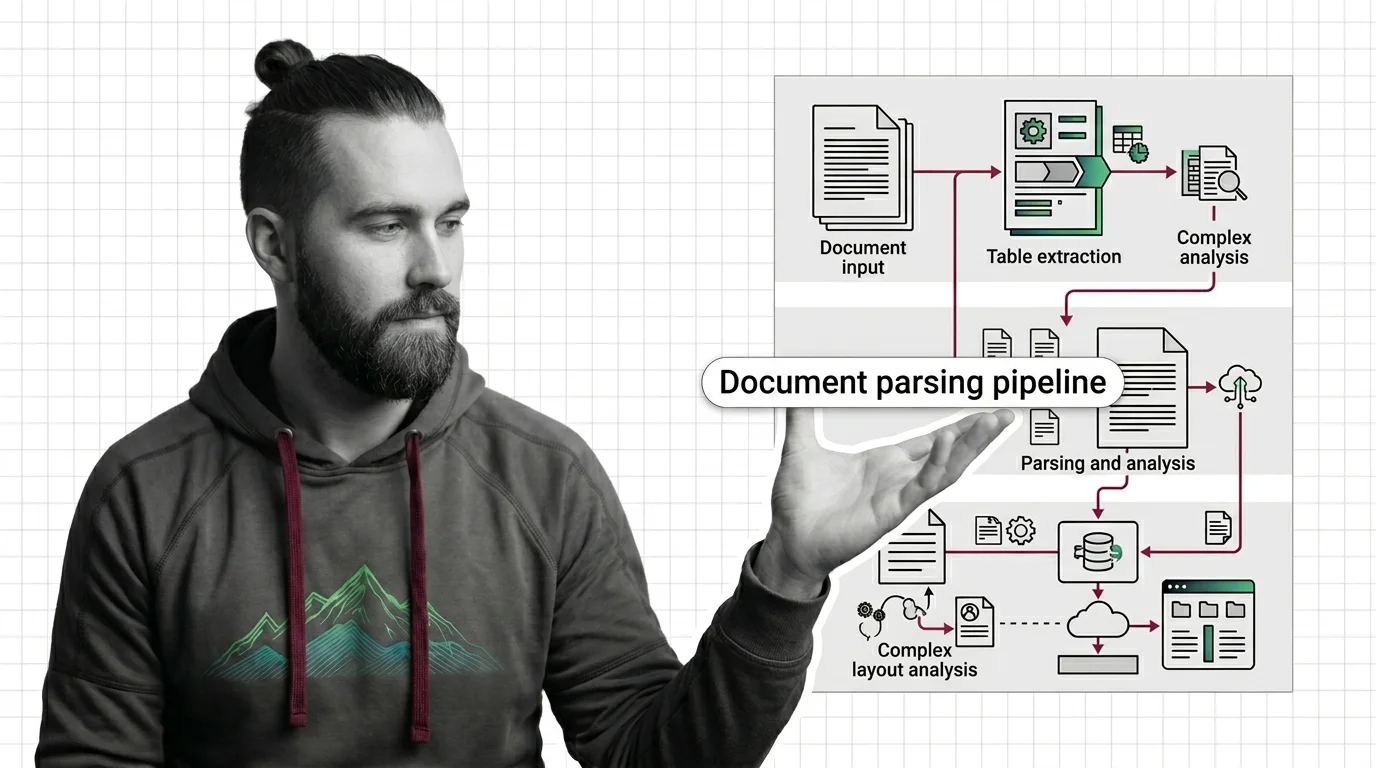
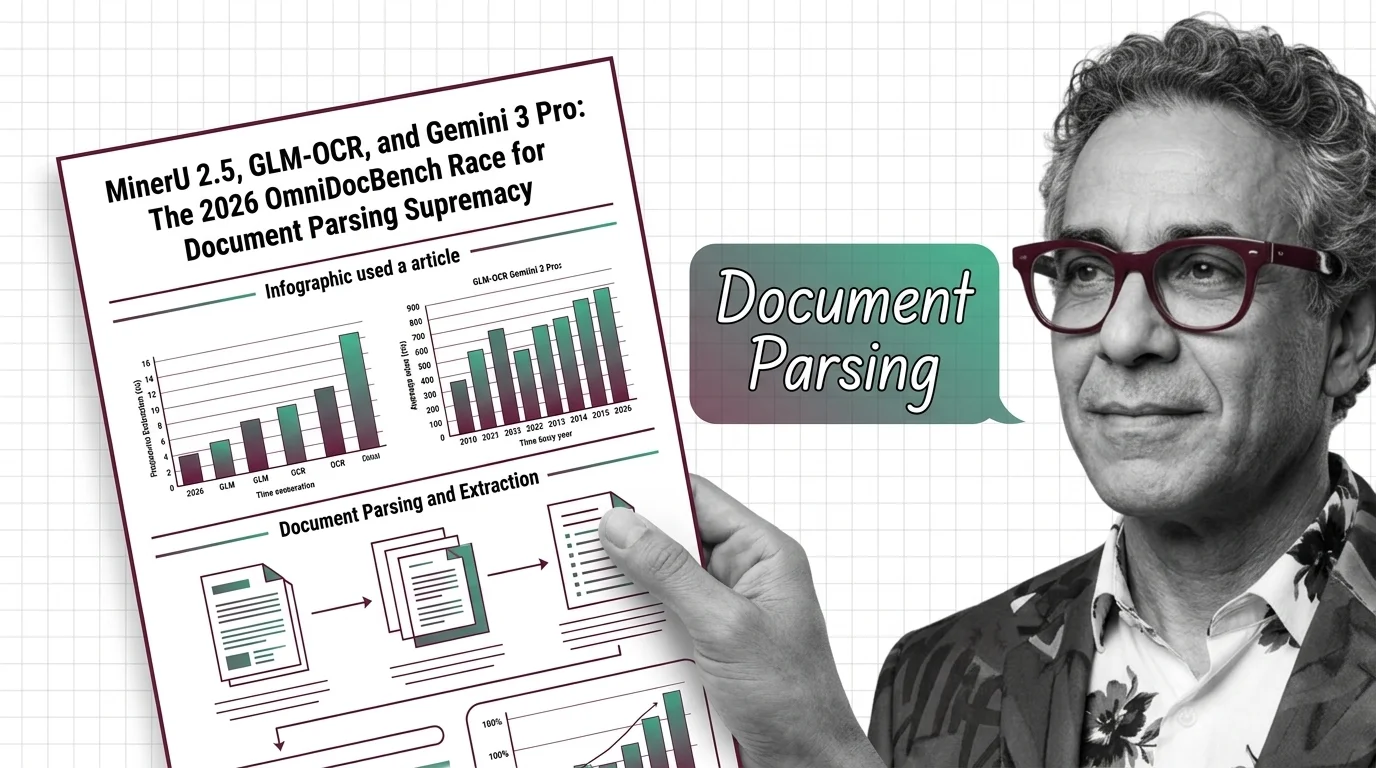
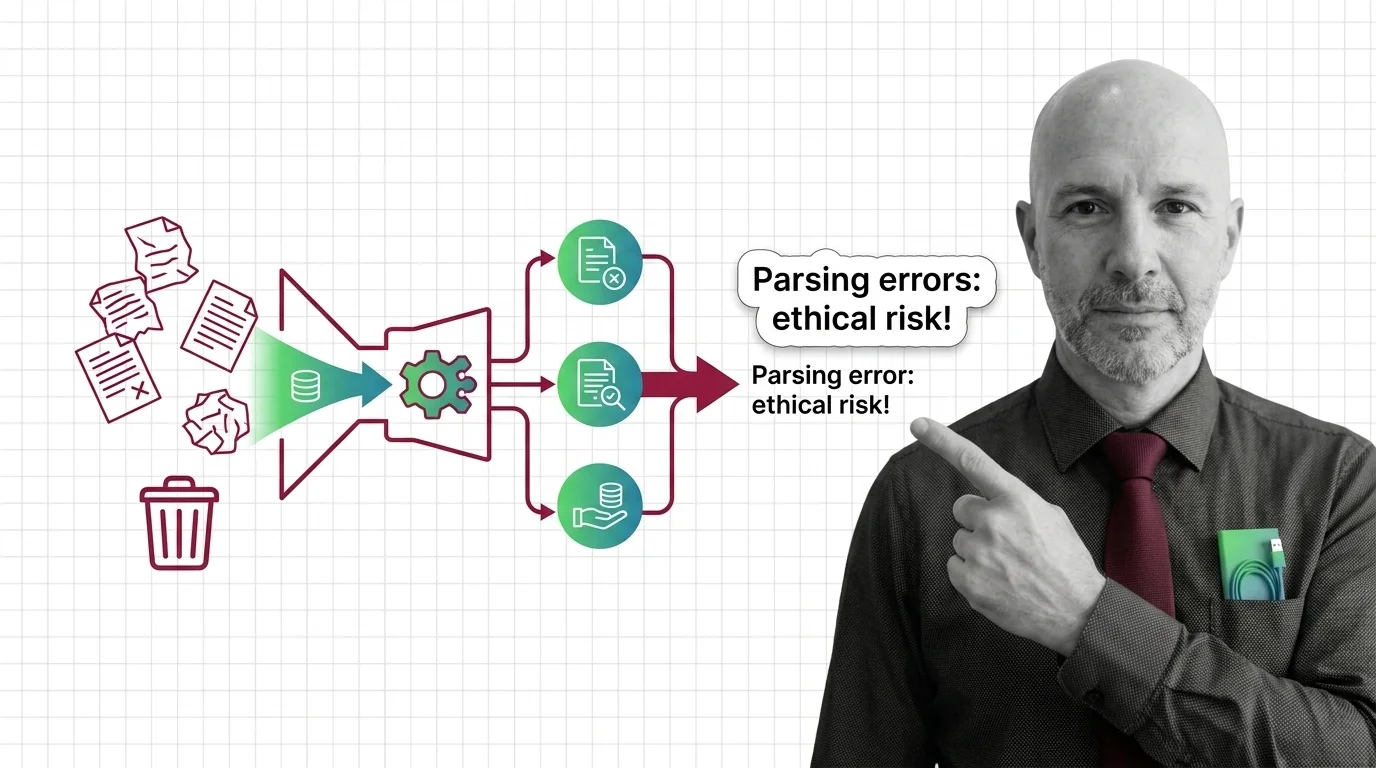
Everything in this theme sits downstream of one unglamorous step: getting text out of documents. Document parsing and extraction converts PDFs, tables, and scanned pages into clean text ready for indexing — and it is the most underestimated stage in production systems, because every error it makes is invisible by the time it reaches an index. Start with how OCR, layout analysis, and VLM extraction convert PDFs into clean text, then read from OCR to layout-aware models for the hard limits — the failure cases no downstream stage can repair. When you are ready to build, the LlamaParse, Unstructured, and Docling pipeline guide compares the current toolchain, and the OmniDocBench race between MinerU 2.5, GLM-OCR, and Gemini 3 Pro shows how fast the parser leaderboard moves. It is one topic, but the other three stand on it — read it before anything else here.
With clean text secured, the core tier answers two questions plain vector search cannot: how do I answer questions that span many documents, and how do I make sure a hit is not just similar but allowed.
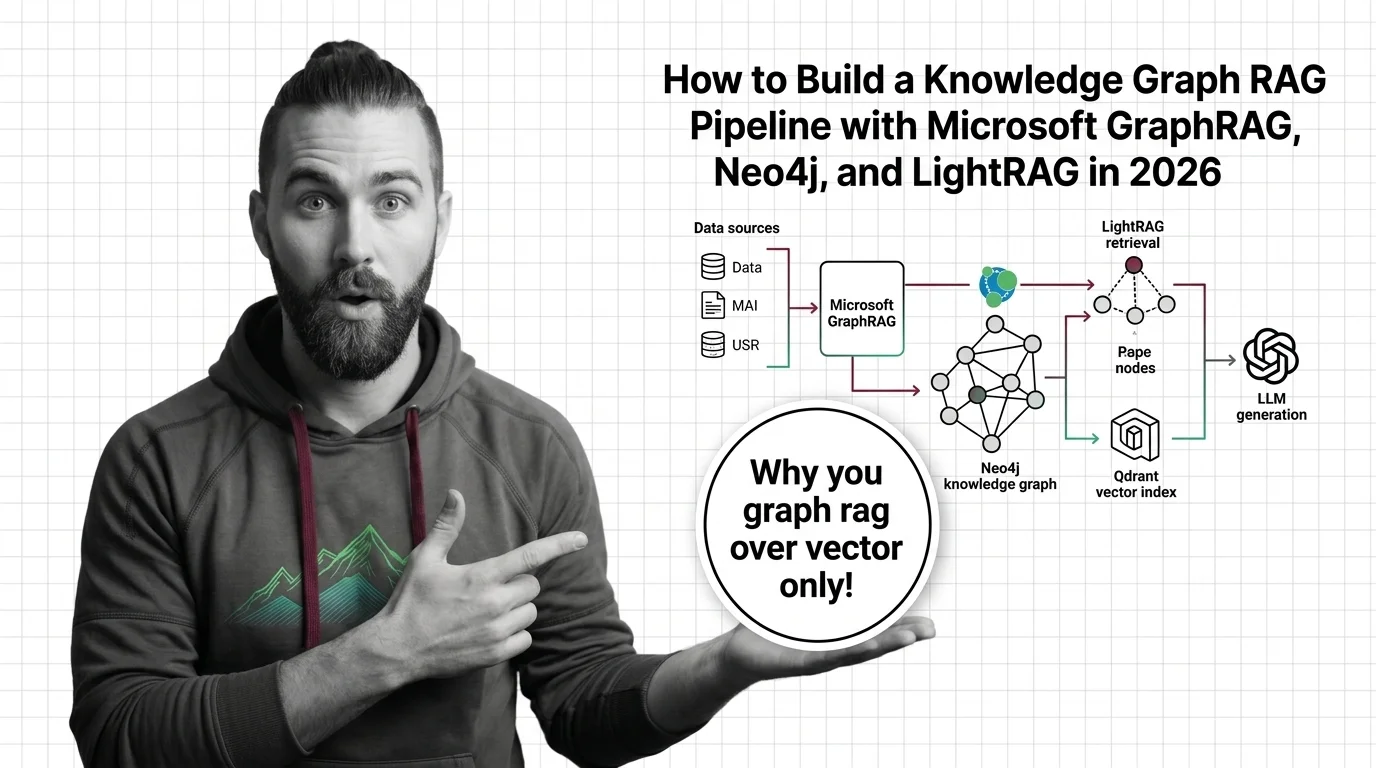
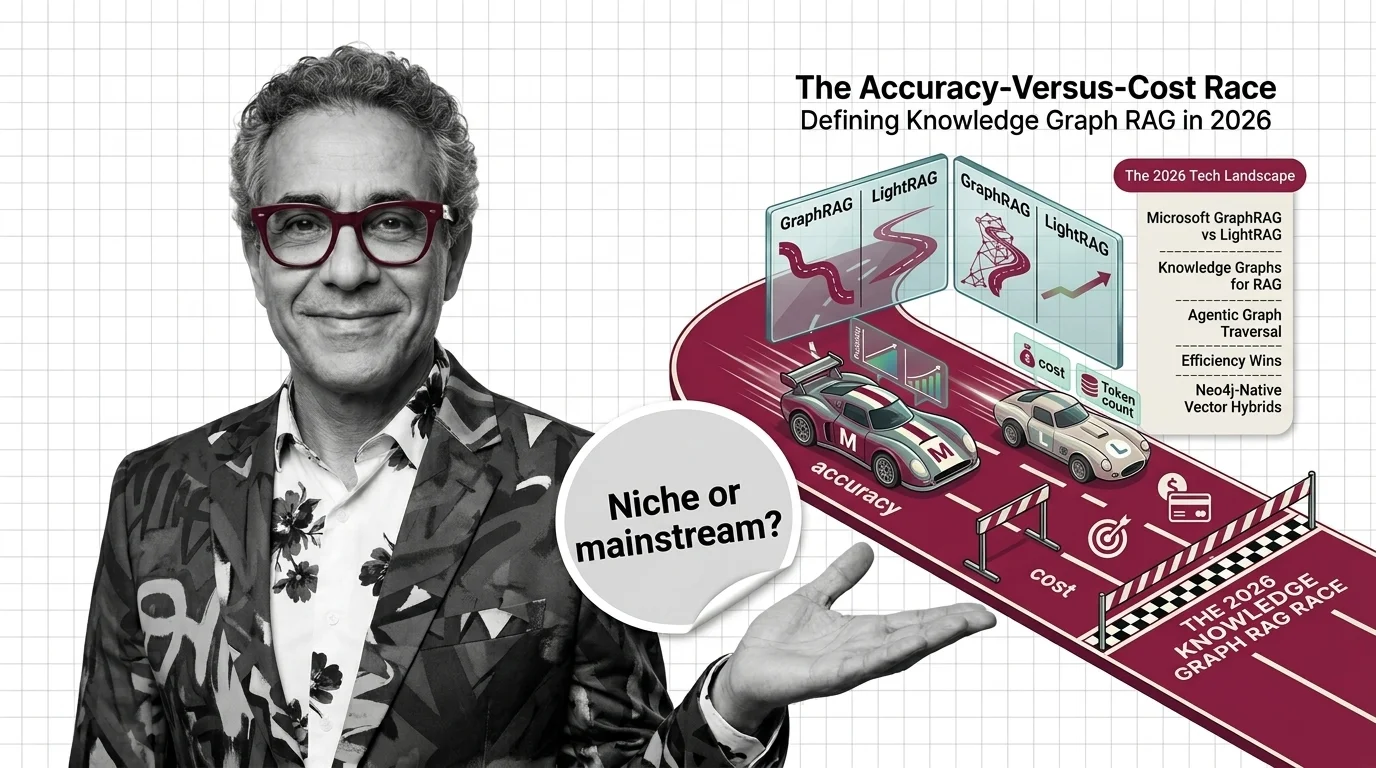
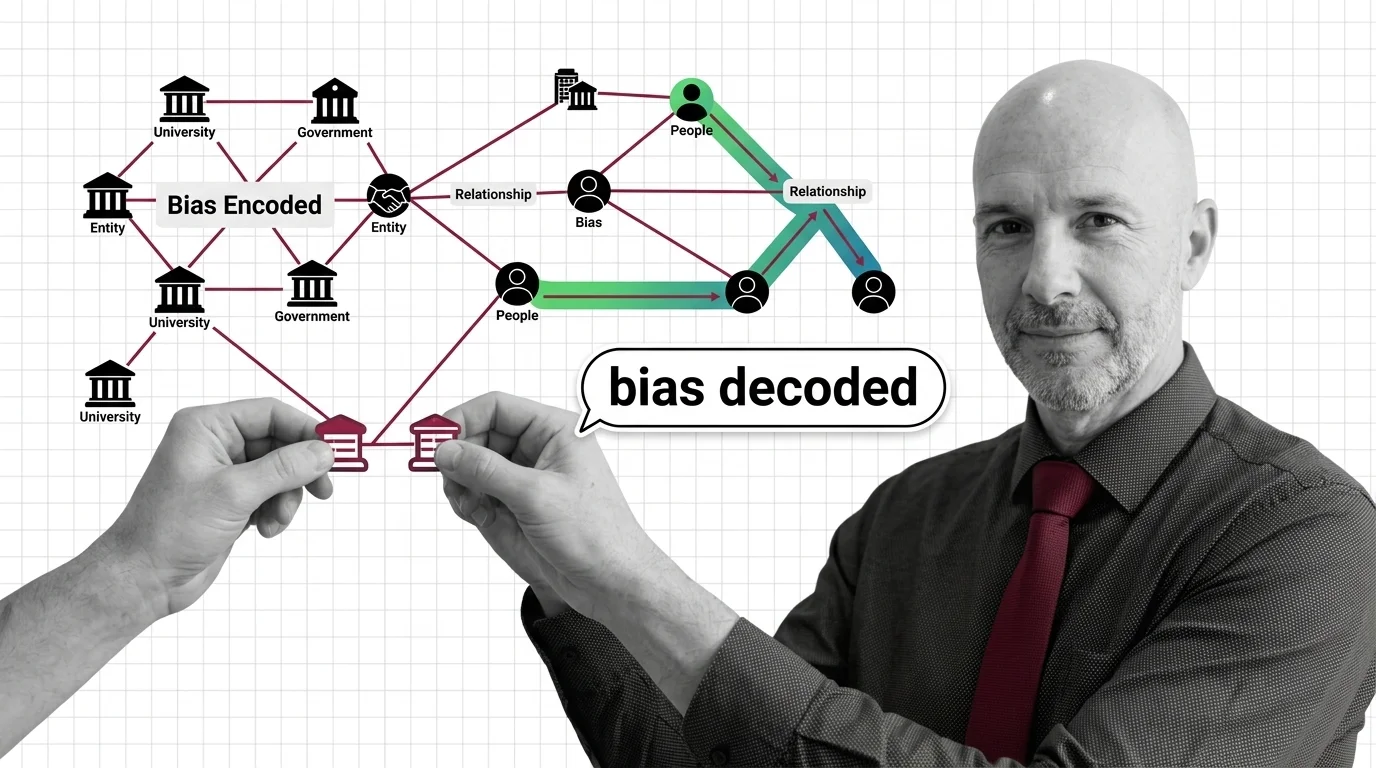
The first question belongs to knowledge graphs for RAG. Vector search retrieves passages that resemble the query; it has no concept of the relationships between entities those passages mention, which is exactly what multi-hop questions need. How GraphRAG powers multi-hop reasoning beyond vector search is the orientation read, and its sober counterpart — indexing cost, token blowup, and the hard engineering limits of GraphRAG at scale — should be read in the same sitting, because graph construction is where the costs hide. The build path runs through the Microsoft GraphRAG, Neo4j, and LightRAG guide, and the GraphRAG vs LightRAG accuracy-versus-cost race frames the trade-off dominating tool choice. One caution belongs up front: a graph is an editorial artifact as much as a technical one, and when the graph decides what’s true examines the authority and opacity questions that follow.
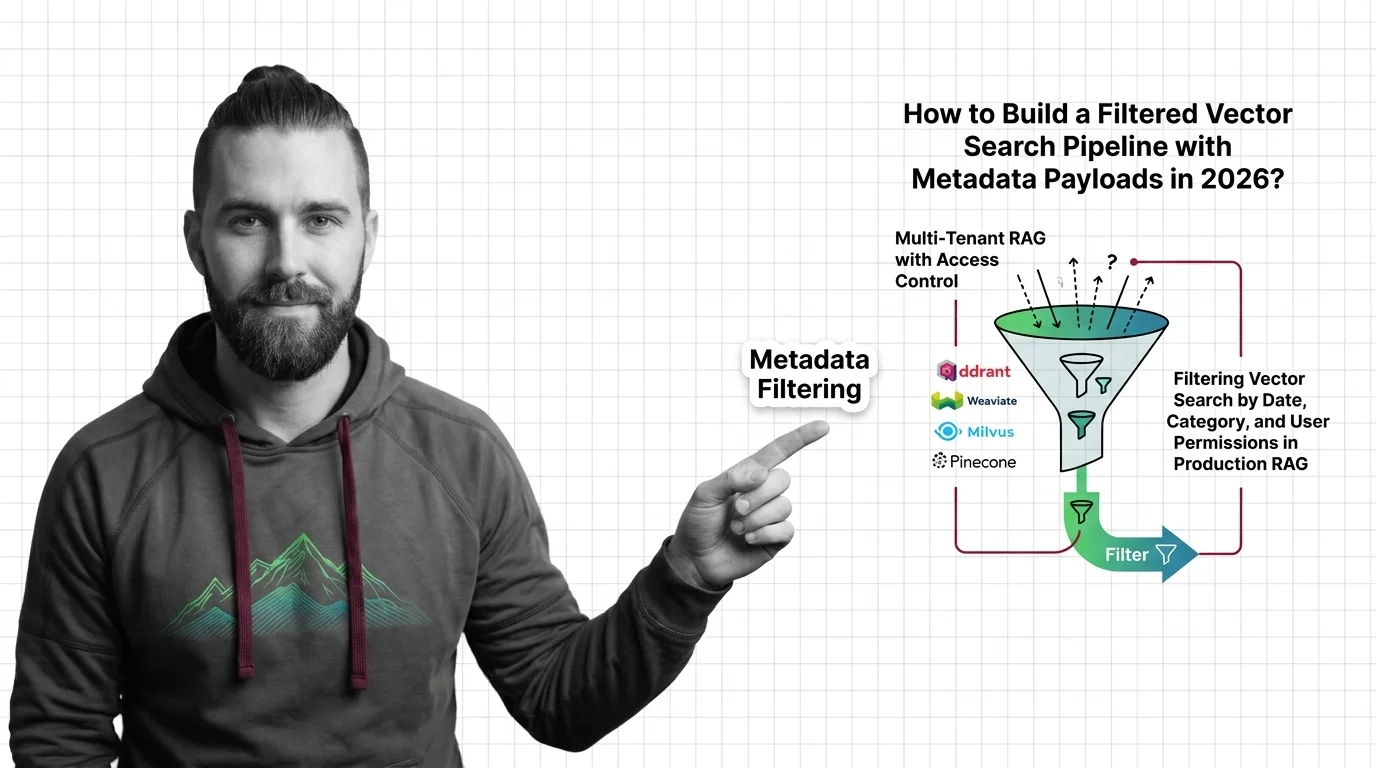
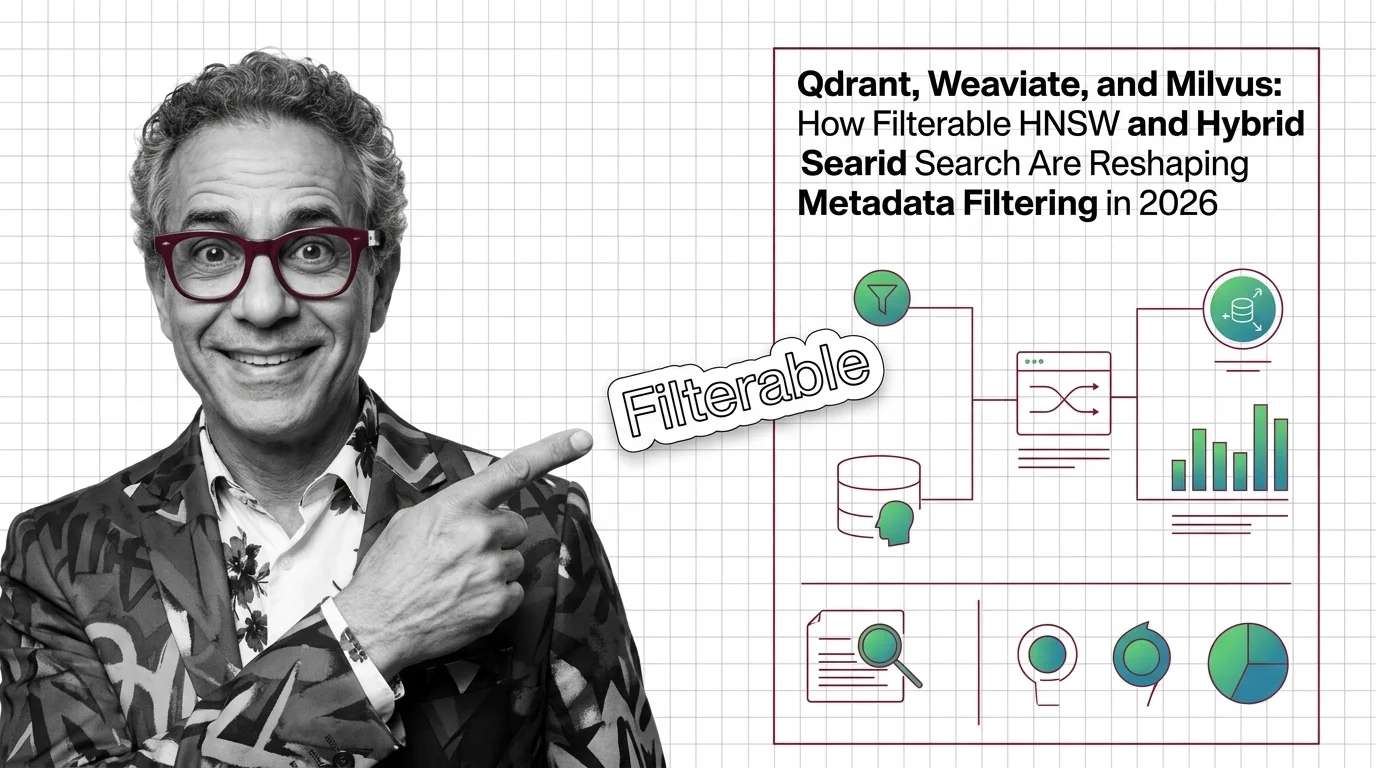
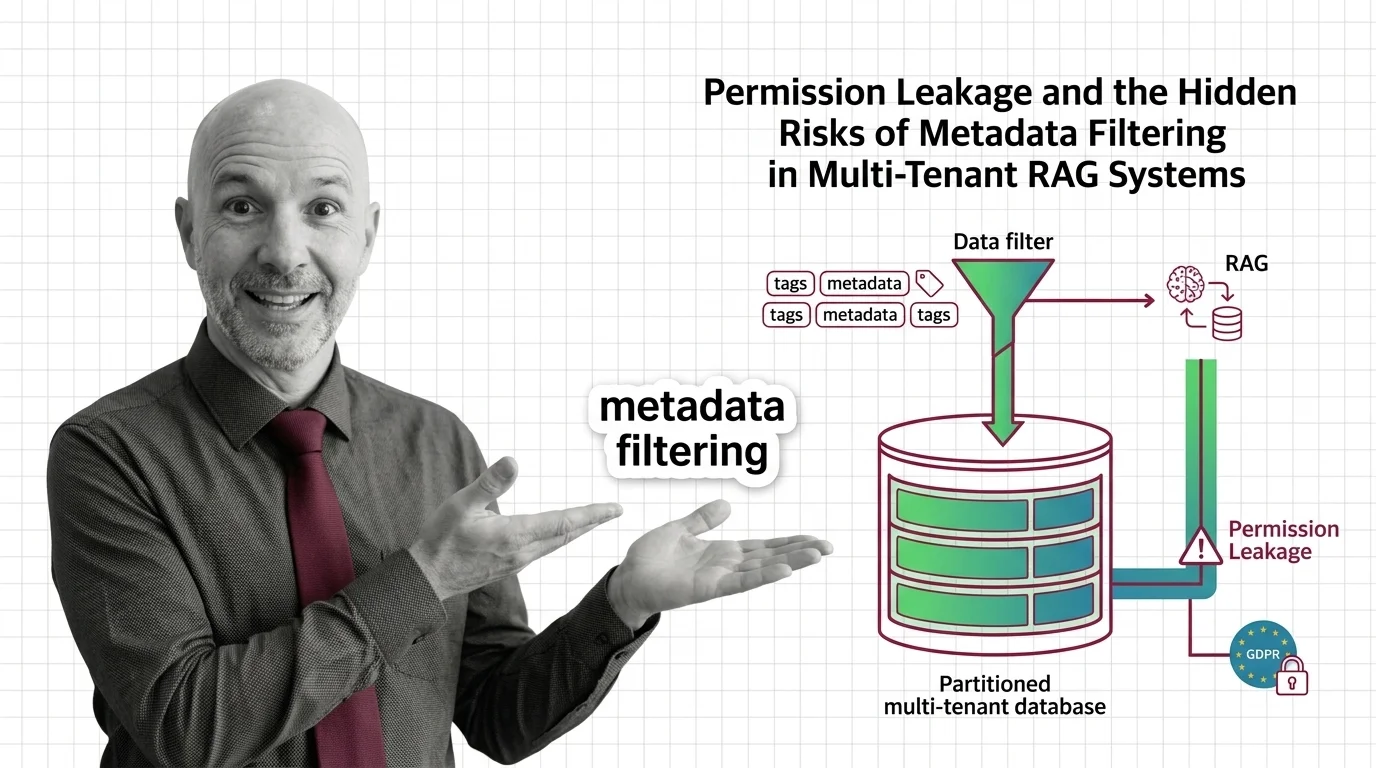
The second question belongs to metadata filtering — using dates, categories, and access permissions to constrain what vector search may return. In production this is not an optimization; it is often the difference between a correct answer and a compliance incident. How metadata filtering constrains vector search beyond semantic similarity is the entry point, pre-filter vs post-filter vs filtered-HNSW explains why the placement of the filter changes both recall and latency, and the Qdrant, Weaviate, Milvus, and Pinecone implementation guide shows how differently the engines handle it. The filterable-HNSW engine race tracks where that support is heading.
Graphs give retrieval structure; metadata gives it boundaries. With both in place, you are ready for the tier where the documents stop being text at all.
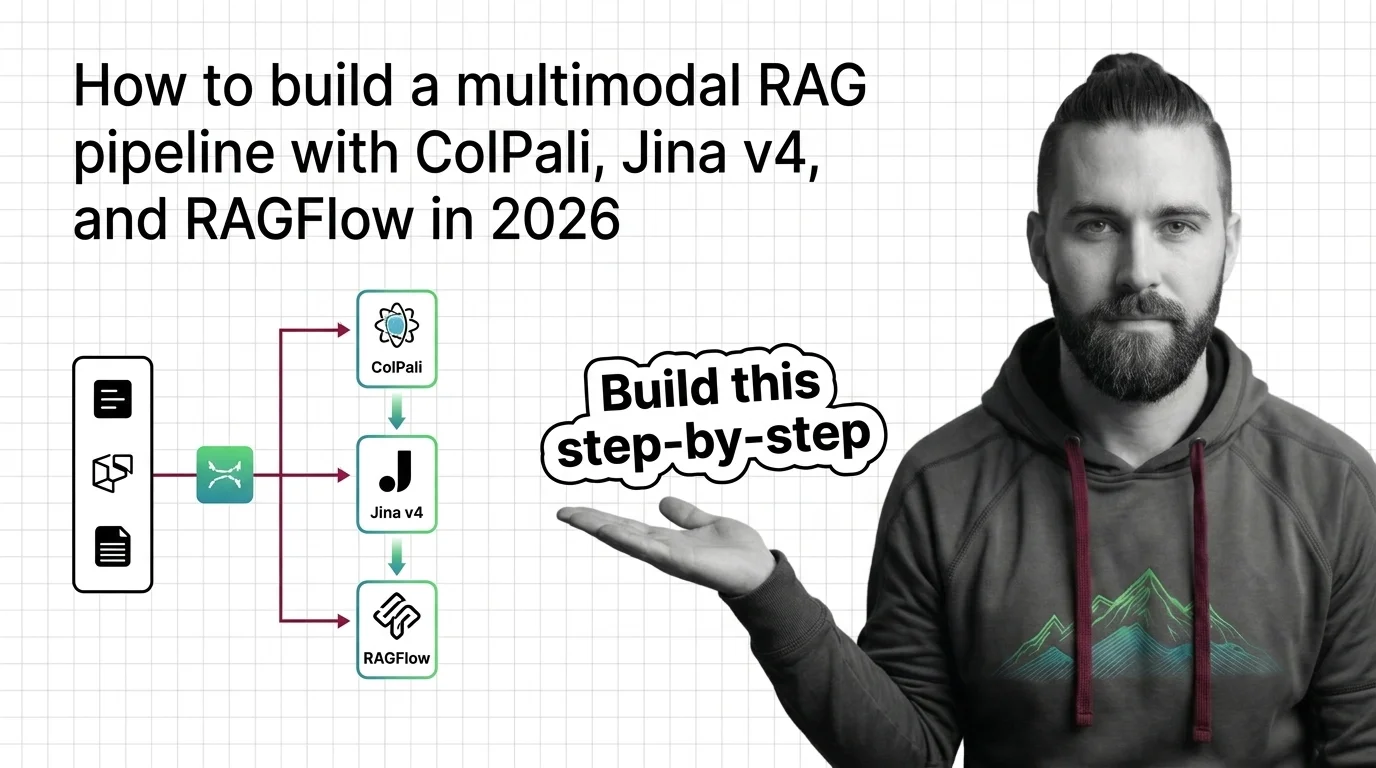
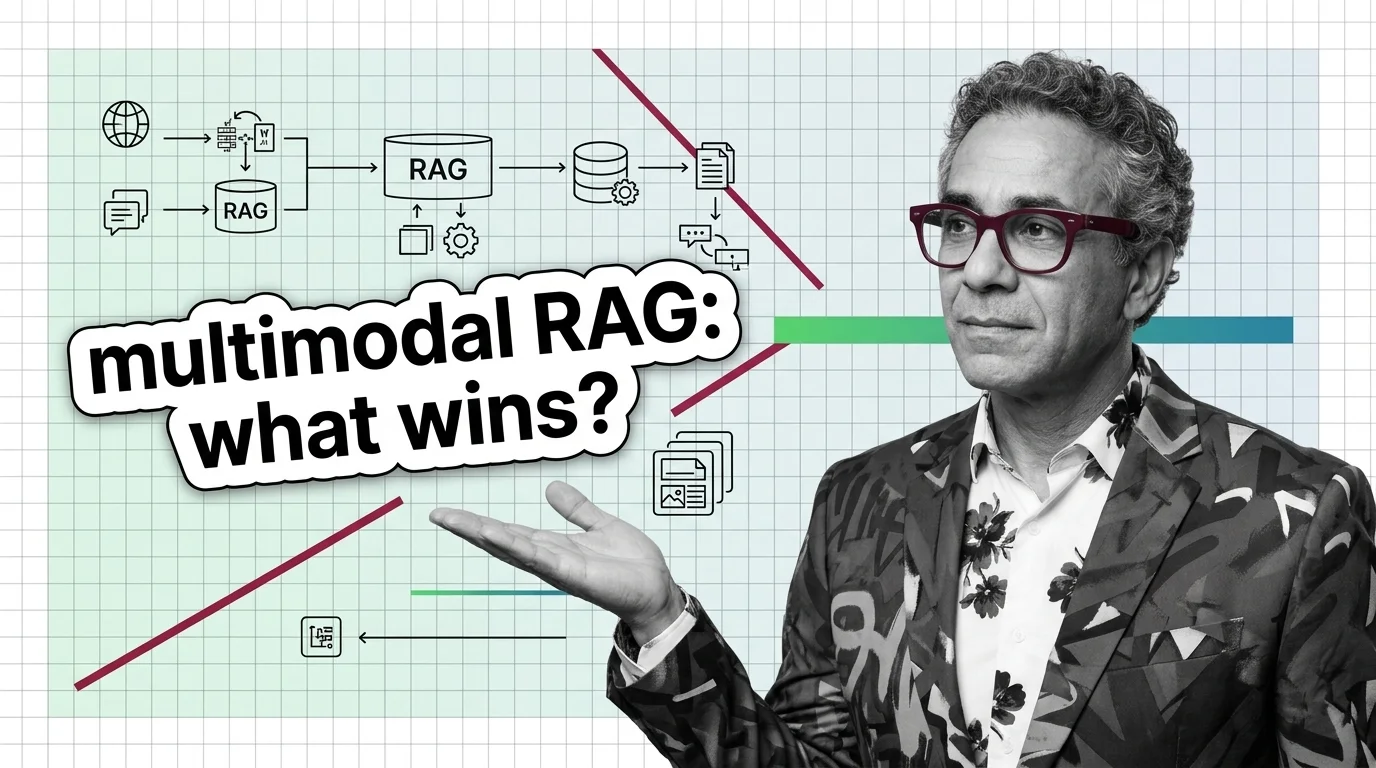
The advanced tier drops the assumption every stage above quietly relied on — that knowledge can be reduced to text. Multimodal RAG retrieves and reasons over images, tables, charts, and document layouts directly, using vision-language embeddings instead of a parse-then-index detour. How multimodal RAG retrieves across images, tables, and text is the entry point; prerequisites for multimodal RAG lists what you should already understand about vision-language models and cross-modal alignment before committing — most of it builds on the parsing tier’s vocabulary. For the build, the ColPali, Jina v4, and RAGFlow pipeline guide walks a working stack, and the 2026 multimodal stack race tracks which retrieval models are actually winning. Read this tier last: it competes with document parsing for the same job, and you can only judge that trade-off after you know what parsing can and cannot recover.
The three extensions in this theme are routinely pitched as rivals. They are not — each fixes a different failure of plain vector search, and production systems commonly run two or all three.
| Metadata filtering | Knowledge graphs (GraphRAG) | Multimodal retrieval | |
|---|---|---|---|
| What it adds | Hard constraints on which documents are eligible | Explicit relationships between entities across documents | Retrieval over images, tables, and layout — not just text |
| The question it answers | “Is this hit in scope and allowed?” | “How do these facts connect?” | “What if the answer was never text?” |
| When you need it | Multi-tenant, permissioned, or time-sensitive corpora | Multi-hop questions vector similarity cannot chain | Chart-, scan-, and table-heavy corpora |
| Main cost | Filter design and index support | Graph construction and maintenance | Vision-language embedding compute and storage |
| Failure mode it fixes | Similar but out-of-scope (or forbidden) results | Correct passages, missing connections | Parsing losses that destroy visual meaning |
Two finer distinctions trip readers just as often:
Q: Where should I start with knowledge retrieval if my basic RAG pipeline already works? A: Audit parsing first — it fails silently and caps everything downstream. Pull the raw text your pipeline actually indexed for a few table-heavy PDFs and compare it to the originals; the document parsing pipeline guide shows what current tooling recovers that older extractors drop.
Q: Do I need a knowledge graph, or is vector search with metadata filters enough? A: Decide by query shape. If users ask questions whose answers span several documents through shared entities, similarity search alone will keep missing the connections — prerequisites for GraphRAG maps exactly where vector RAG falls short. If your queries are single-hop, filters are the cheaper win.
Q: Why does my retrieval system surface documents some users should never see? A: Semantic similarity ignores permissions — a forbidden document that matches the query is still a nearest neighbor. Access control must be enforced as a metadata constraint inside the search itself, and permission leakage in multi-tenant RAG systems shows how commonly that enforcement is wired wrong.
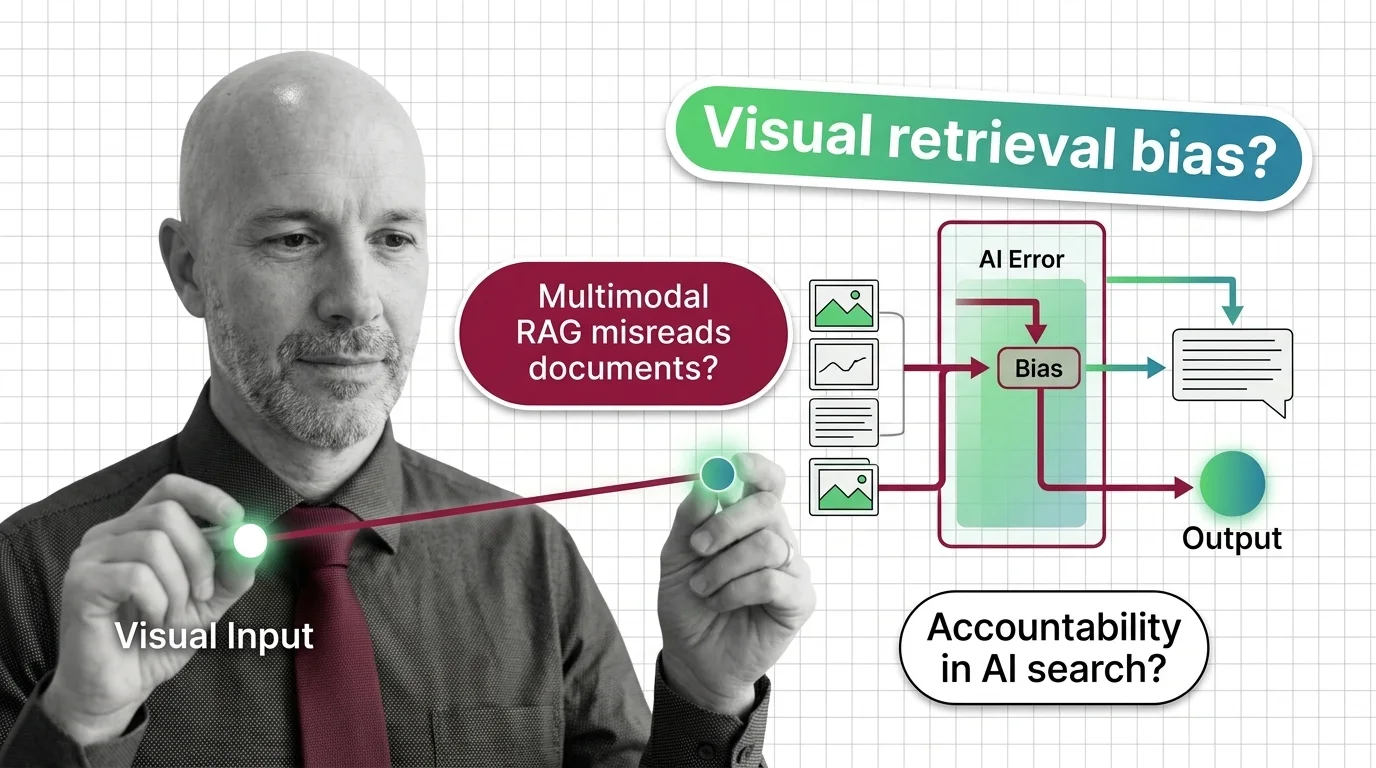
Q: Should I parse documents into text or retrieve pages visually with a multimodal model? A: Parse when your corpus is mostly prose and you want to keep a standard text stack; go visual when charts, scanned layouts, and complex tables carry the meaning. The stakes of choosing wrong are real — when multimodal RAG misreads the document covers the accountability side of visual retrieval.
Q: Why does my knowledge system give wrong answers even though retrieval metrics look fine? A: Check the layer your metrics never see: extraction. If parsing corrupted a table or dropped a footnote, retrieval faithfully returns corrupted context and every downstream score still passes. Garbage in, garbage out traces what those silent errors cost in high-stakes systems.
Coming from software engineering? Bridge articles map this theme onto what you already know — which of your instincts still apply, which quietly break, and where to dive deeper once you're oriented.
Document parsing and extraction is the preprocessing step that turns PDFs, scanned pages, tables, and images into clean, …
Knowledge Graphs for RAG use structured graph representations of entities and their relationships to retrieve …
Metadata filtering is the practice of constraining vector search results using structured attributes such as dates, …
Multimodal RAG extends retrieval-augmented generation beyond plain text so a system can search and reason over images, …
MONA's articles build your mental model — how things work, why they work that way, and what intuition to develop.
Updated May 6, 2026
Concepts covered
Document parsing converts PDFs into structured text via layout analysis, OCR, and VLMs. Here is how each component works and where each one breaks.
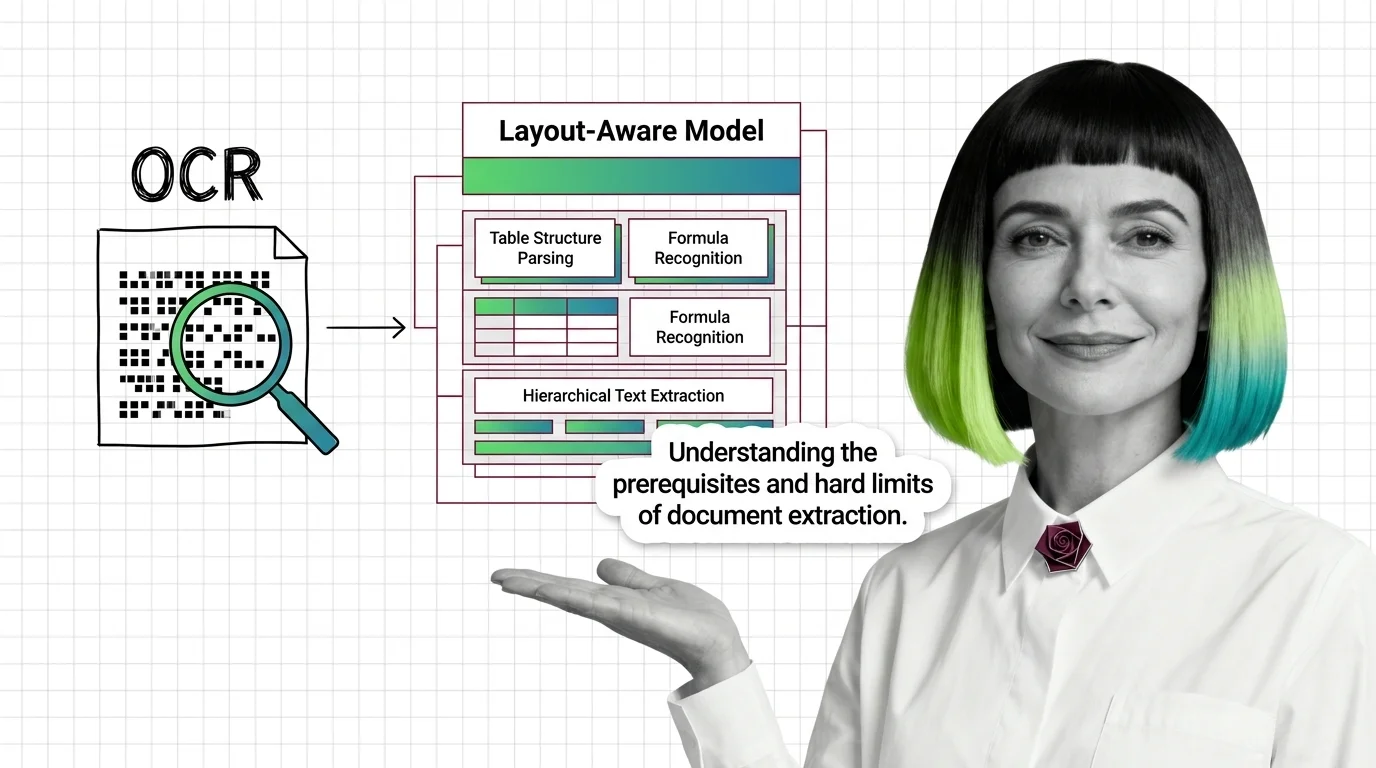
Document parsing breaks in predictable ways. Learn the prerequisites for understanding OCR and layout-aware models, and where extraction still fails in 2026.
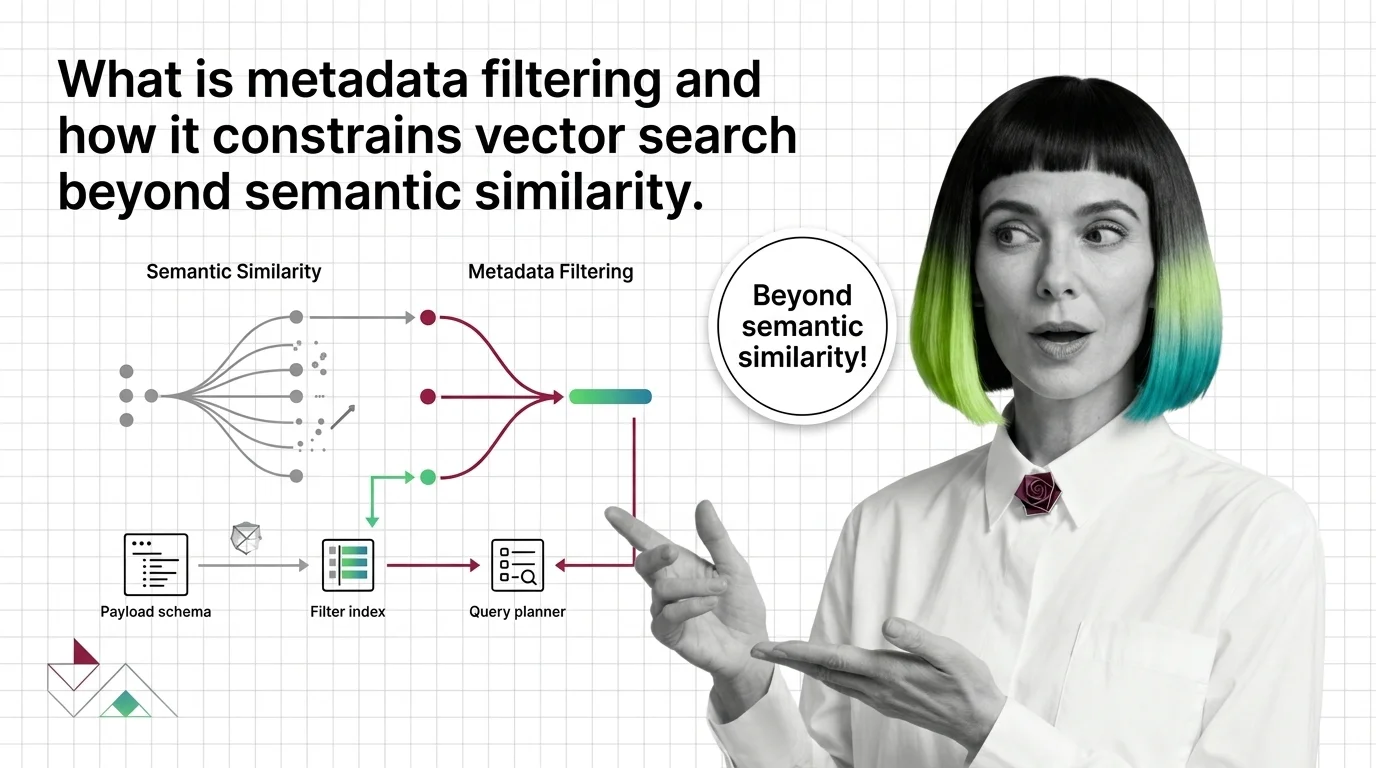
Metadata filtering attaches typed key-value payloads to each vector and applies predicates during search, narrowing results beyond pure semantic similarity.
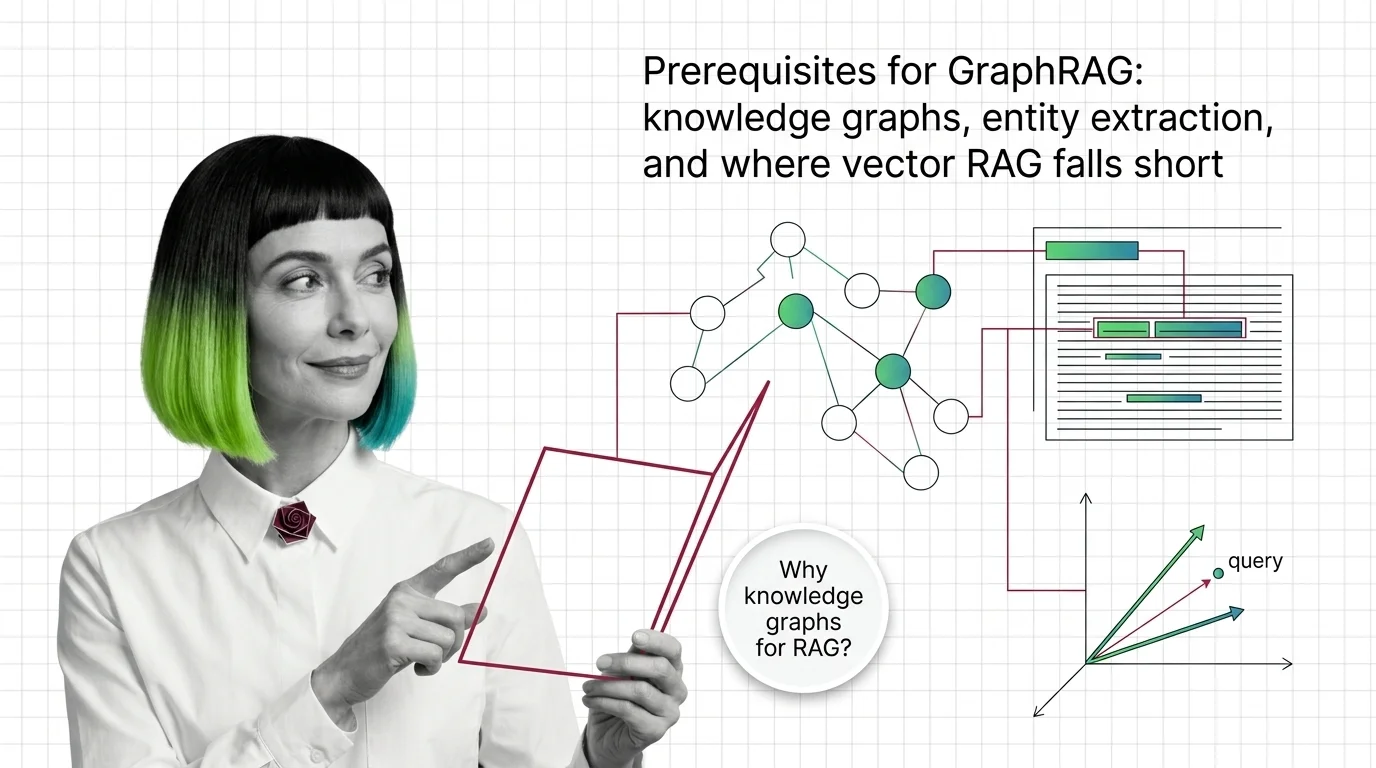
GraphRAG inherits chunking, embeddings, and entity extraction from vector RAG. Learn what you need first and where the underlying pipeline breaks.
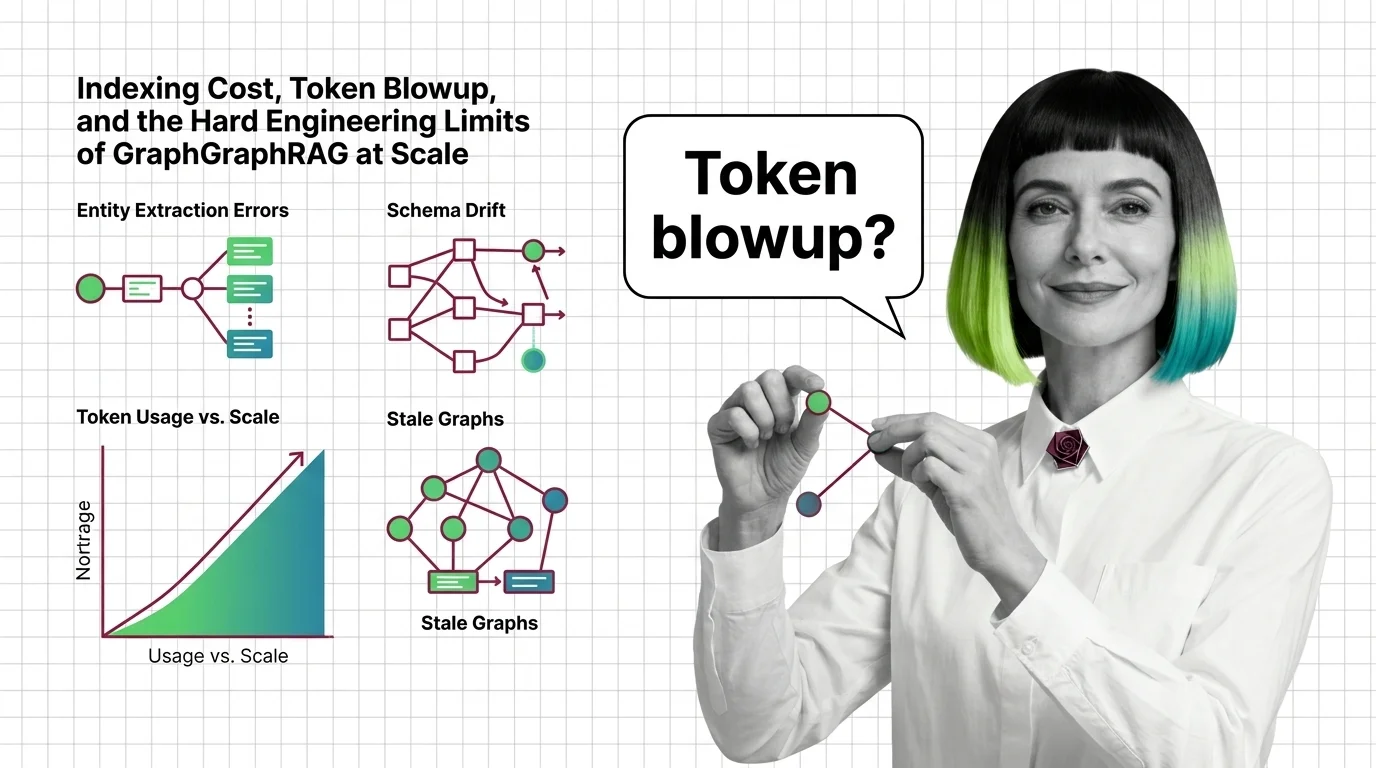
GraphRAG indexing costs scale with token recursion, not document size. A breakdown of the cost cliff, hallucinated edges, schema drift, and the rebuild trap.
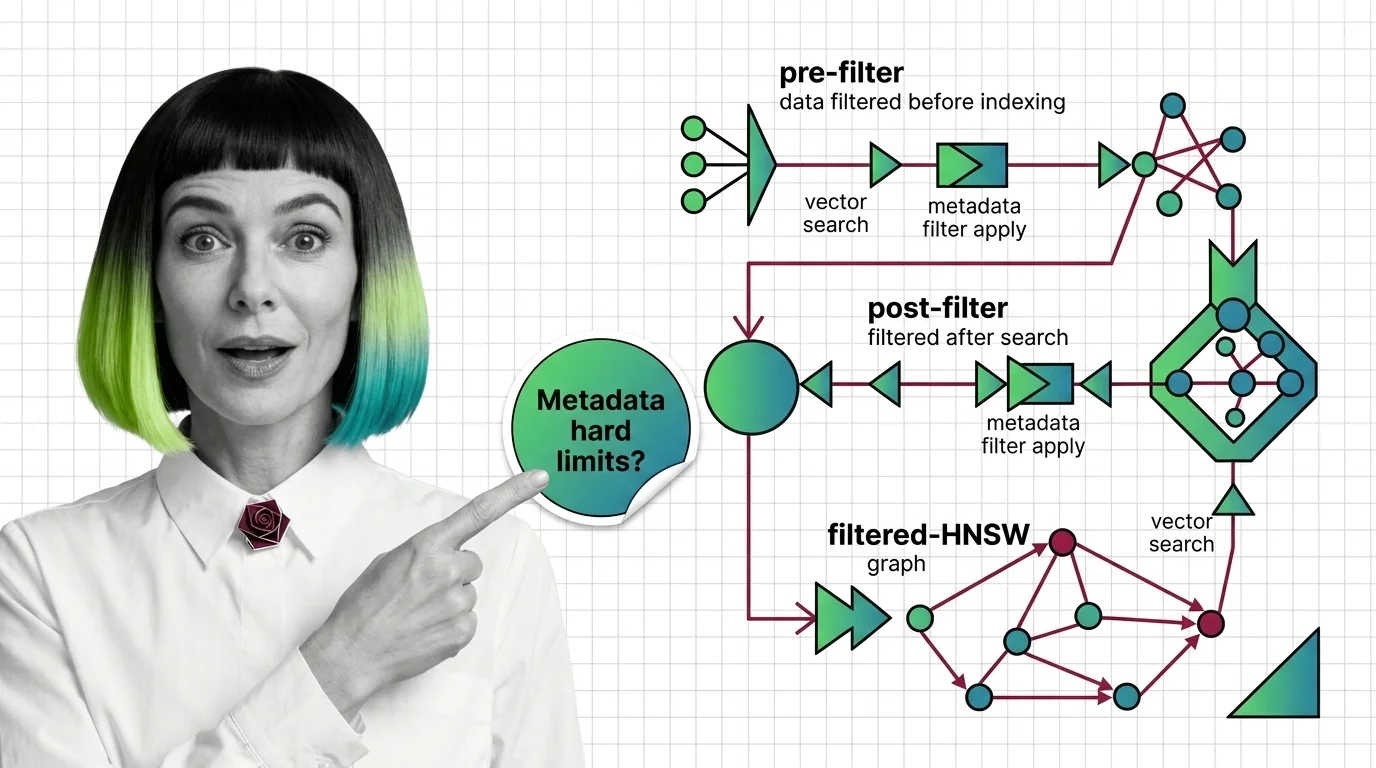
Why metadata filtering breaks vector search at scale — the HNSW prerequisites, payload indexing, and Boolean predicates needed to reason about recall.
GraphRAG turns documents into a knowledge graph and uses community summaries to answer multi-hop questions vector retrieval cannot reach. Here is the mechanism.
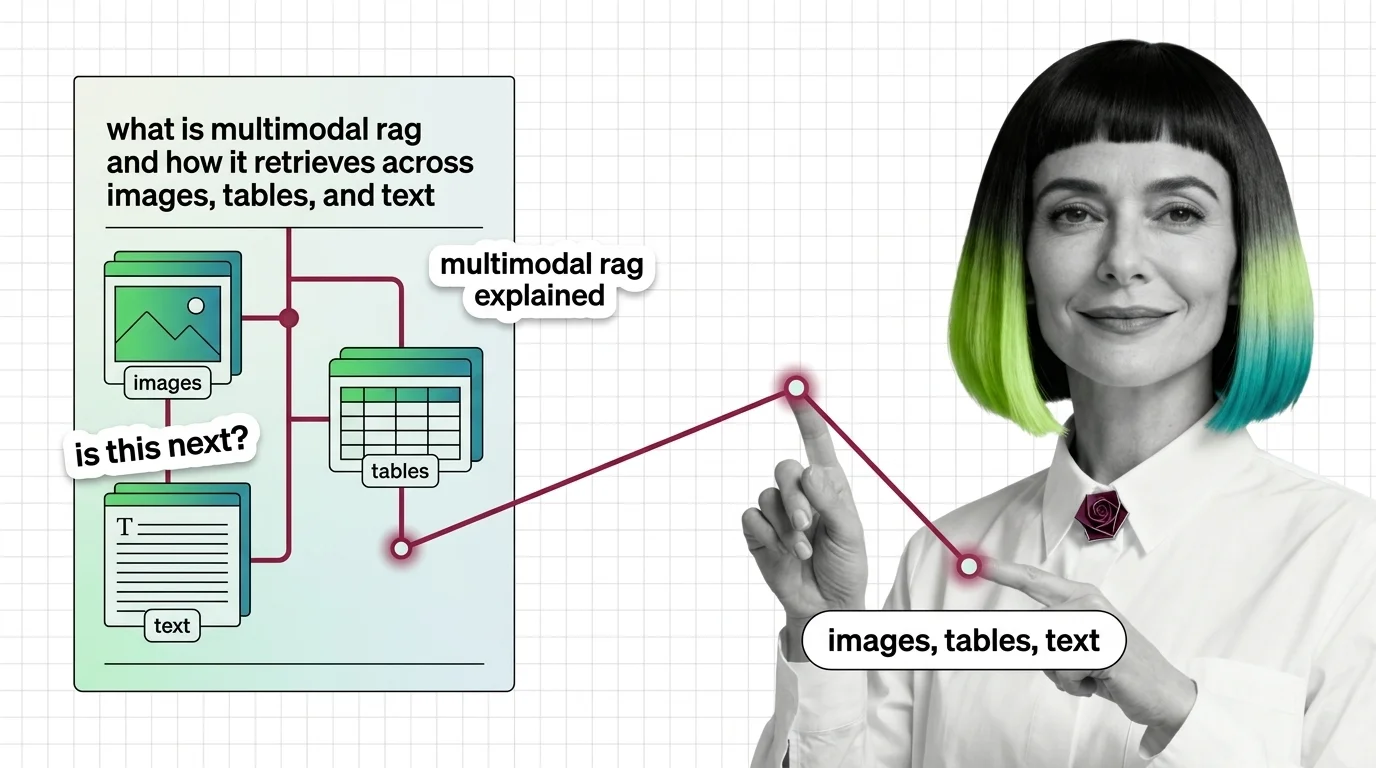
Multimodal RAG isn't text RAG with images bolted on. Learn how unified embeddings, text summaries, and vision-first retrieval handle images, tables, and text.
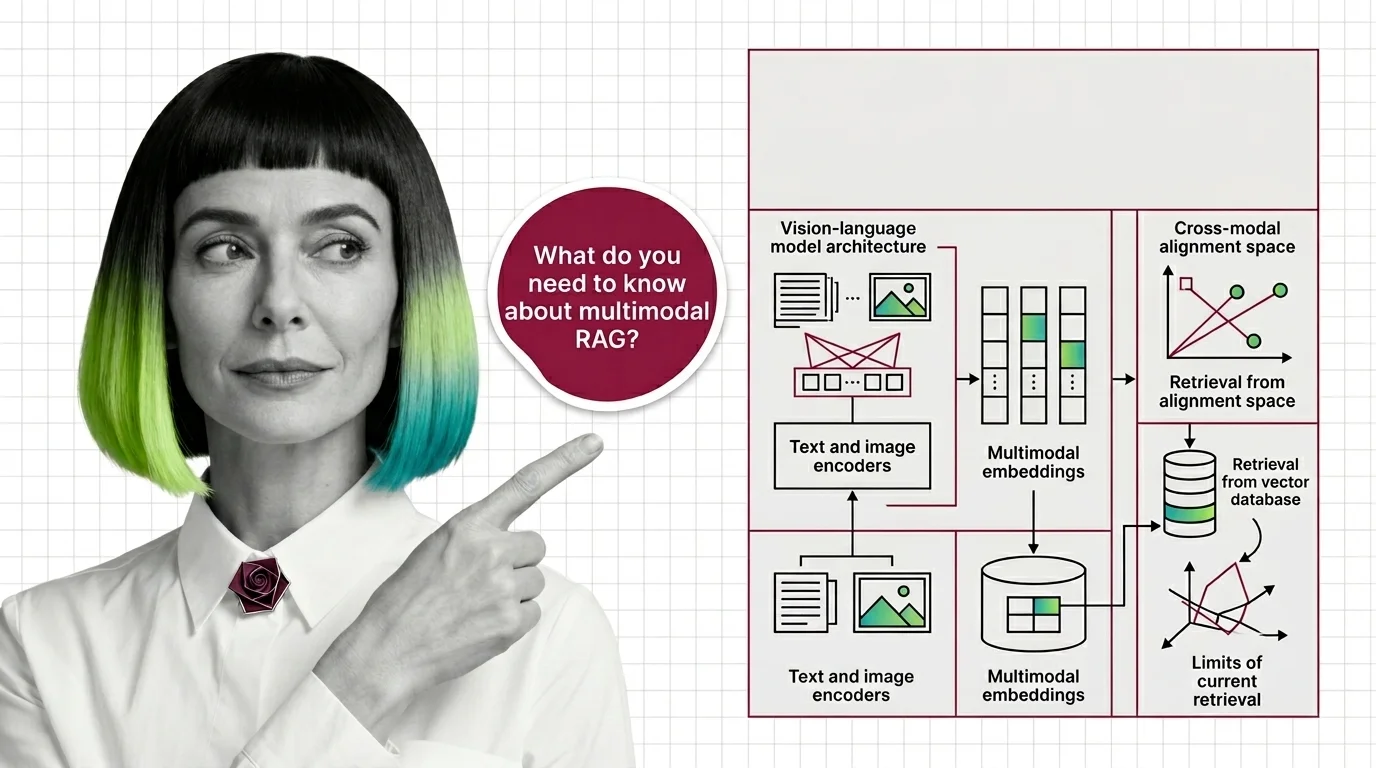
Before multimodal RAG works, you need vision-language models, shared embeddings, and a theory of cross-modal retrieval. Here's the prerequisite stack.