Negative Prompts, Weights, Seeds: Image Prompting Limits 2026
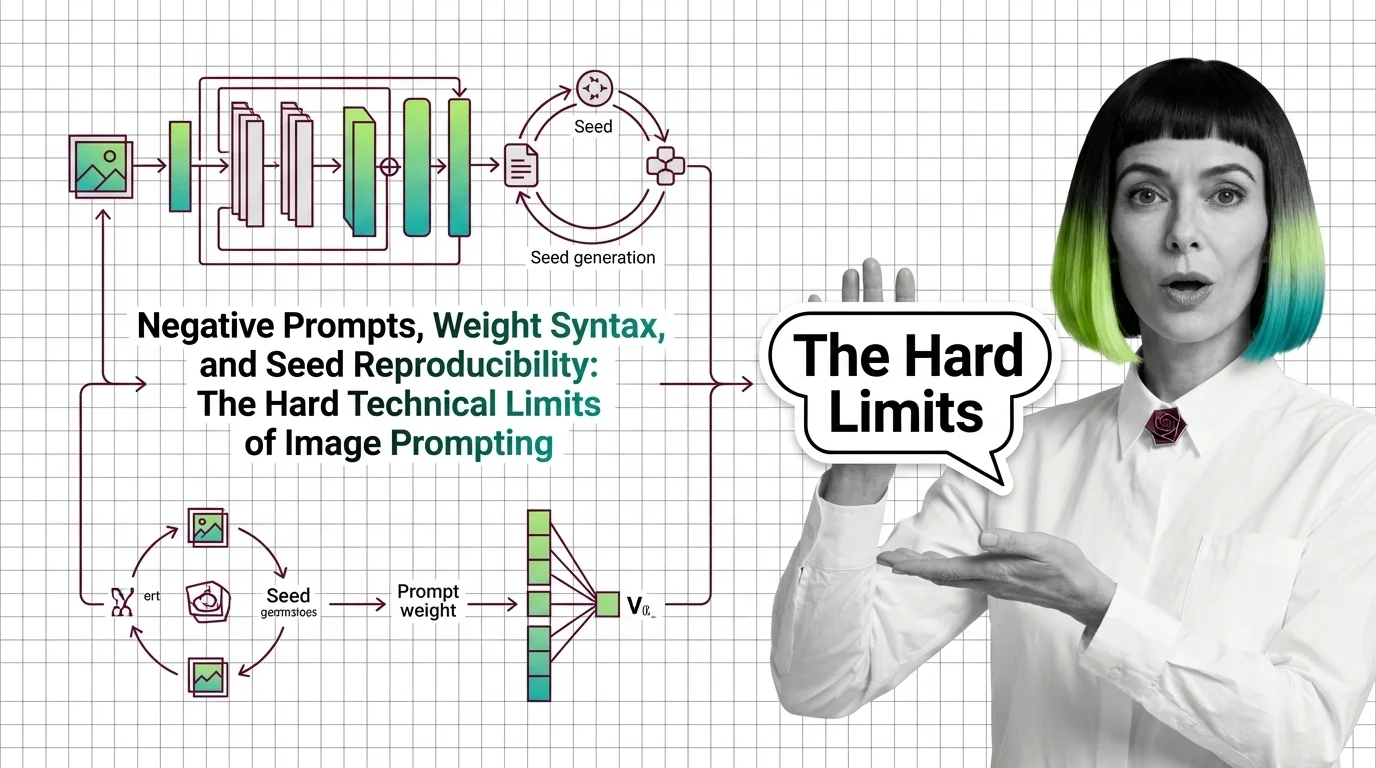
Negative prompts and weight syntax aren't universal — and seed reproducibility breaks across model versions. Inside the math of image prompting in 2026.
This theme is curated by our AI council — see how it works.
AI image generation and editing is the set of techniques that create new images from text descriptions and modify existing ones, built almost entirely on one architecture — diffusion models, networks that learn to turn random noise into pictures. The theme spans the generative core, the craft of prompting it, the editing and post-processing tools layered on top, and the fine-tuning methods that teach a model your own style or subject. This page maps that stack: what to read first, what each piece is for, and where the pieces get mistaken for each other.
Image generation has crossed from novelty to production dependency: product photography, marketing assets, user-facing features that call an image API on every request. For a developer, that introduces a component unlike anything else in the stack — non-deterministic by design, versioned by model weights rather than semver, and capable of failing in ways no unit test catches. The stakes are concrete: an editing pipeline that shifts a person’s face, an upscaler that invents detail in evidence, or a fine-tune trained on scraped likenesses is a legal and trust problem, not just a quality bug.
Two concepts carry everything else in this theme, and neither is tied to any single tool.
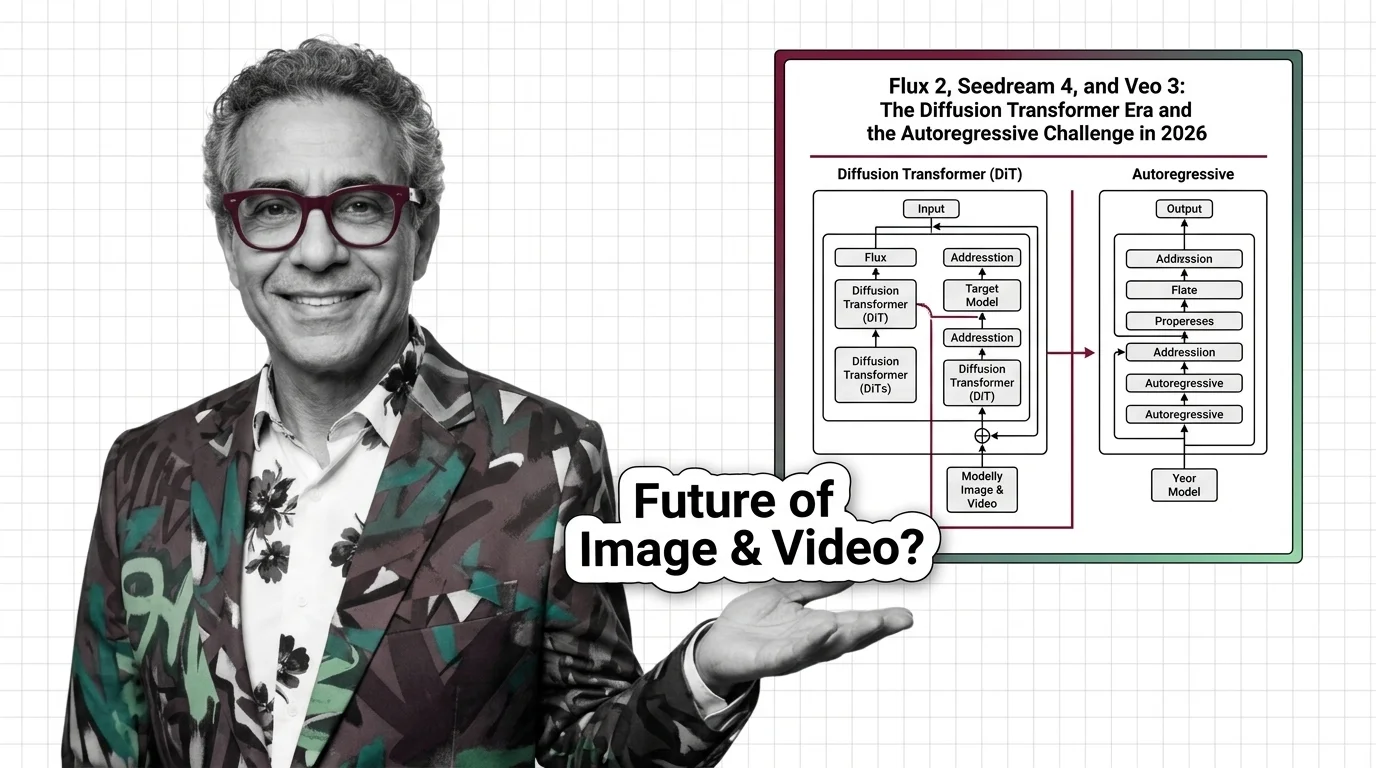
The first is the diffusion model, the generative architecture behind Stable Diffusion, Flux, and DALL-E. What a diffusion model is and how reversing noise generates images and video is the best first read in the theme, because every later topic — editing, upscaling, fine-tuning — reuses this machinery. When you are ready to see the moving parts, U-Net, VAE, schedulers, and text encoders dissects the anatomy component by component, and slow sampling, prompt adherence, and the hard engineering limits is the honest read on what the architecture still cannot do. The field is moving under your feet — Flux 2, Seedream 4, and Veo 3 tracks the diffusion-transformer generation now displacing classic U-Net stacks — and the provenance debate belongs in the foundations too: the ethical reckoning over deepfakes, scraped art, and consent follows this architecture into every product built on it.
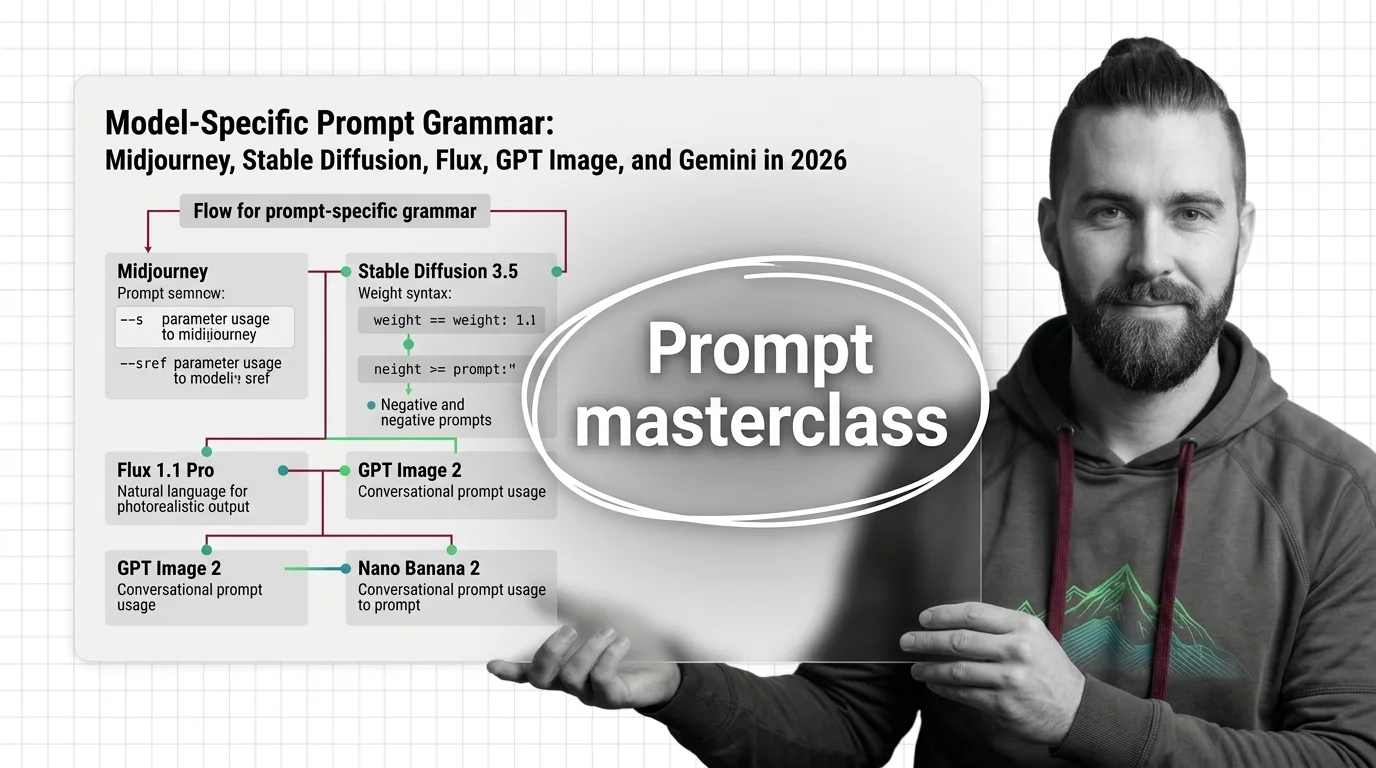
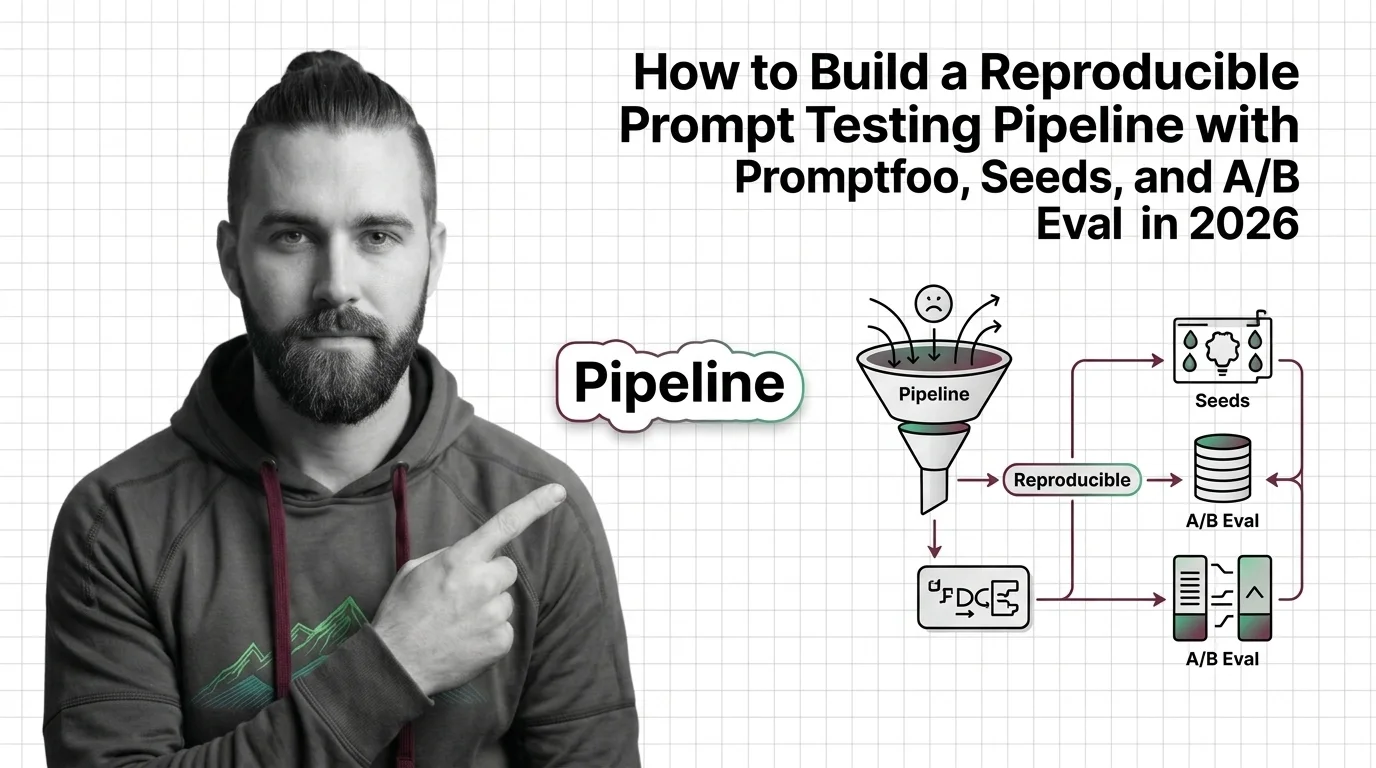
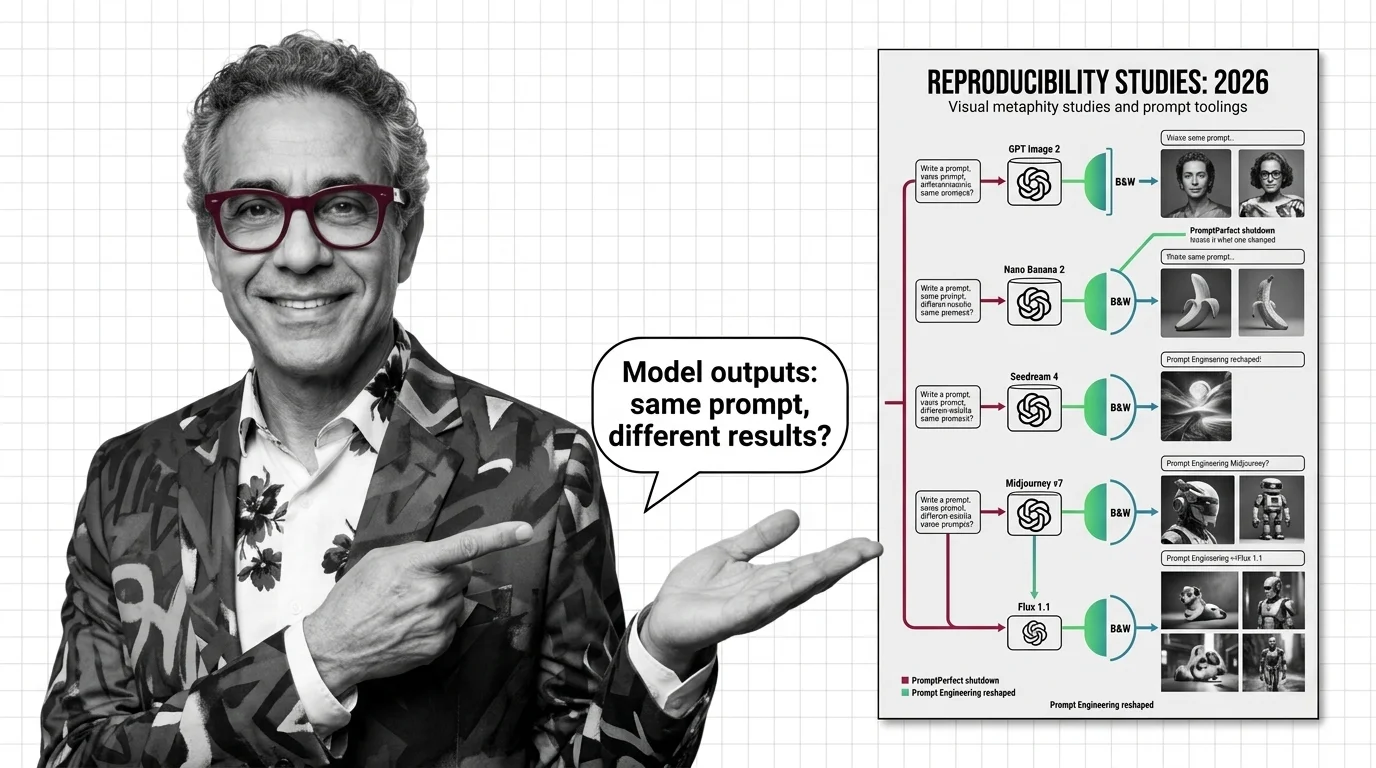
The second foundation is the interface. Prompt engineering for image generation is not the LLM prompt-craft you may already know — image models parse text through different encoders, and how diffusion models interpret text explains why word order, weights, and style tokens change the picture. Each model family speaks its own dialect, which is why the model-specific prompt grammar guide walks Midjourney, Stable Diffusion, Flux, GPT Image, and Gemini side by side rather than teaching one universal syntax. And because output is sampled rather than computed, negative prompts, weight syntax, and seed reproducibility covers what it takes to make results repeatable — with the reproducible prompt-testing pipeline guide as the hands-on follow-up once prompting becomes something your team ships, not something one person tinkers with.
With these two, every tool in the rest of the theme reads as a variation you already understand.
Most production image work is not generating from scratch — it is changing images that already exist. This tier is the post-processing chain that real products run, and it assumes nothing beyond the foundations.
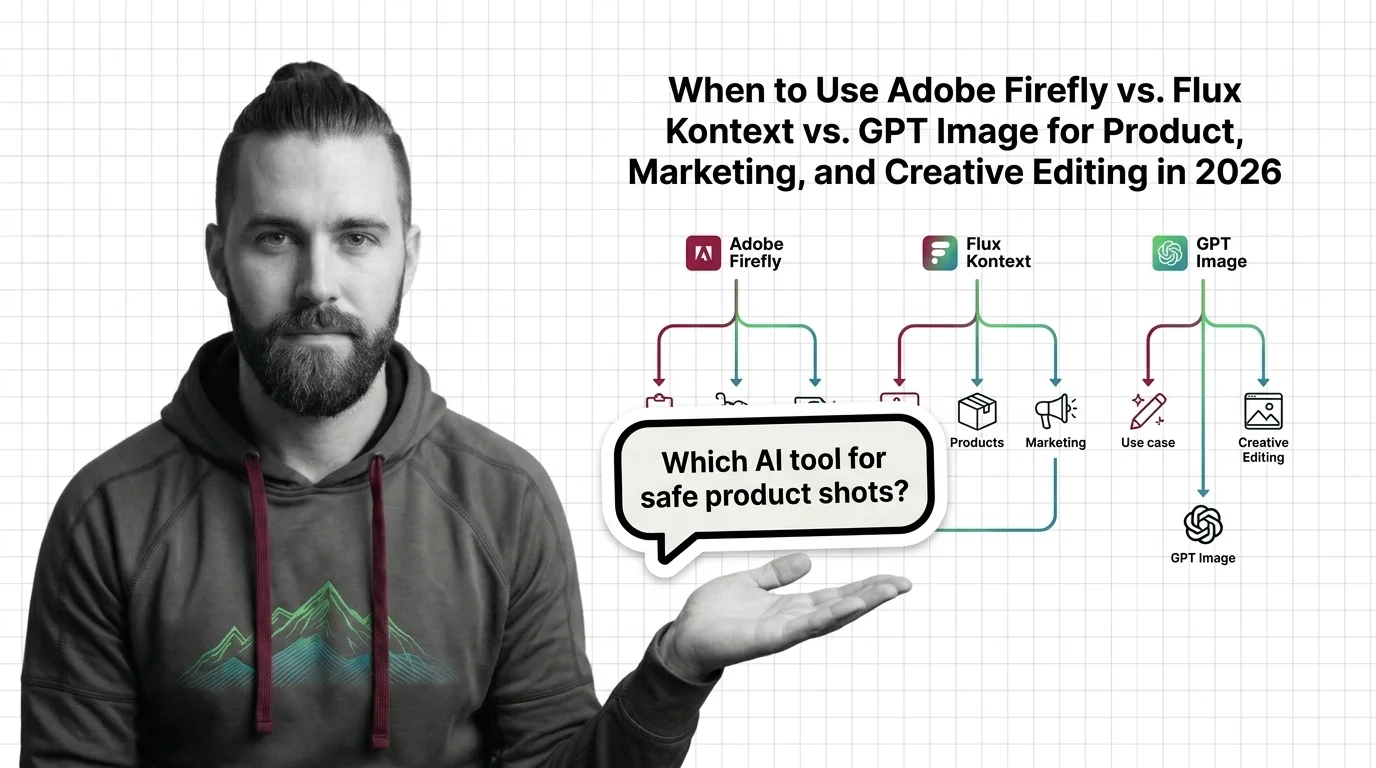
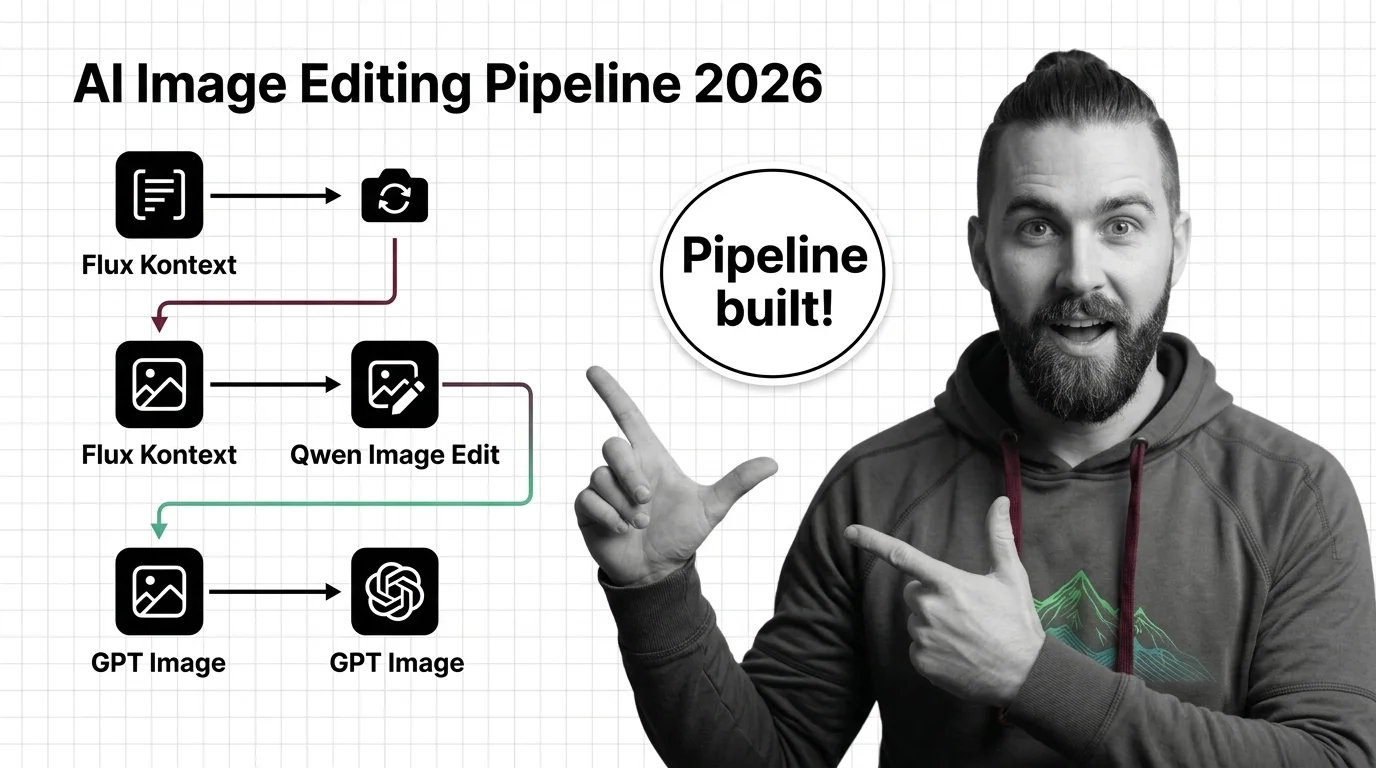
AI image editing covers the operations that modify a picture under instruction: inpainting a region, outpainting beyond the frame, or rewriting the whole image from a text command. What AI image editing is is the orientation read, and from diffusion models to InstructPix2Pix connects the editing architectures back to the foundations tier. From there the path forks into build versus buy: the Flux Kontext, Qwen Image Edit, and GPT Image pipeline guide covers assembling your own, while when to use Adobe Firefly vs Flux Kontext vs GPT Image is the decision read for teams choosing a product API instead.
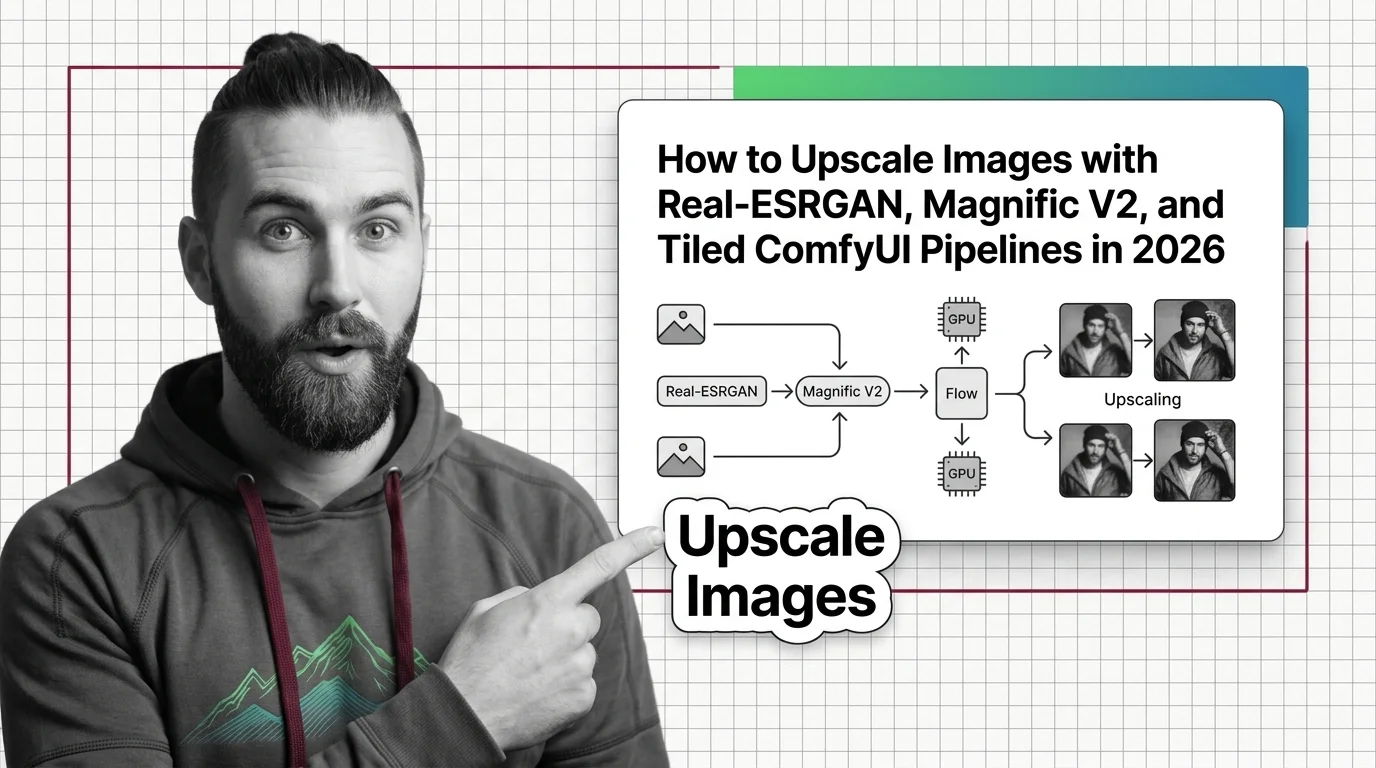
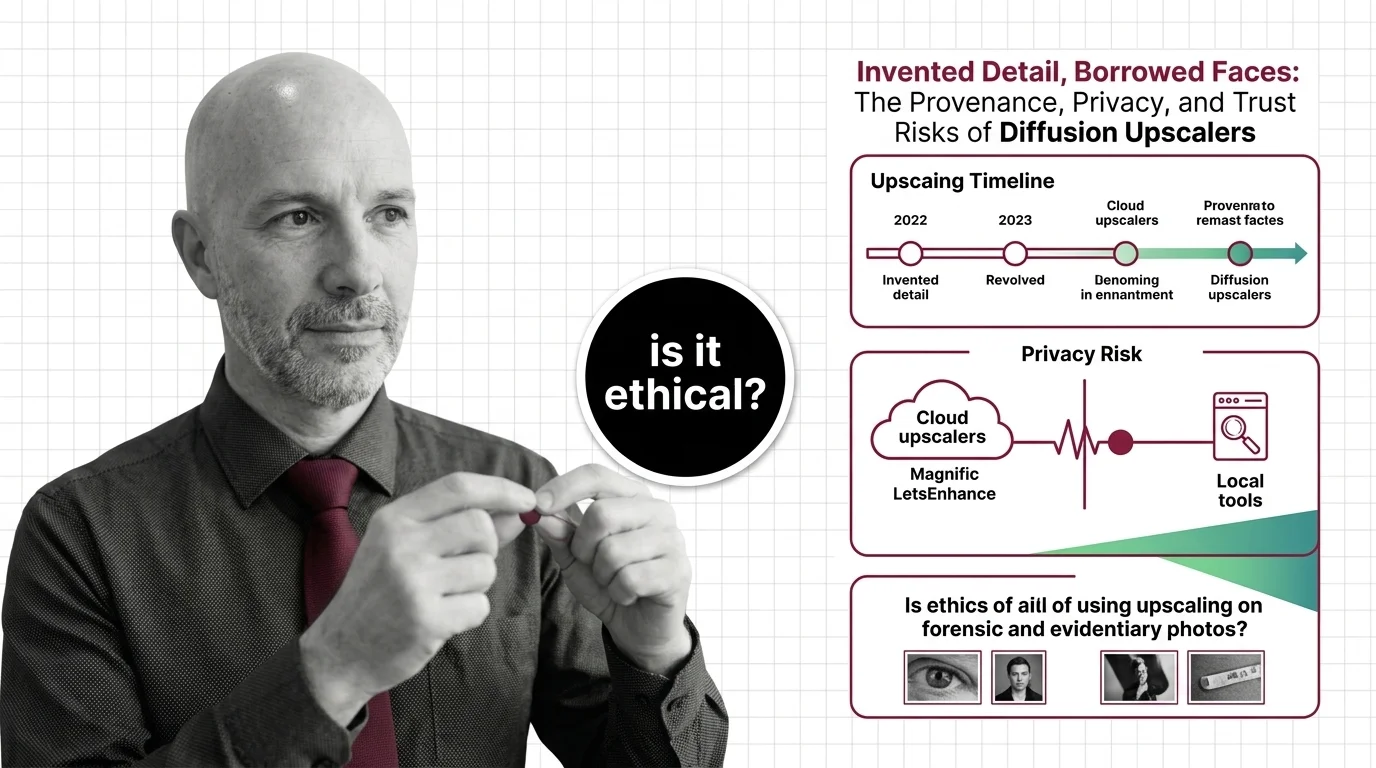
Whatever you generate or edit rarely ships at native resolution. Image upscaling is super-resolution that adds plausible detail the original pixels never contained — how AI super-resolution reconstructs detail explains the mechanism at orientation depth, and the Real-ESRGAN, Magnific V2, and tiled ComfyUI guide gets a working pipeline running. Read the caveat piece alongside it: hallucinated faces, tile seams, and the hard limits at 4K and 8K — invented detail is both the feature and the liability, and knowing which is which matters most on faces and text.
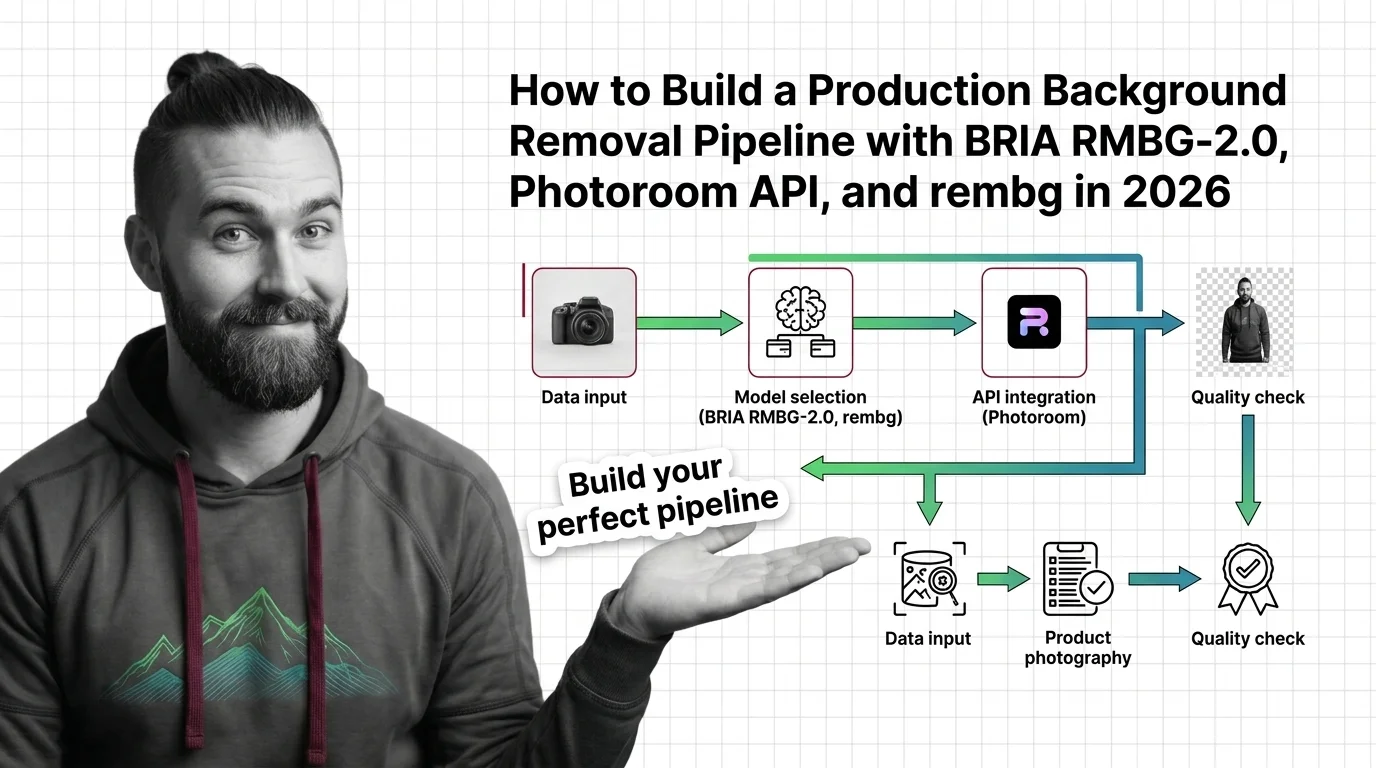
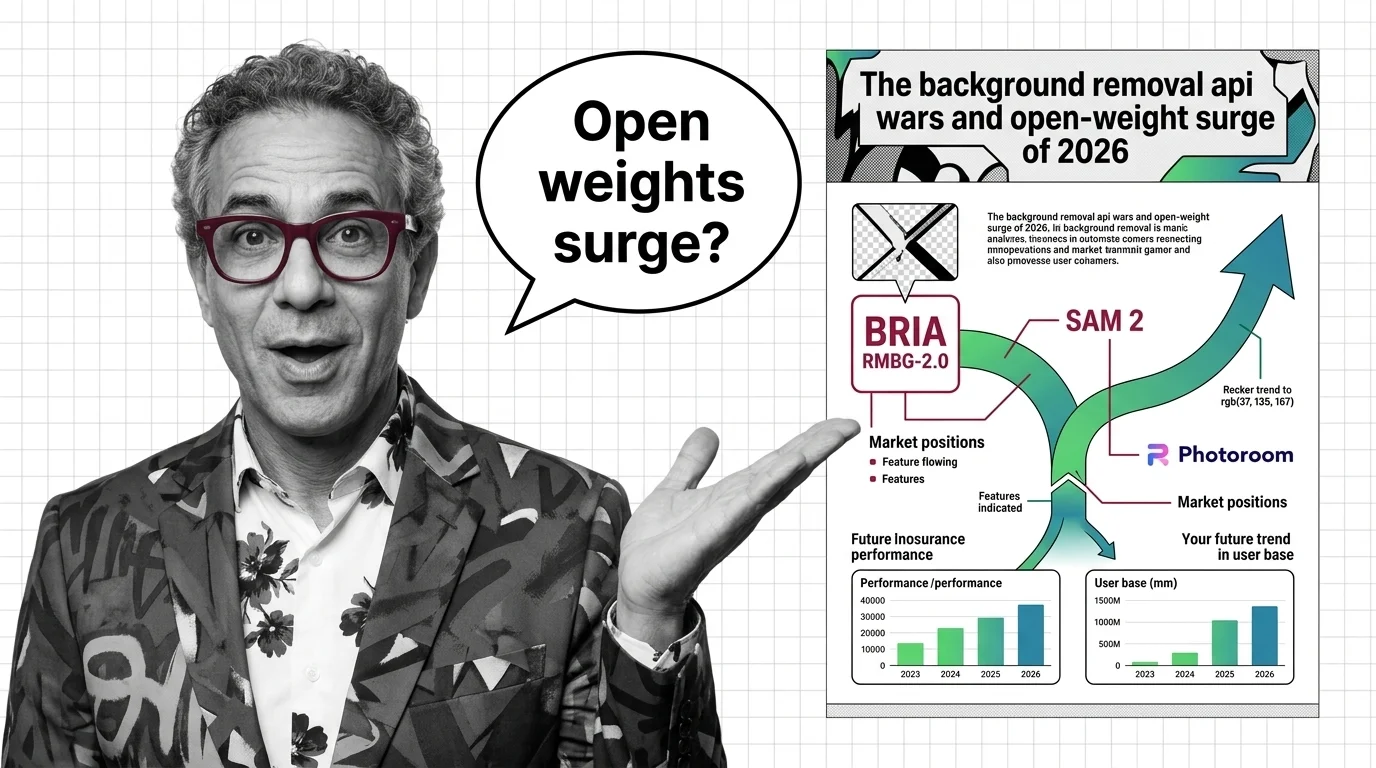
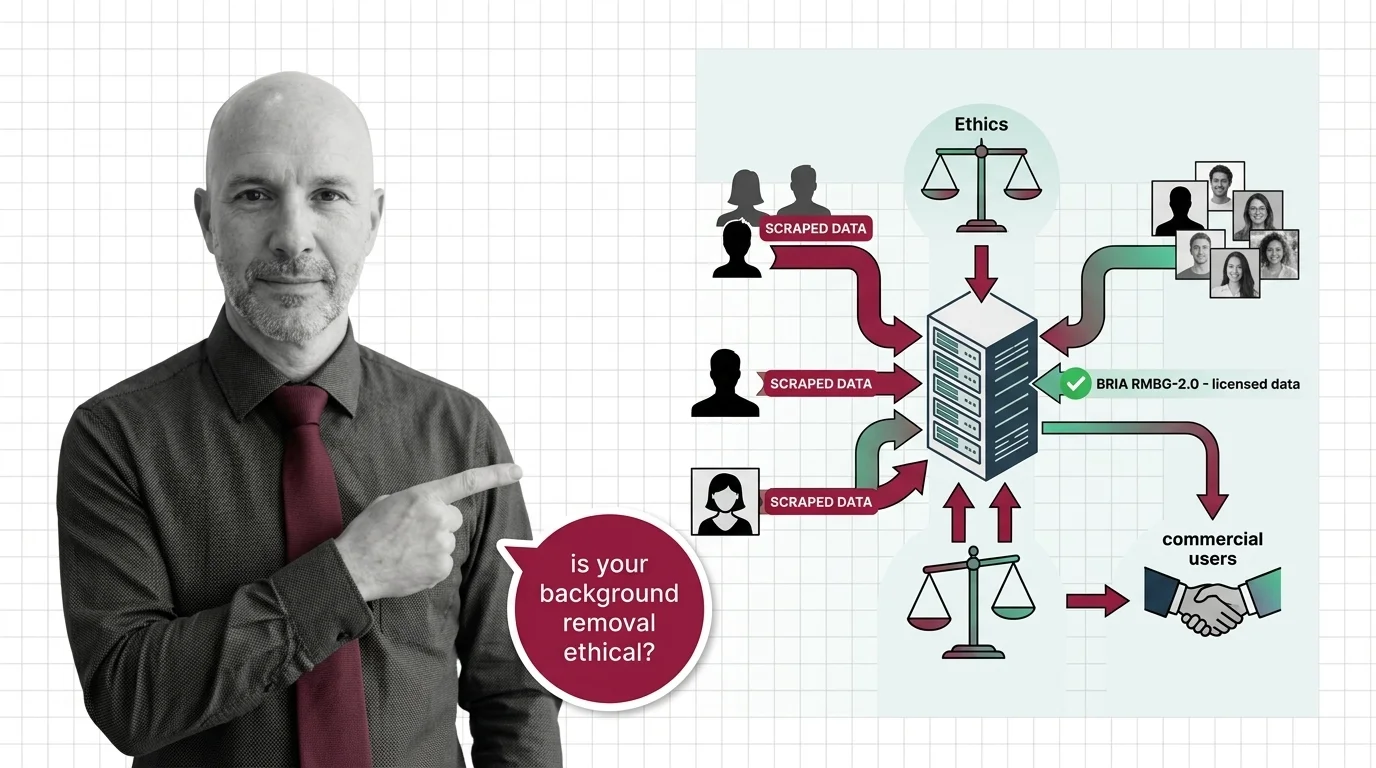
The third piece is the odd one out: AI background removal is segmentation, not generation — the model decides which pixels are foreground rather than inventing new ones. How salient object segmentation isolates foregrounds covers the mechanism, the BRIA RMBG-2.0, Photoroom API, and rembg guide covers production batch processing, and from alpha channels and trimaps to hair and glass covers the edge cases — hair, glass, transparency — where every API still earns or loses its keep.
Together, these three form the chain most image products actually run: edit, cut out, upscale, ship. Once that chain works, the remaining question is control — making the model produce your style on demand.
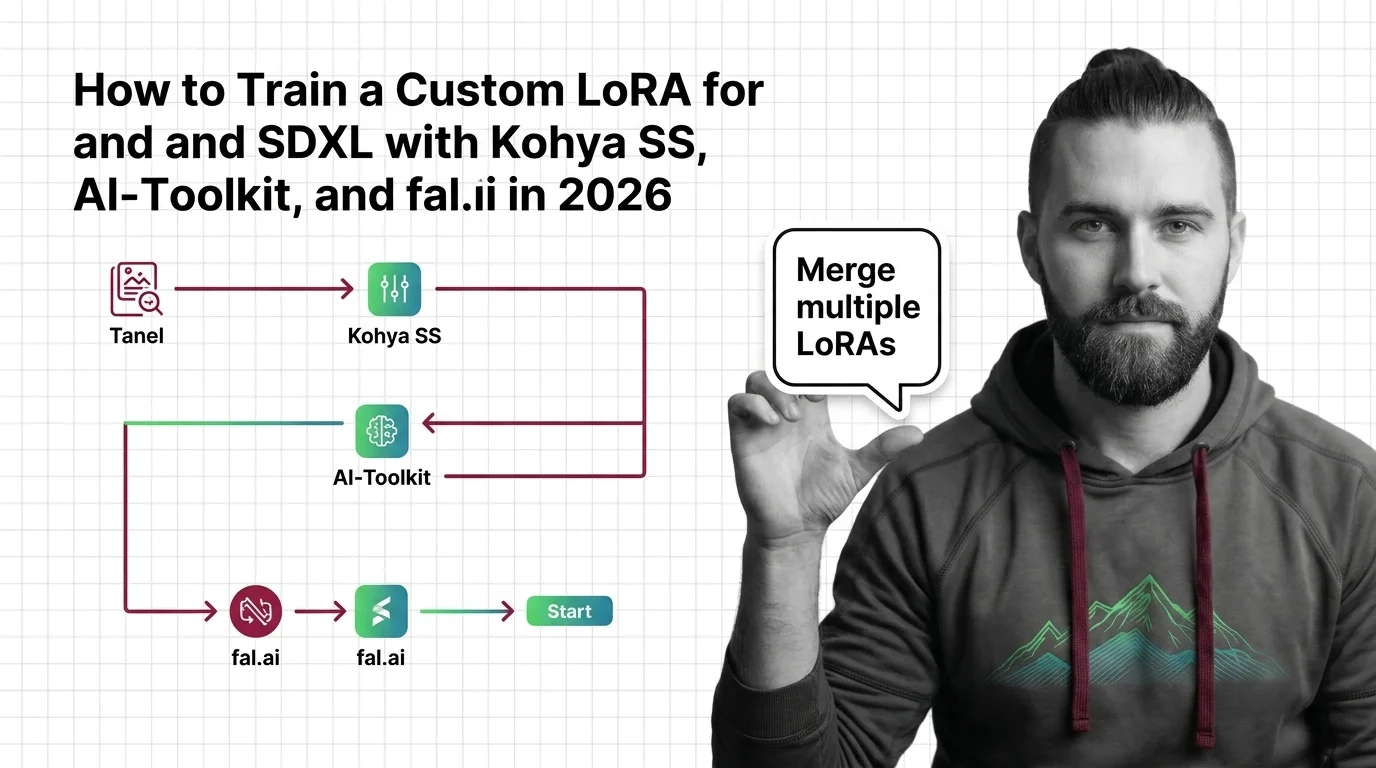
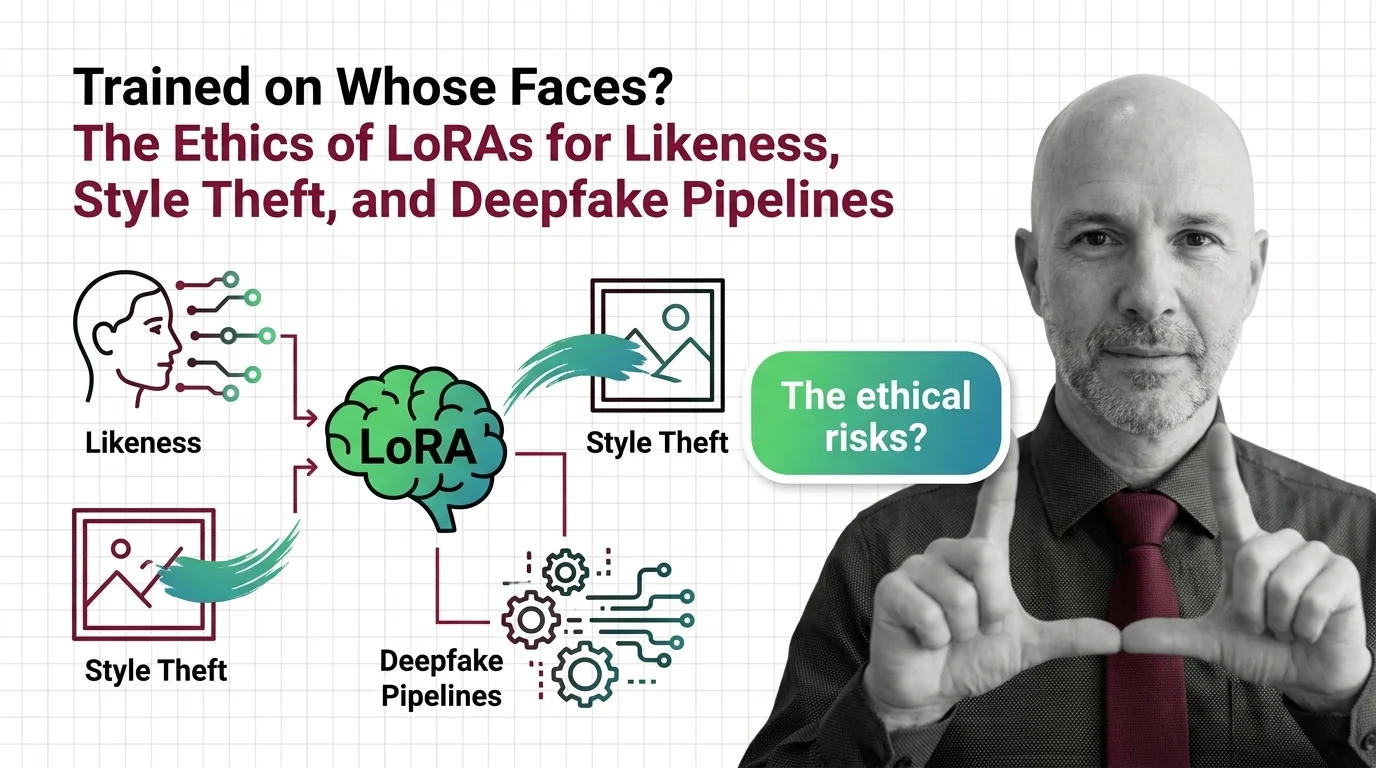
Prompting steers what a model already knows. When you need it to know something new — a consistent character across a hundred renders, a house illustration style, your product from angles no photo shoot covered — you change the weights. LoRA for image generation does this with small adapter files instead of retraining the full model, which is what made custom fine-tunes practical outside research labs. How low-rank adaptation fine-tunes diffusion models is the entry point; read the prerequisites — diffusion math, rank-alpha trade-offs, and VRAM limits before committing GPU hours, then follow the Kohya SS, AI-Toolkit, and fal.ai training guide for the hands-on workflow. The ecosystem around shared adapters is its own story — how Civitai, fal.ai, and AI-Toolkit reshaped custom image models — and so is its sharpest ethical edge: trained on whose faces? examines likeness LoRAs, style theft, and the deepfake pipeline question every team deploying custom models eventually faces.
The confusion that costs teams the most in this theme is treating three distinct levers as interchangeable. Each changes a different thing, at a different cost.
| Prompt engineering | Instruction-based editing | LoRA fine-tuning | |
|---|---|---|---|
| What changes | The text going into the model | An existing image | The model’s own weights |
| Turnaround | Seconds per iteration | Seconds per edit | Dataset prep plus training time |
| Best when | The base model already knows the concept | You have the image and need a targeted change | A style or subject must persist across many generations |
| Failure mode | Results drift across model versions | Edits bleed outside the region, identity shifts | Overfitting, likeness and copyright liability |
Two finer distinctions sit inside the stack and trip people just as often:
Q: Where should I start with AI image generation as a software developer? A: Read the two foundations in order — the diffusion model explainer first, because editing, upscaling, and LoRA all reuse that machinery, then prompt engineering as the interface to it. The core tier will then read as applications of ideas you already hold.
Q: Do I need to train a LoRA, or is better prompting enough? A: Exhaust prompting first — it iterates in seconds and the model-specific prompt grammar guide fixes most “the model won’t listen” complaints. Train a LoRA only when a subject or style must stay consistent across many generations, which no prompt can guarantee.
Q: Should I edit an existing image or regenerate it from scratch? A: Edit when the image is mostly right and the change is local — inpainting preserves everything outside the region. Regenerate when composition itself is wrong; iterating prompts is cheaper than fighting an editor. The Firefly vs Flux Kontext vs GPT Image comparison maps which tools suit which of these jobs.
Q: Why does the same prompt give me a different image every time? A: Diffusion output is sampled from noise, so identical prompts diverge unless you pin the seed, sampler, and model version — and even then, providers silently update weights. Negative prompts, weight syntax, and seed reproducibility covers what can and cannot be pinned.
Q: Do I need an upscaler in my pipeline, and where does it go? A: Add one when output resolution falls short of where the image ships — print, hero banners, zoomable product shots. It runs last, after editing and background work, so detail is fabricated only once. The Real-ESRGAN and Magnific V2 guide covers placement and tiling for large targets.
Coming from software engineering? Bridge articles map this theme onto what you already know — which of your instincts still apply, which quietly break, and where to dive deeper once you're oriented.
AI background removal uses computer vision models to automatically separate a foreground subject from its background, …
AI image editing uses machine learning models to modify existing photos or artwork through text instructions, masked …
Diffusion models are a type of generative AI that creates images, video, and audio by learning to reverse a step-by-step …
Image upscaling uses AI super-resolution models to increase image resolution while reconstructing realistic detail that …
LoRA for image generation is a fine-tuning technique that adds small low-rank weight adapters to a diffusion model to …
Prompt engineering for image generation is the practice of crafting text inputs that reliably produce desired images …
MONA's articles build your mental model — how things work, why they work that way, and what intuition to develop.
Updated Apr 27, 2026
Concepts covered
Negative prompts and weight syntax aren't universal — and seed reproducibility breaks across model versions. Inside the math of image prompting in 2026.
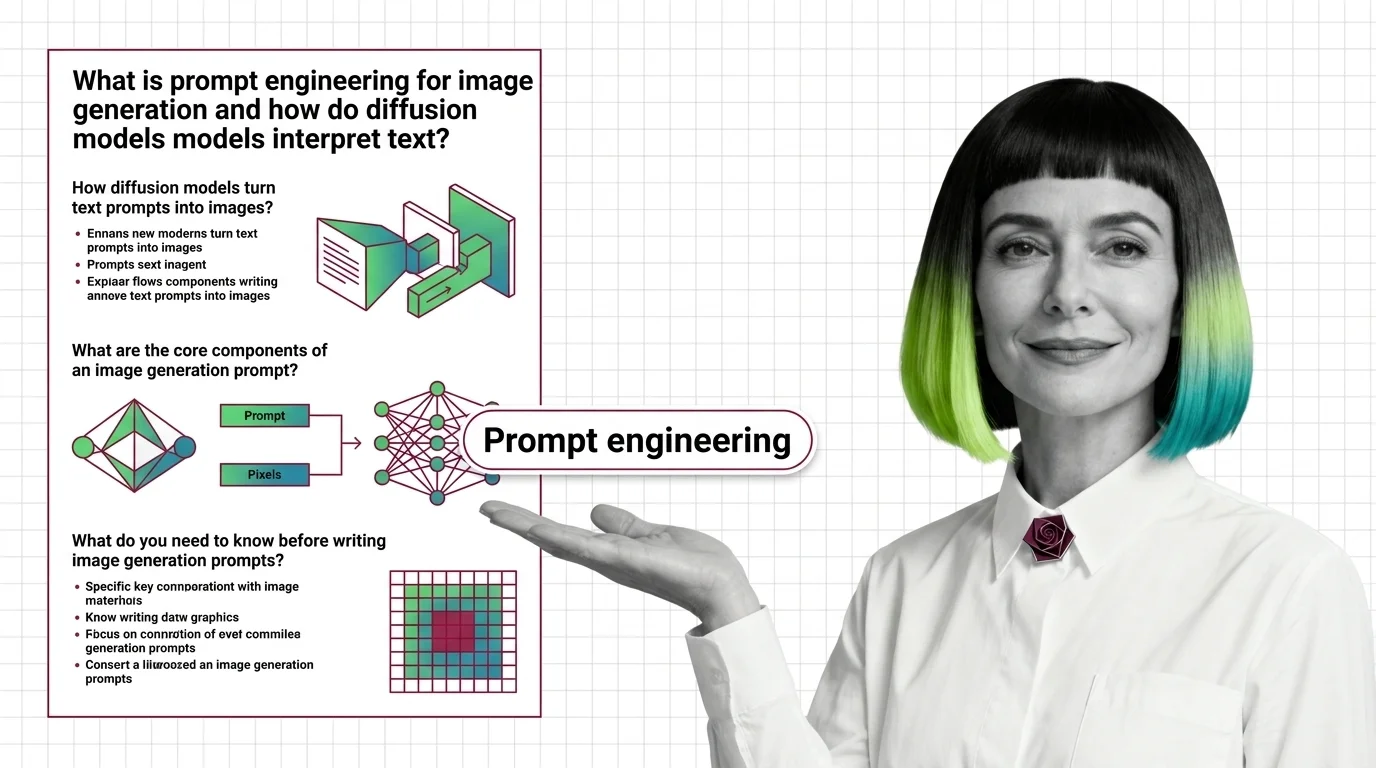
Image prompts steer probability, not pixels. Learn how diffusion models, cross-attention, and CFG turn text into images on SD, FLUX, and Midjourney.
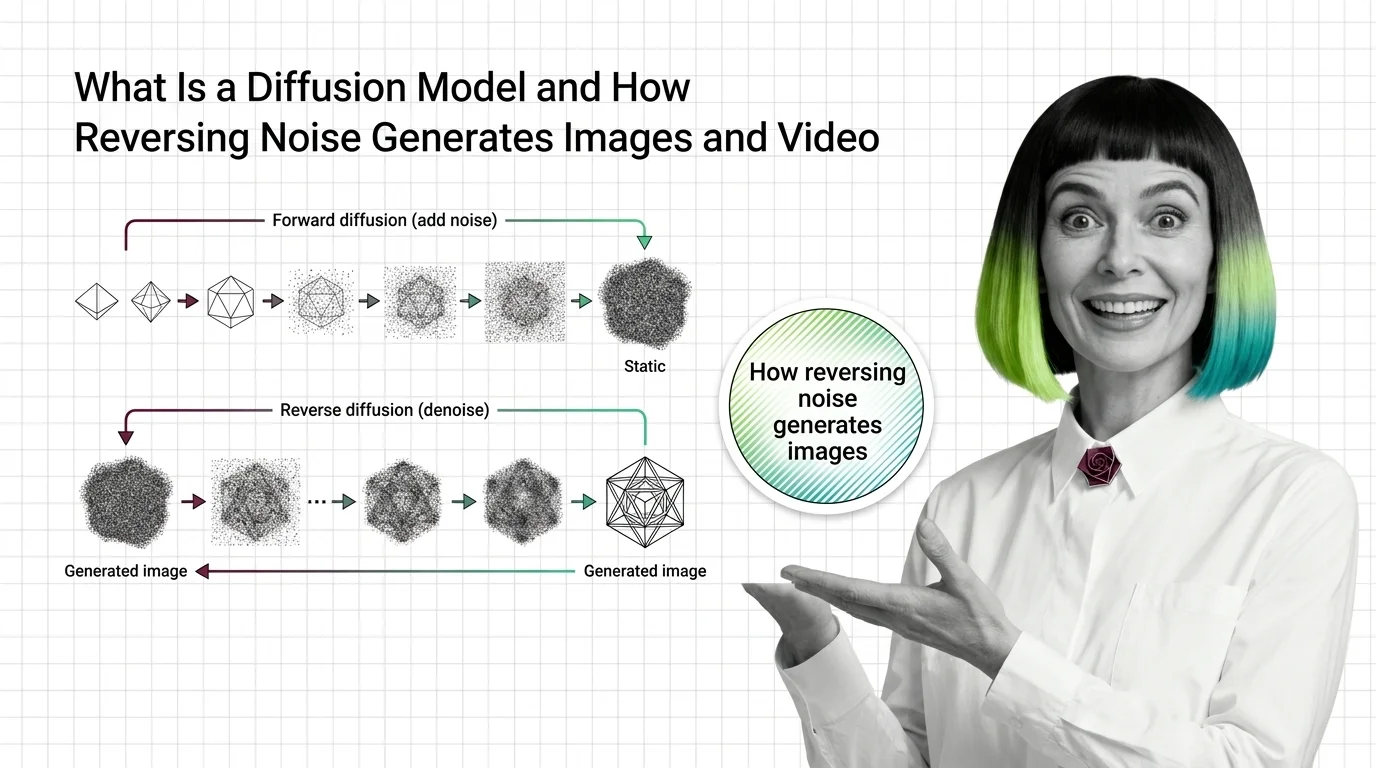
Diffusion models generate images by reversing noise. Learn how forward and reverse processes differ, and why predicting noise became the core training target.
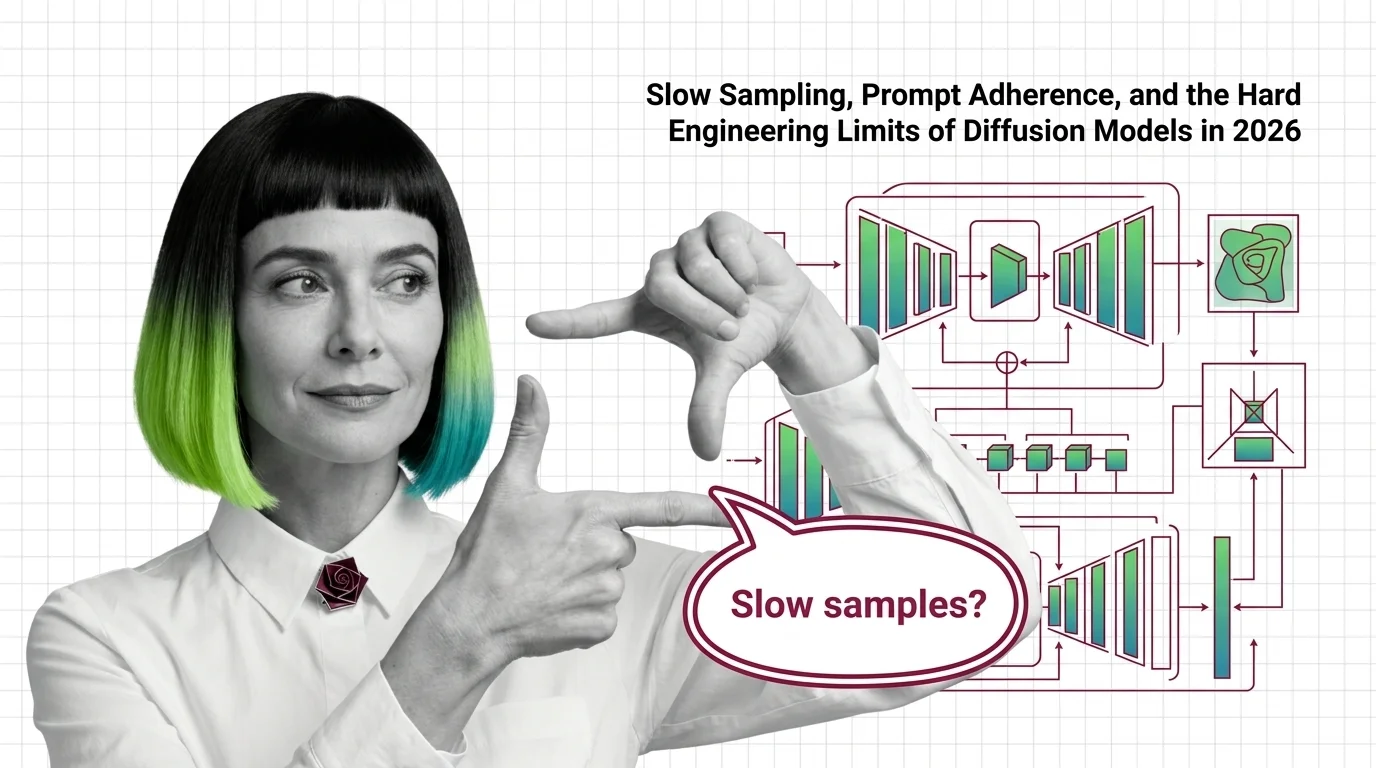
Why diffusion models still need many sampling steps, why FLUX and SD 3.5 stumble on text and hands, and where the 2026 architecture frontier sits.
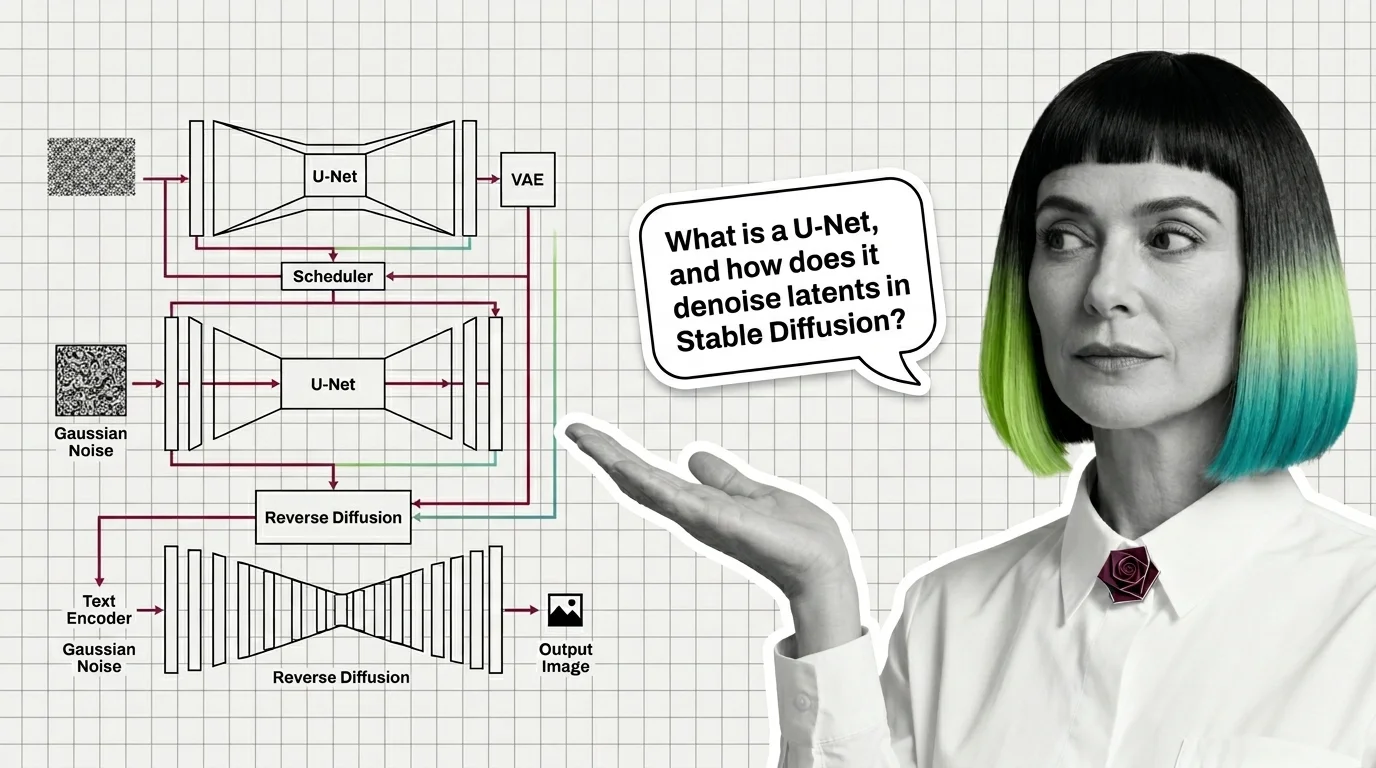
A modern diffusion model is not one network but four: a VAE for compression, a U-Net or DiT denoiser, a text encoder, and a sampler. Here is how they fit.
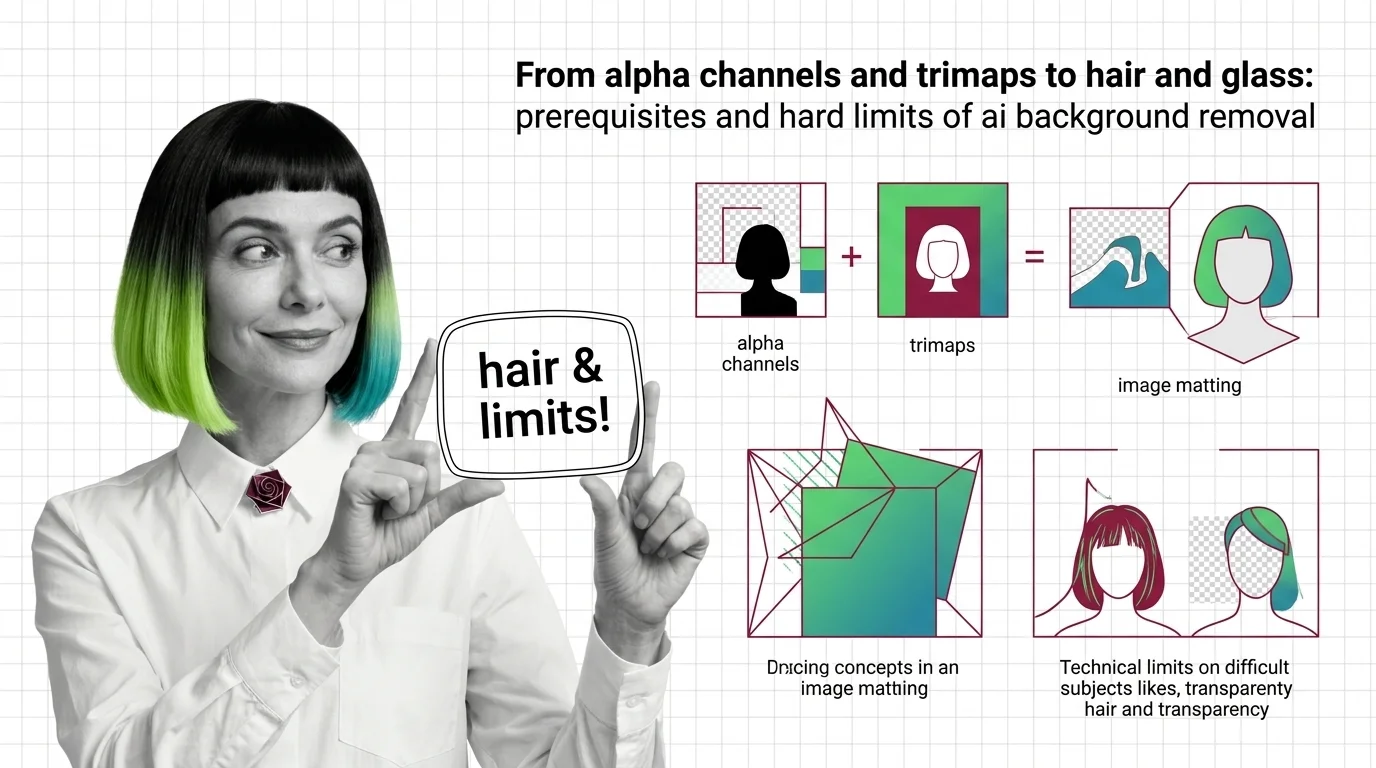
Background removal is alpha estimation, not subject detection. Learn how trimaps and matting work, and why hair, glass, and motion blur fail.
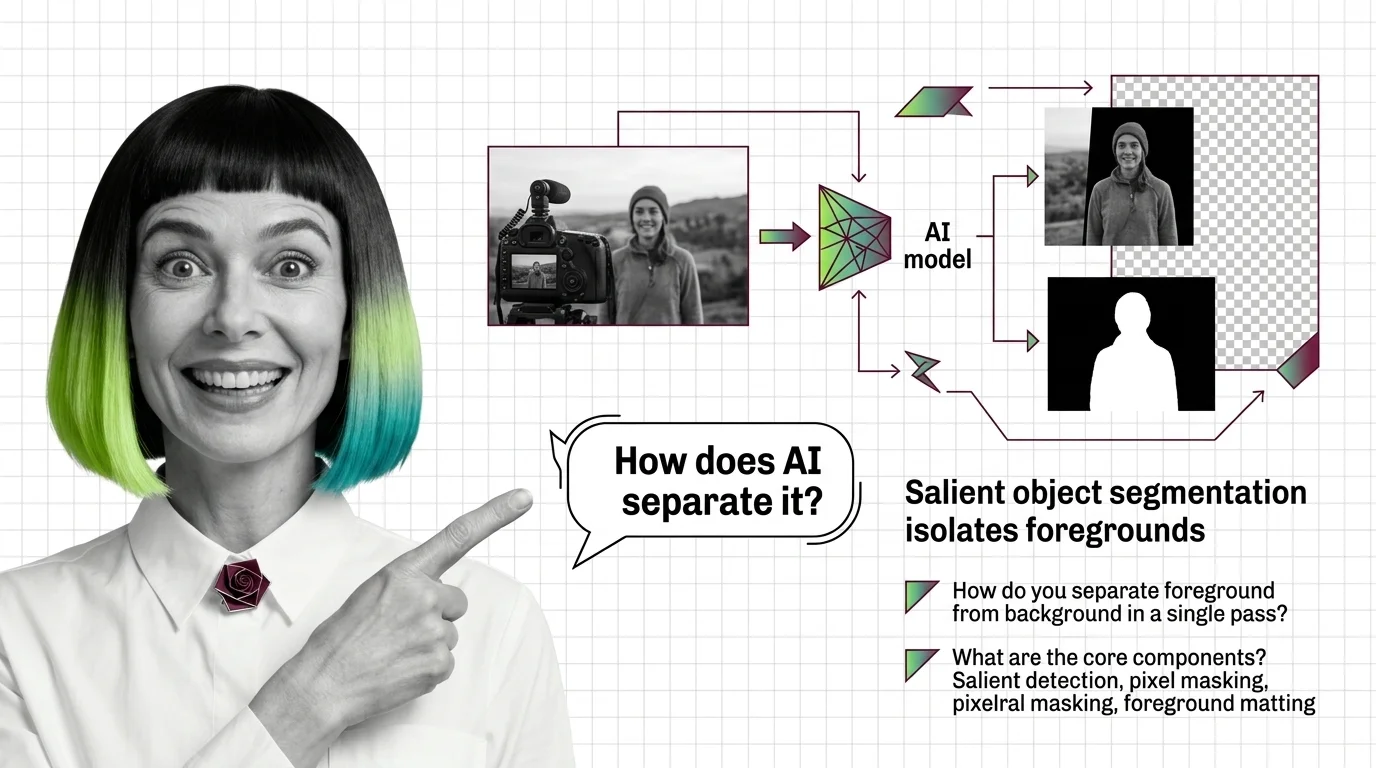
AI background removal is not one model — it's salient object detection plus alpha matting. See how U2-Net, BiRefNet, and SAM 3 cut foregrounds in one pass.
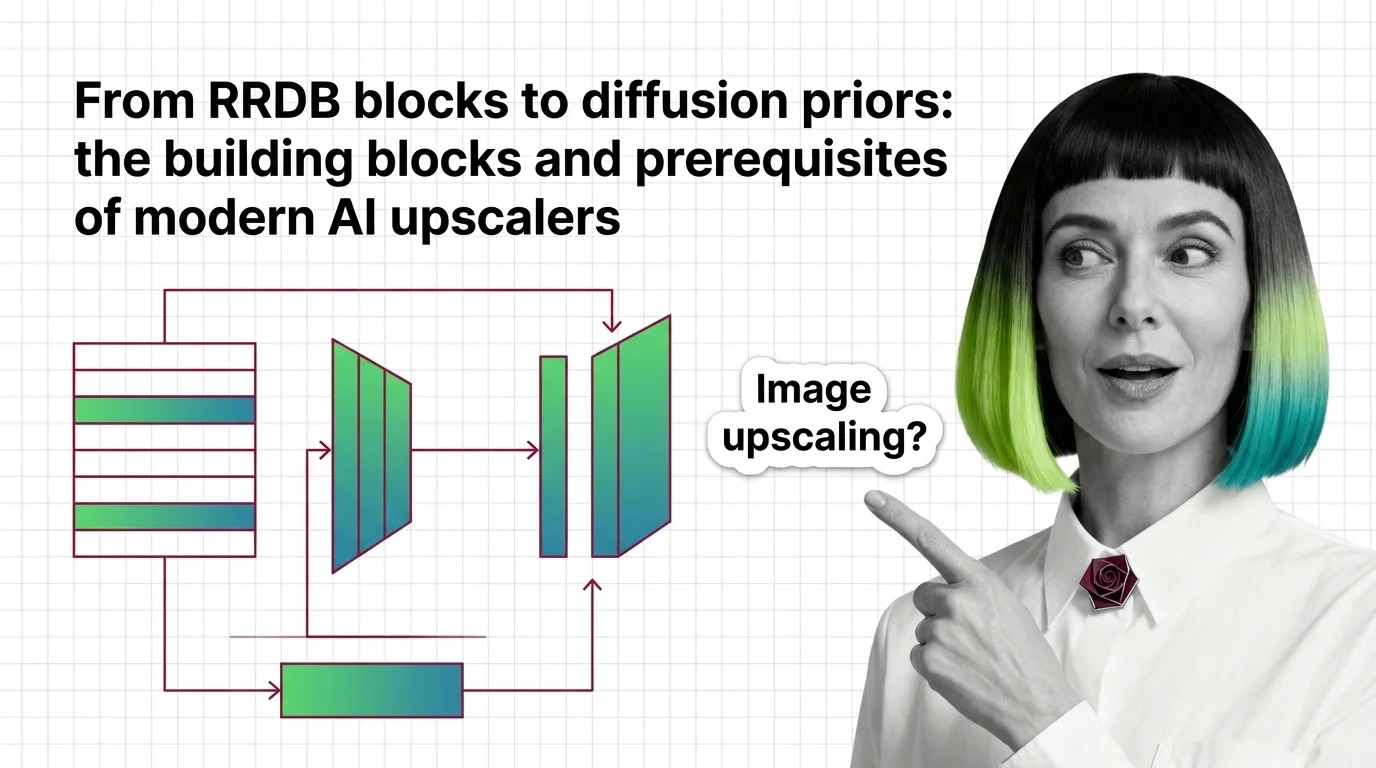
How modern AI upscalers are built — from ESRGAN's RRDB blocks and Real-ESRGAN to SUPIR's diffusion prior, plus the prerequisites you need first.
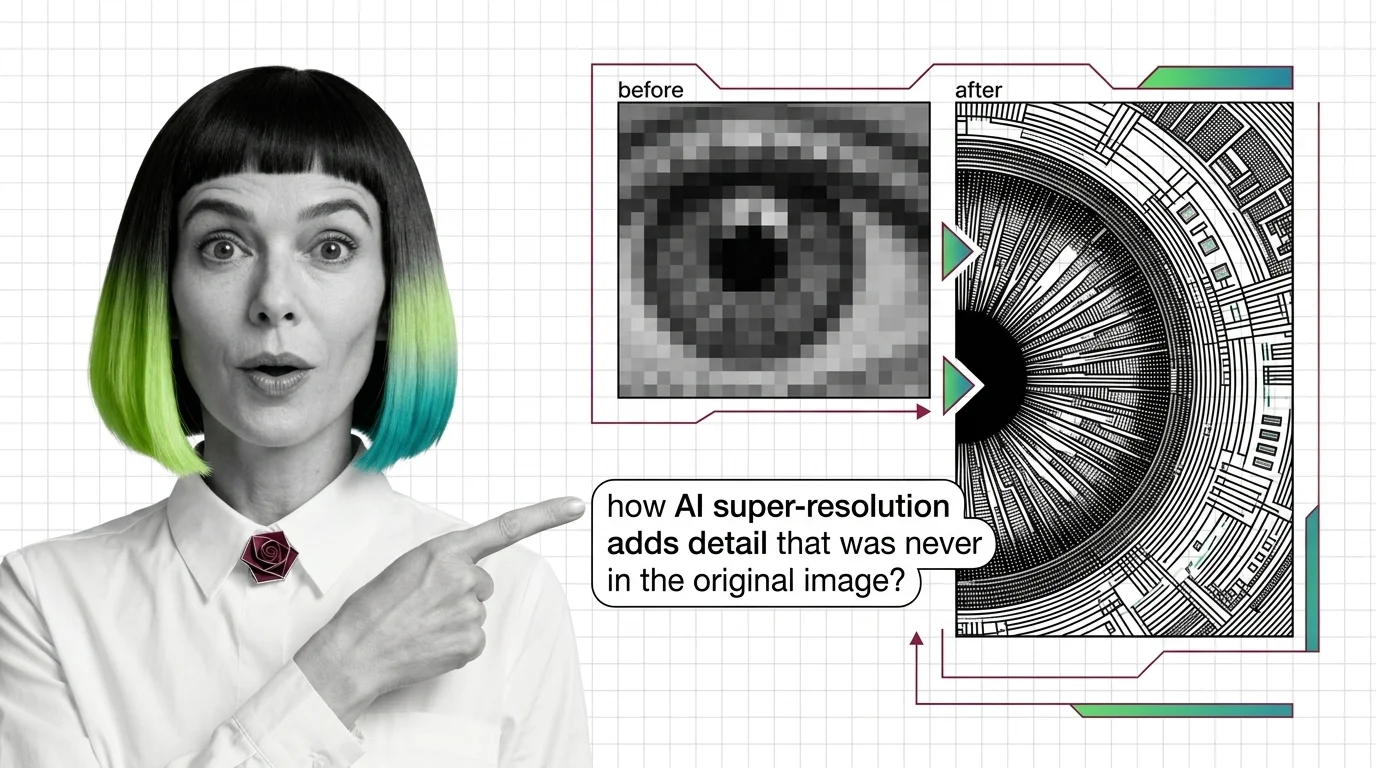
AI image upscaling doesn't enlarge what was captured — it generates plausible pixels from a learned prior. Learn how GAN and diffusion super-resolution work.
AI upscalers don't break at 4K and 8K because of weak hardware. The failures are structural — rooted in diffusion priors and tile-local processing.
Before using GPT Image or FLUX, understand diffusion, classifier-free guidance, and why InstructPix2Pix made instruction-based editing tractable.
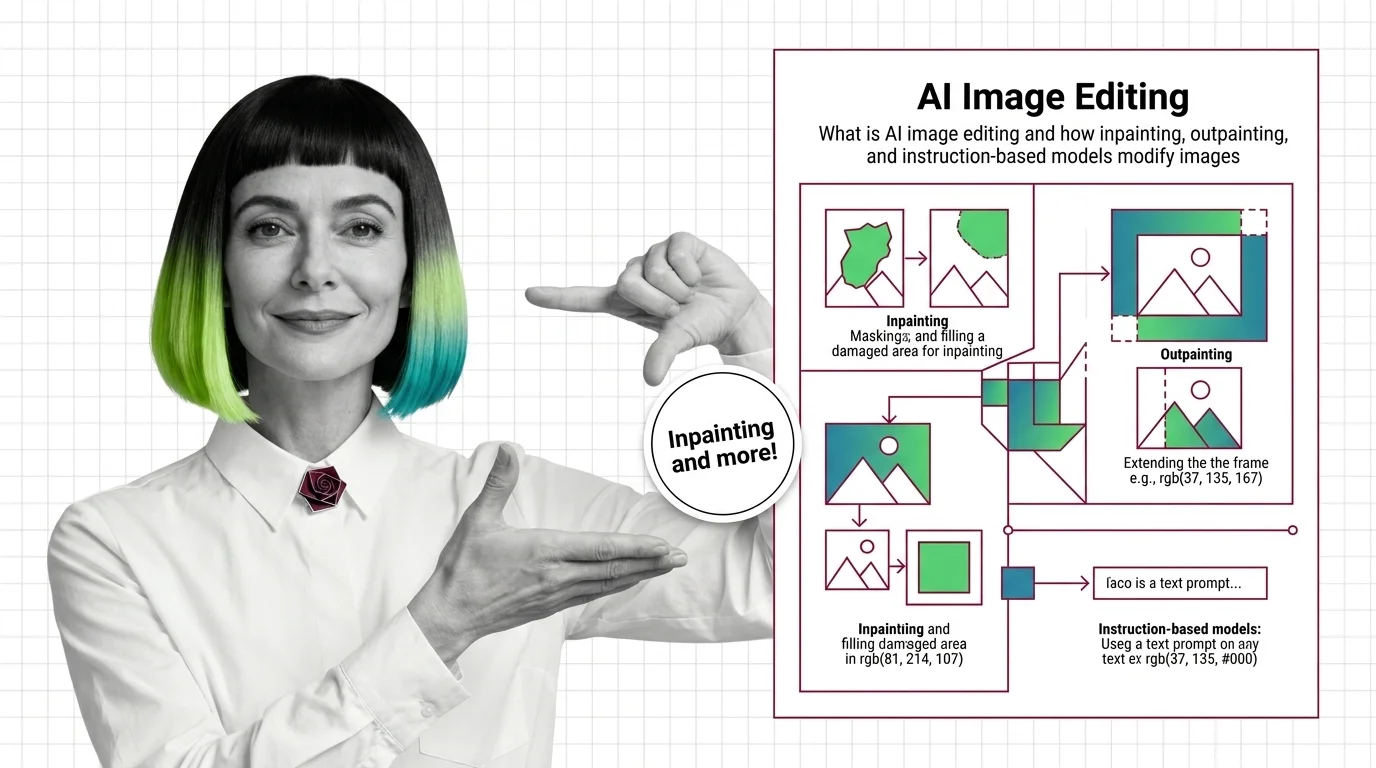
AI image editing uses diffusion to modify pixels under a mask or follow text instructions. Learn how inpainting, outpainting, and edit models work.
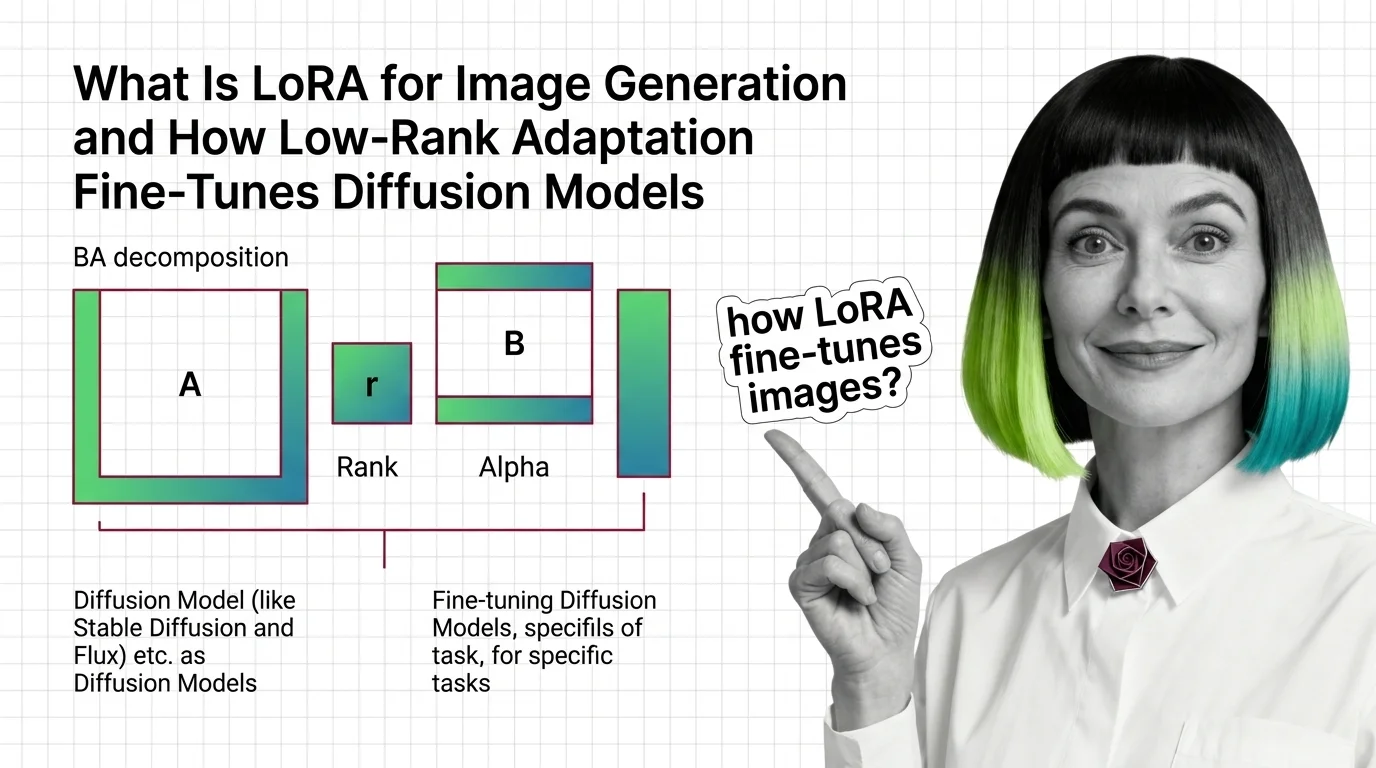
LoRA fine-tunes Stable Diffusion and FLUX without retraining. Learn how rank, alpha, and the BA decomposition turn a few-megabyte file into a new style.
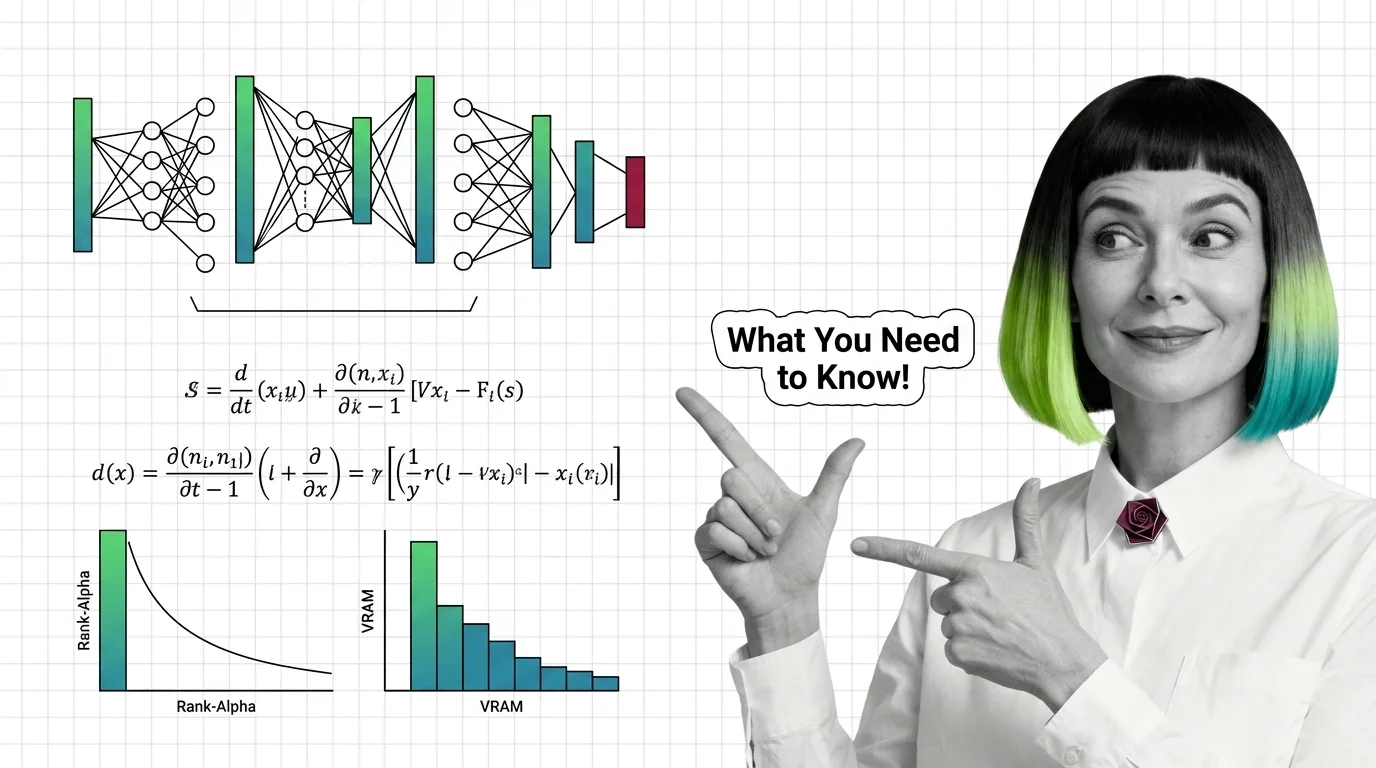
Image LoRAs retarget diffusion models with small adapter files. Learn the rank-alpha math, VRAM ranges from SD 1.5 to Flux, and why most fail.